
Connection, activities, and support — in one simple app.
ChimeBuddy helps residents feel connected and engaged while giving staff an easy way to respond. Designed with accessibility in mind and privacy-safe notifications by default.
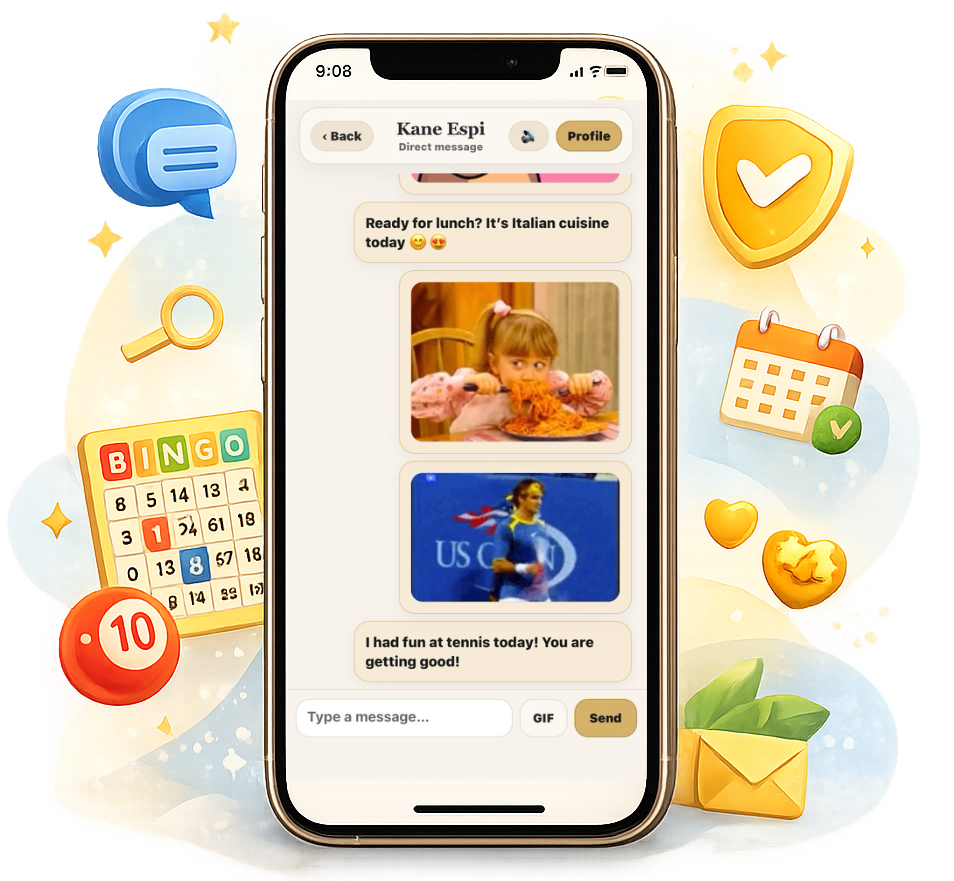
What ChimeBuddy includes
Everything you need to launch a friendly, secure community experience for residents and staff.
Messaging & community
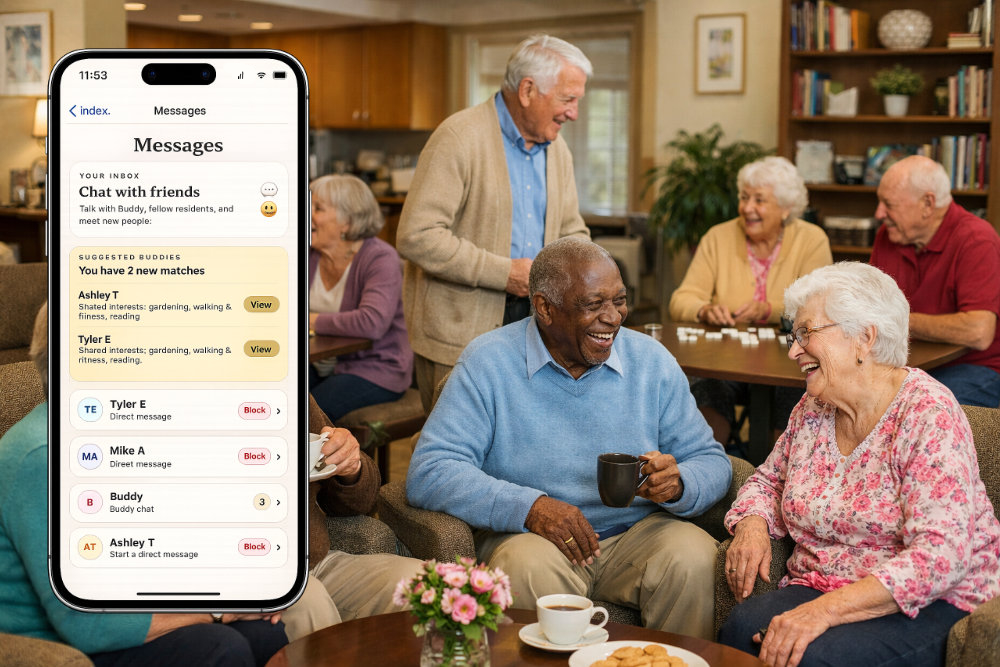
Resident-to-resident, Buddy (AI Companion), and moderated rooms to encourage connection.
Games & events
Built-in community games like Bingo and Trivia, and local community event integration.
Help & requests
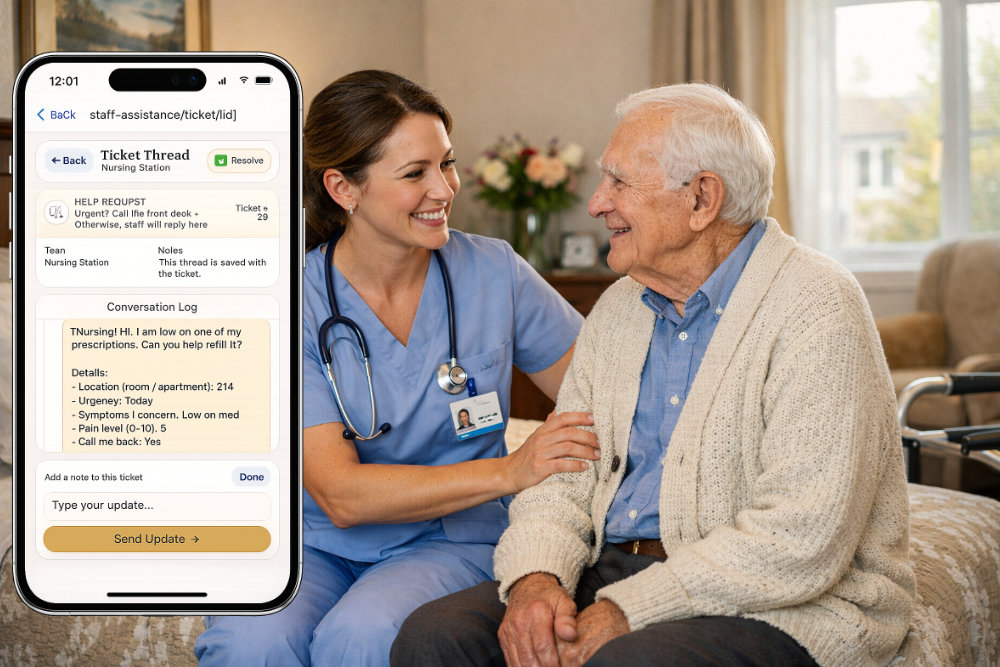
Simple help tickets so residents reach the right staff team quickly to resolve issues.
Privacy-safe notifications
Generic notification text options to keep residents updated, while protecting privacy in shared spaces.
Designed for trust
Clear consent prompts, transparent settings, community moderation tools, and facility-oriented controls.
Location (optional)
Only used when enabled — to power safety alerts and geofence features, to help keep residents safe.
For Residents
- Chat with friends and join community chat rooms
- Buddy, AI Companion, features long term memory & proactive messaging
- Play games and participate in community activities
- Send help requests to facility teams, from nursing to maintenance
- Optional reminders & facility info (dining menu, maps, events)
For Staff
- Staff-to-staff private messaging, to increase productivity
- Staff-to-resident messaging, ensuring efficiency and accuracy
- Team-based ticket routing for help requests (maintenance, nursing, etc.)
- Community chat rooms for staff only, to provide team & company updates
How it works
A simple rollout that fits into your facility’s routine.
Set up your community
Create staff teams, configure help routing, and customize basic settings.
Invite residents
Provide logins, assist with onboarding, and enable features your facility wants.
Engage daily
Run games, share announcements, and keep participation simple and consistent.
Support when needed
Residents submit help requests and staff responds — fast, organized, and trackable.

“ChimeBuddy helped our residents feel more connected — and made it easier for staff to handle requests without confusion.”
Facility Admin • Testimonial
Ready to set it up?
Visit the Support page for onboarding, demo requests, and reviewer/testing instructions.