
Repeated phone calls
Residents and families call the front desk for updates, basic questions, and routine service requests.
ChimeBuddy helps senior living communities reduce routine calls and walk-up questions with resident self-service through the Buddy Kiosk, while moving requests that still need staff attention into organized digital workflows that can be reviewed, routed, and resolved.
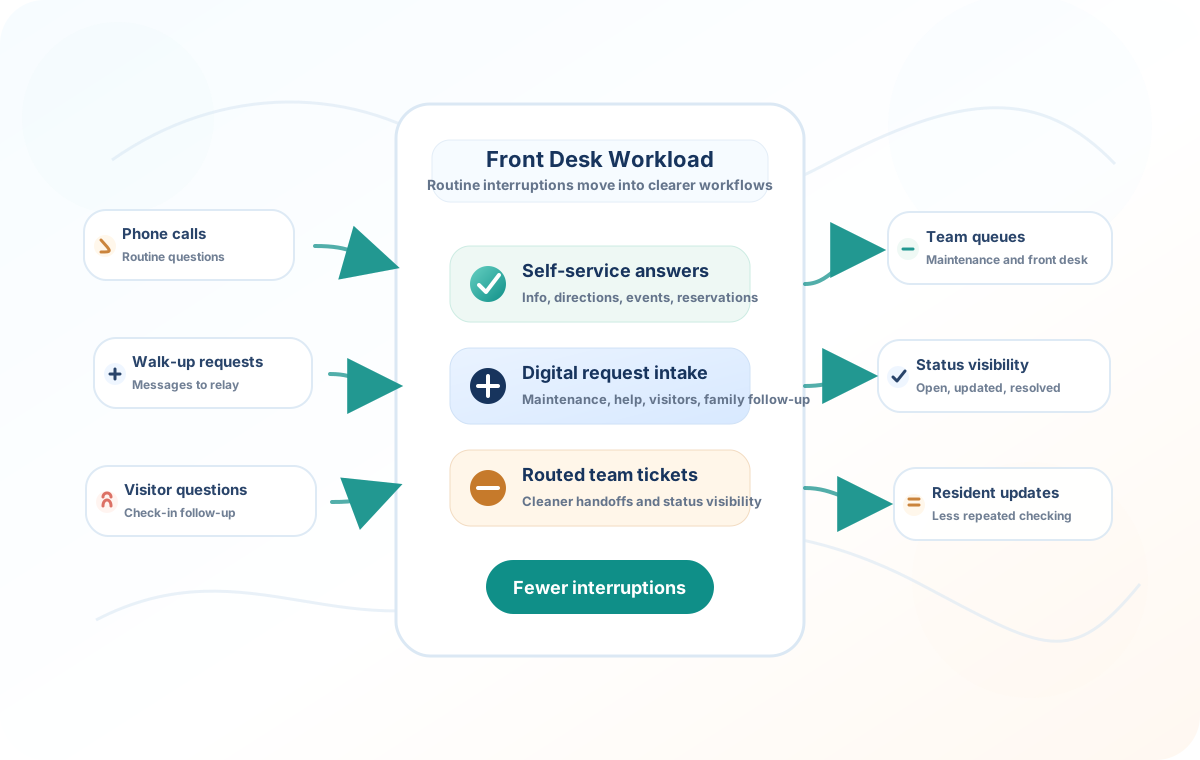
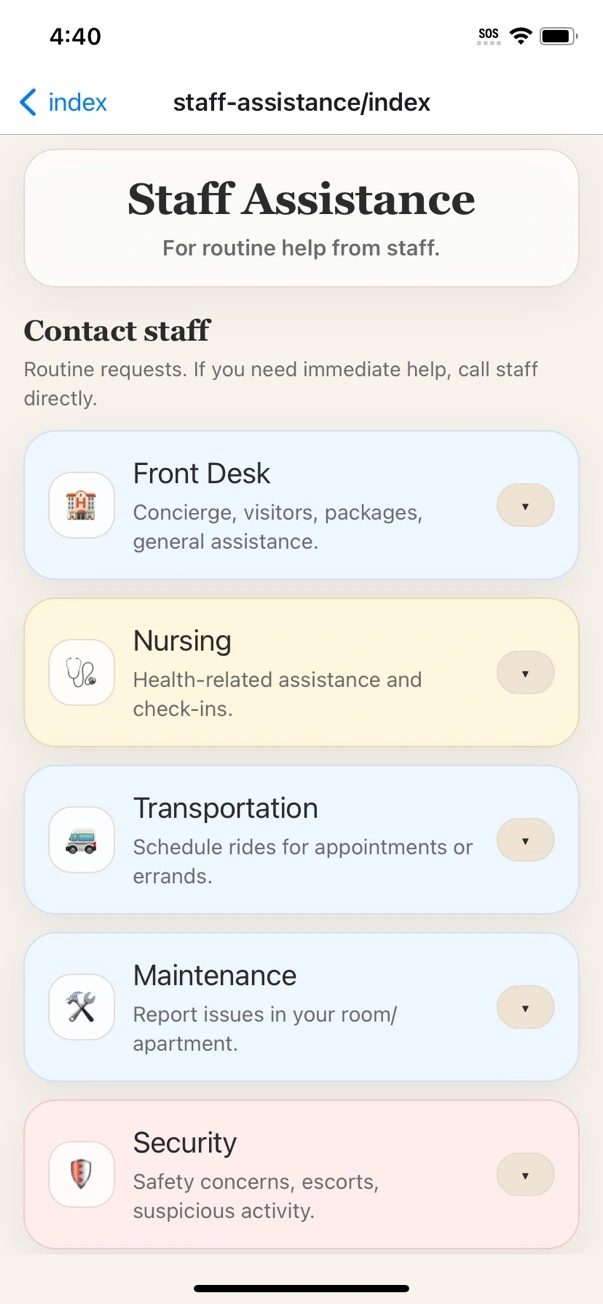
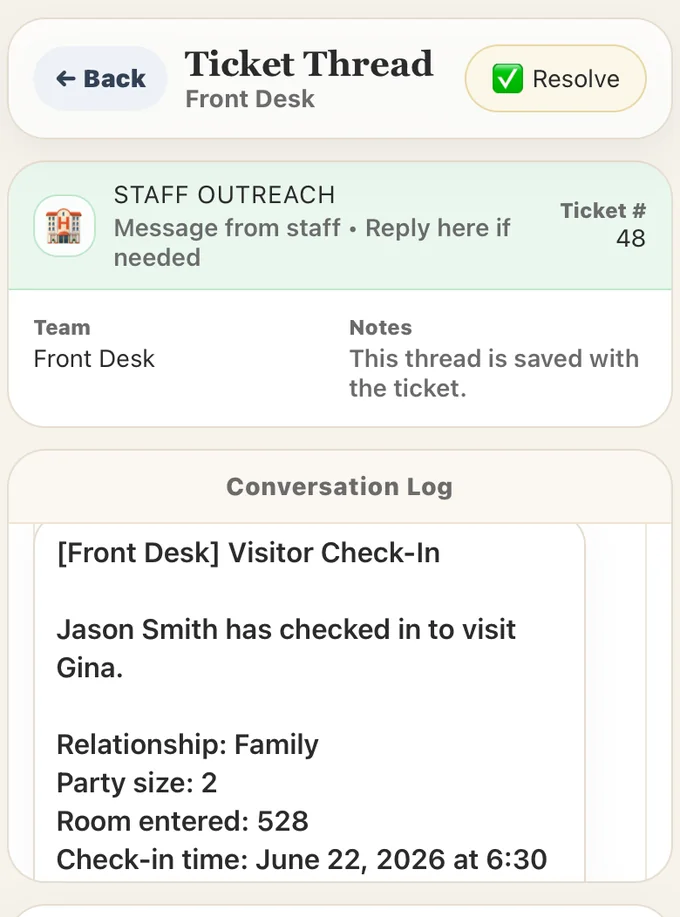
In senior living communities, the front desk is expected to welcome visitors, answer phones, relay messages, help residents, coordinate staff, and track follow-up. That creates a lot of small interruptions that are hard to manage when they arrive through phone calls, hallway conversations, sticky notes, and scattered messages.
ChimeBuddy gives routine work a cleaner path so the front desk can stay informed without manually carrying every request from person to person.
Residents and families call the front desk for updates, basic questions, and routine service requests.
Small requests are mentioned in passing and can be hard to track once the moment is gone.
Staff spend time forwarding details to maintenance, housekeeping, dining, transportation, and leadership.
Without a shared workflow, teams may need to ask whether something was assigned, updated, or resolved.
The Buddy Kiosk turns a compatible touchscreen into a simple self-service station for residents and visitors. Instead of walking to the desk for every schedule, dining, amenity, or community-information question, residents can explore the information on screen or ask Buddy directly.
When a question really does need staff attention, ChimeBuddy still gives the community a clear path into the appropriate request or follow-up workflow.
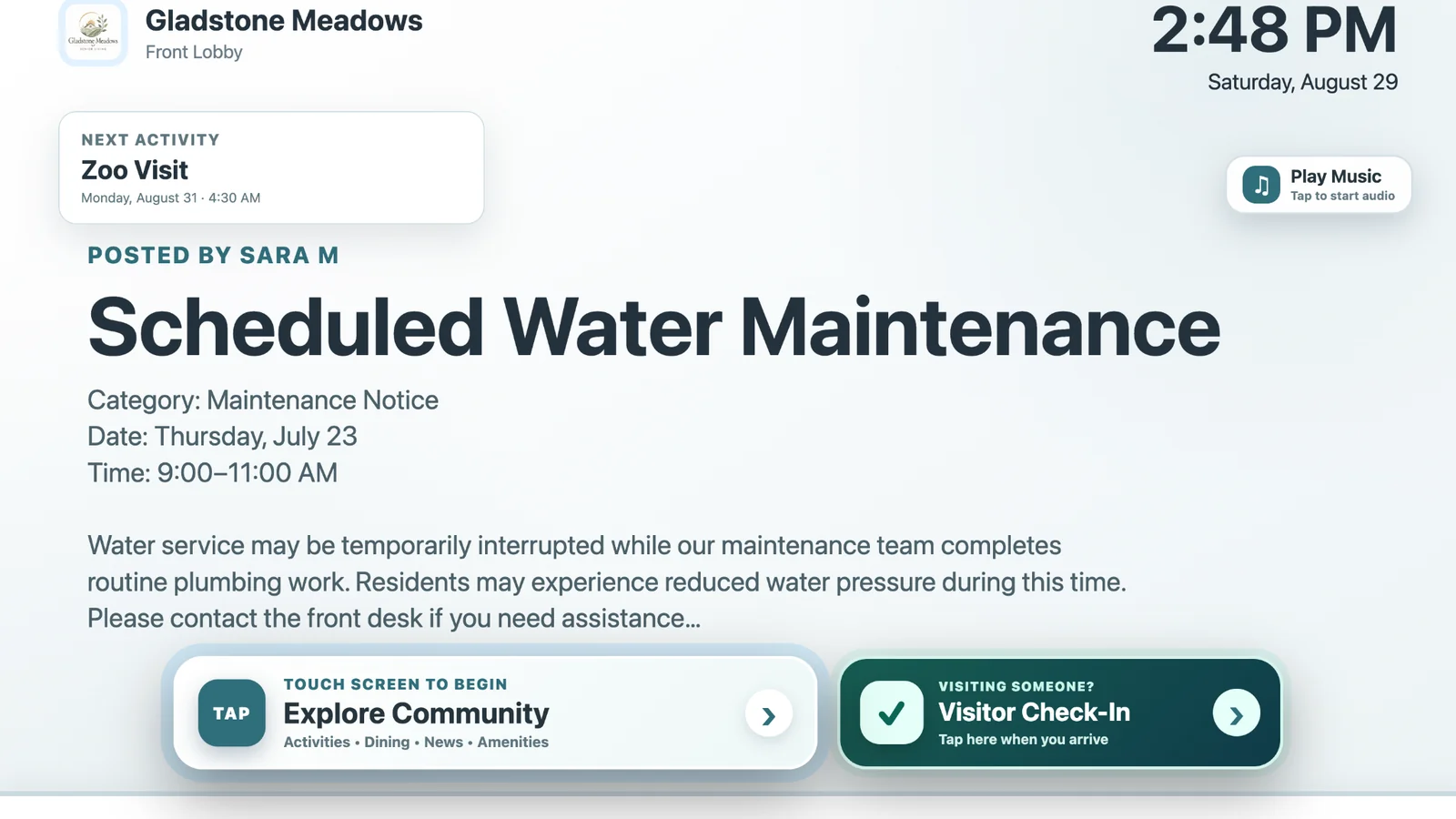
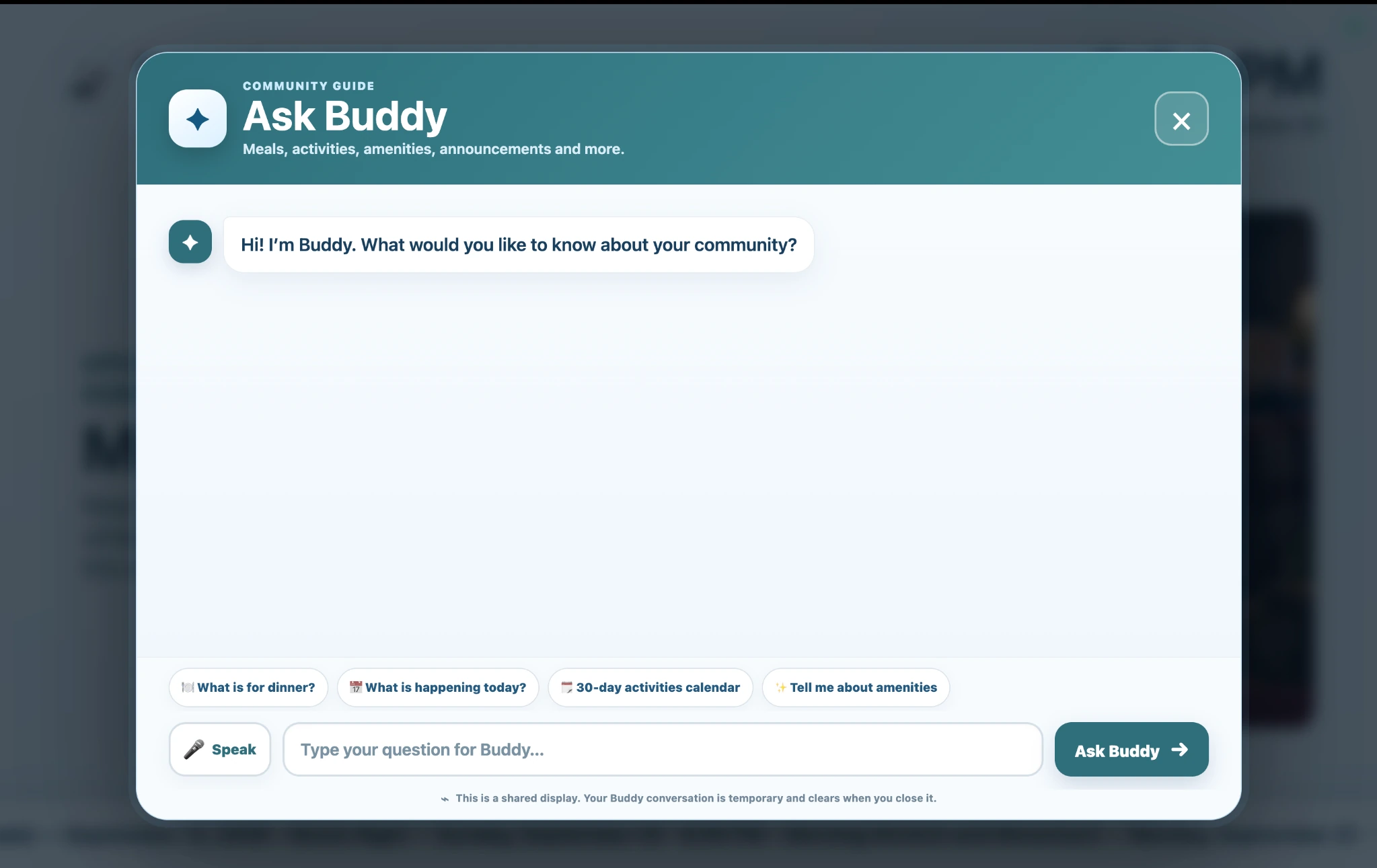
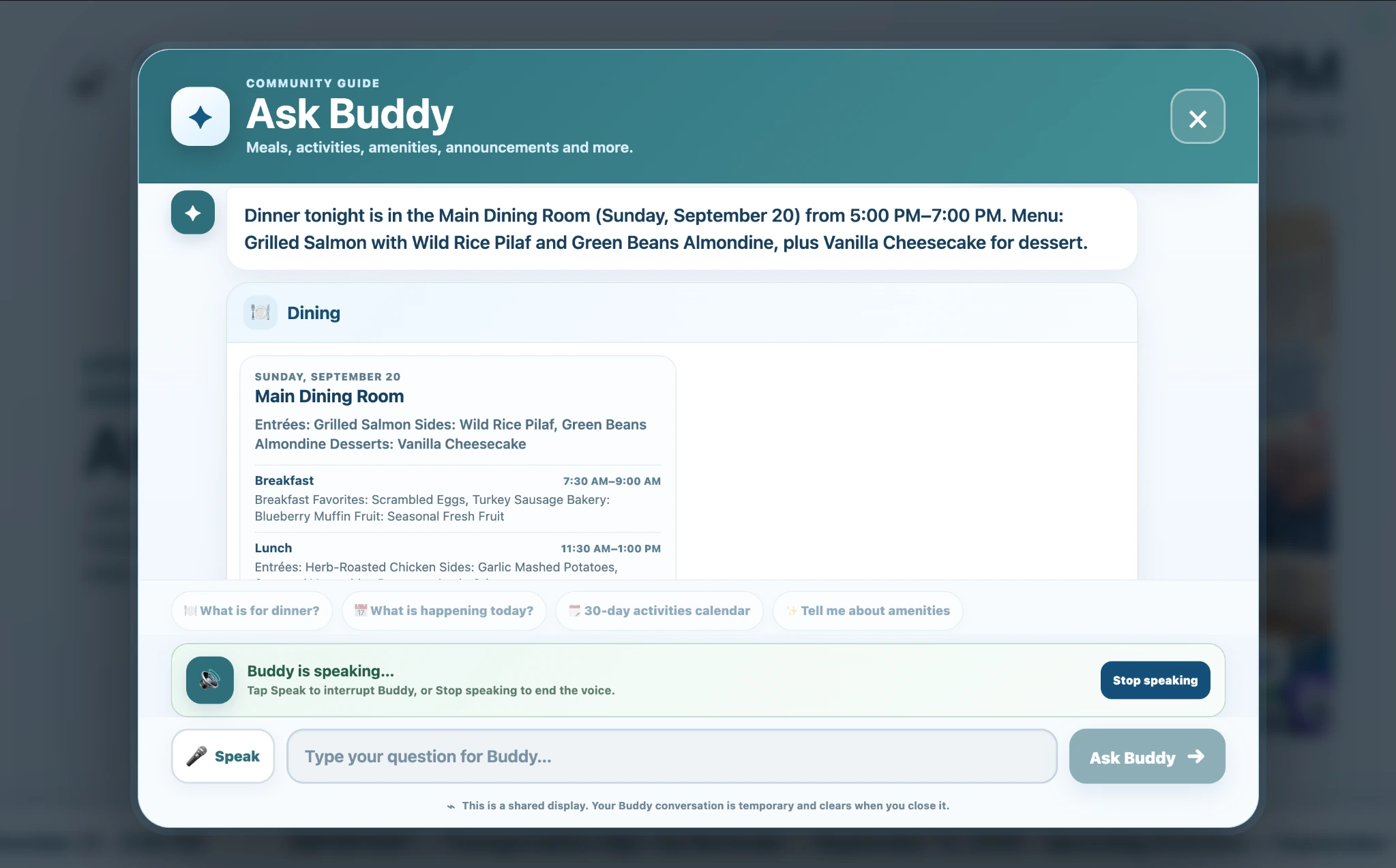
ChimeBuddy helps communities capture common requests once, organize the details, and route the work to the right team.
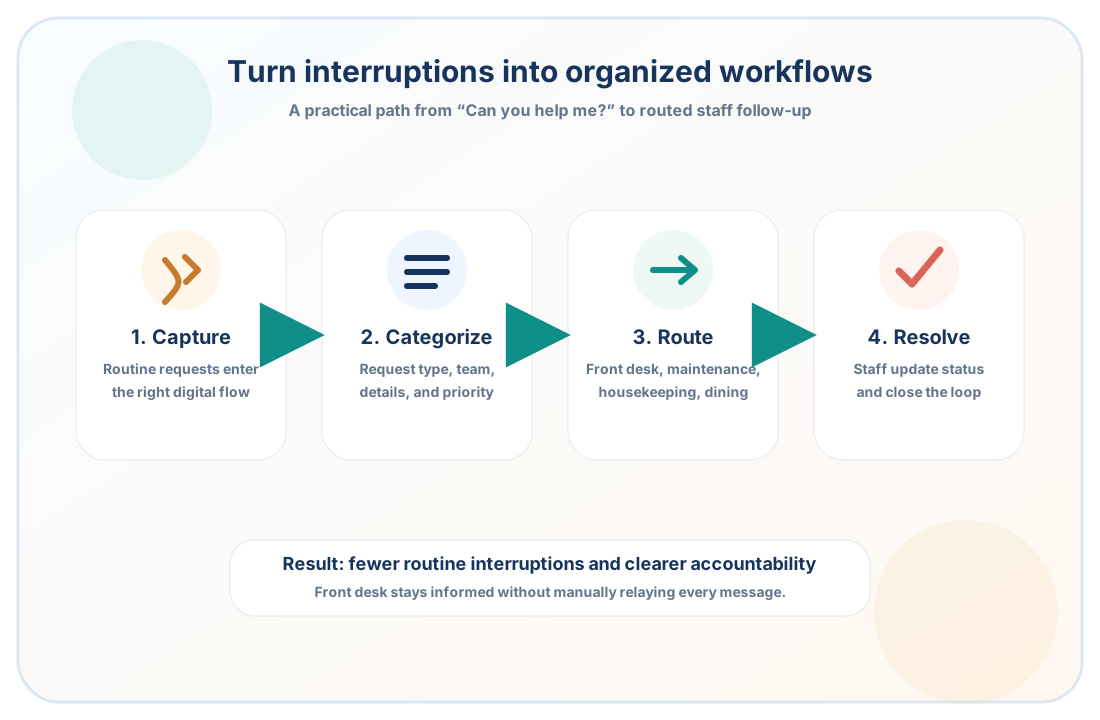
Residents can find routine information through the Buddy Kiosk, while help requests, maintenance needs, visitor follow-up, and other service issues can enter a clearer digital workflow.
Requests can include the resident, location, team, notes, priority, and context staff need for follow-up.
The right team can review the request, update the ticket, and mark it resolved when the follow-up is complete.
ChimeBuddy is not just a ticket form. It combines resident self-service through the Buddy Kiosk with the daily workflows that often create front desk interruptions, including staff assistance, visitor check-in, facility information, messages, events, reservations, and family communication.
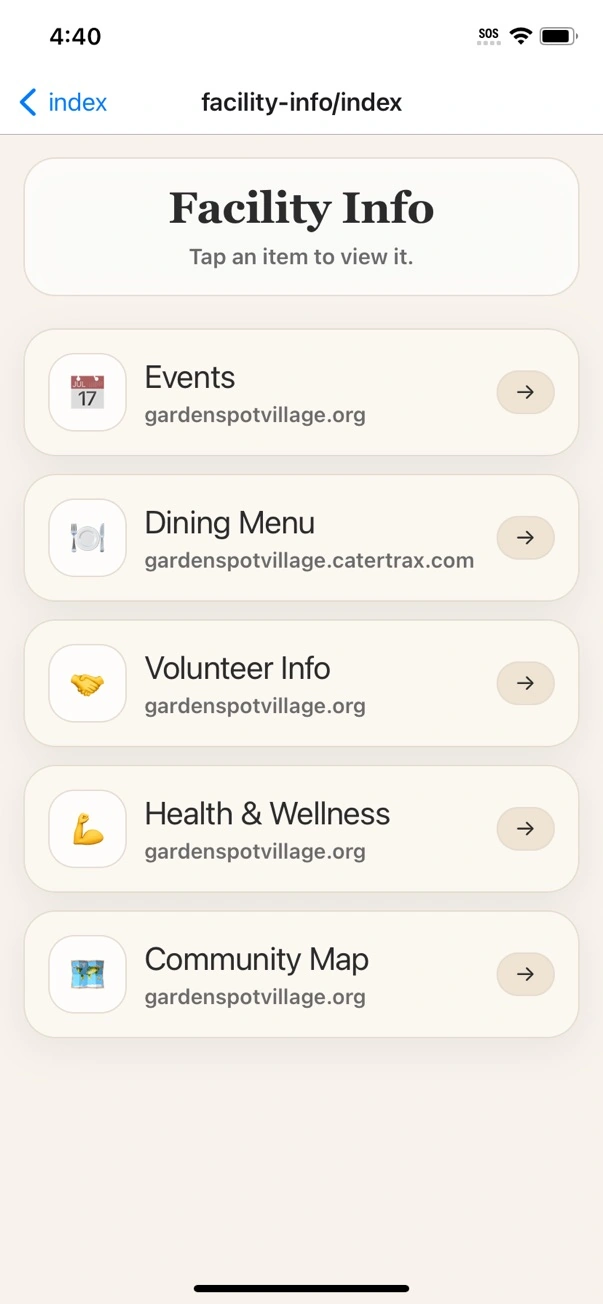
Different interruptions need different destinations. ChimeBuddy helps communities separate service requests, visitor needs, reservation questions, and resident communication.
Turn service requests into organized tickets staff can review, update, and resolve.
Capture visitor details and create a clearer front desk follow-up workflow.
Help residents find activities and RSVP without calling for every schedule question.
Make common facility links, menus, transportation, and community information easier to access.
The front desk should still know what is happening. The difference is that requests can be organized, assigned, and updated in the workflow instead of living only in memory, paper notes, or one person’s inbox.
Apartment, common area, equipment, and repair-related requests.
Cleaning requests, room support, and service follow-up.
Ride questions, shuttle coordination, and resident support.
Dining questions, reservations, guests, and meal-related follow-up.
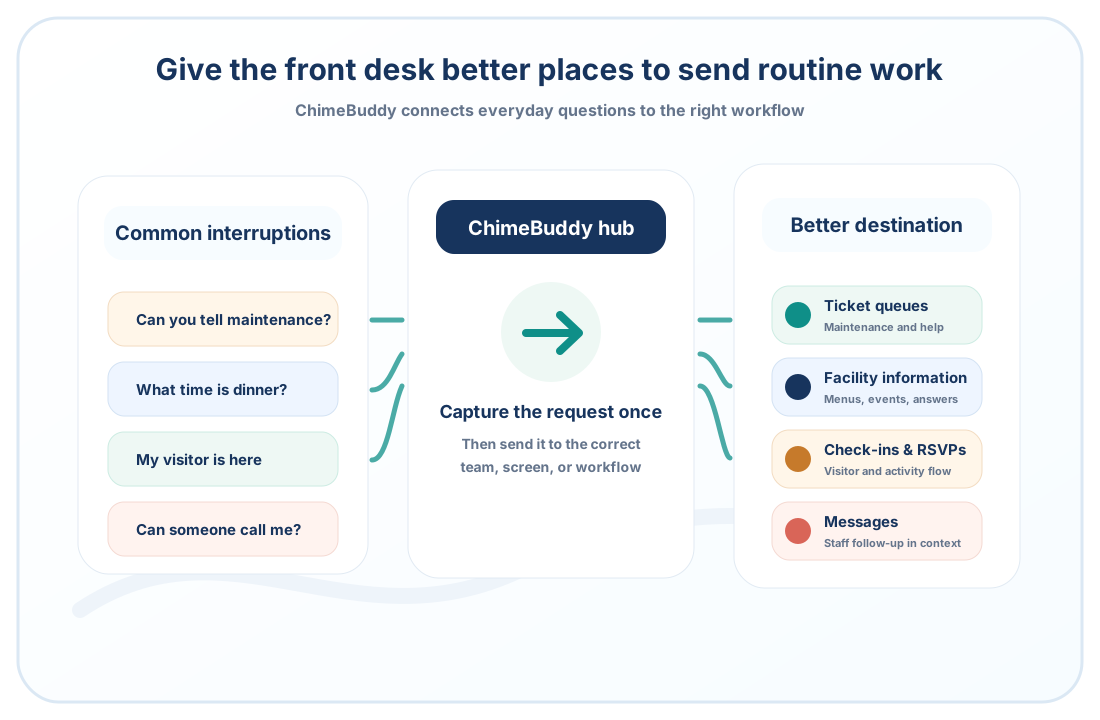
When routine requests are easier to capture and easier to route, staff can spend less time chasing details and more time helping residents and visitors.
Capture details once instead of rebuilding the same request across multiple conversations.
Help staff see which team owns the request and what still needs follow-up.
Reduce repeated check-ins about whether a request was assigned, started, or resolved.
Give residents and families a clearer path to get help without feeling ignored.
Senior living communities can reduce routine front desk interruptions by giving residents and visitors clearer self-service options for common questions, then moving requests that still need staff attention into organized digital workflows that staff can review and route.
No. ChimeBuddy is not meant to replace the front desk. It helps the front desk spend less time manually relaying routine requests by giving residents, visitors, families, and staff better places to submit and track common needs.
ChimeBuddy can help with common community questions through the Buddy Kiosk, while also organizing maintenance requests, staff assistance requests, visitor check-in follow-up, event and RSVP questions, dining or amenity reservation workflows, facility information, and family communication.
Yes. ChimeBuddy can support team-based workflows so requests can be routed to areas such as front desk, maintenance, housekeeping, transportation, dining, security, or other community teams.
Yes. ChimeBuddy should support the community’s existing service culture, not remove personal interaction. The goal is to reduce avoidable repetition and manual tracking for routine issues.
Yes. On a compatible touchscreen, the Buddy Kiosk can give residents access to activities, dining menus, community news, amenities, visitor check-in, and Ask Buddy for common community questions. Staff are still available when personal help is needed, but routine information can be easier to find independently.
No. ChimeBuddy is designed for operational communication and routine community workflows. It should not replace emergency response systems, nurse call systems, 911, or required clinical and safety processes.
Request a demo to see the Buddy Kiosk, Ask Buddy, front desk workflows, maintenance requests, visitor check-in, resident communication, reservations, family updates, and more working together in one connected platform.
Request a Demo