
Check reminders, community information, today’s menu, announcements, and upcoming activities.
For Residents
One simple place to stay connected, make plans, and enjoy the community.
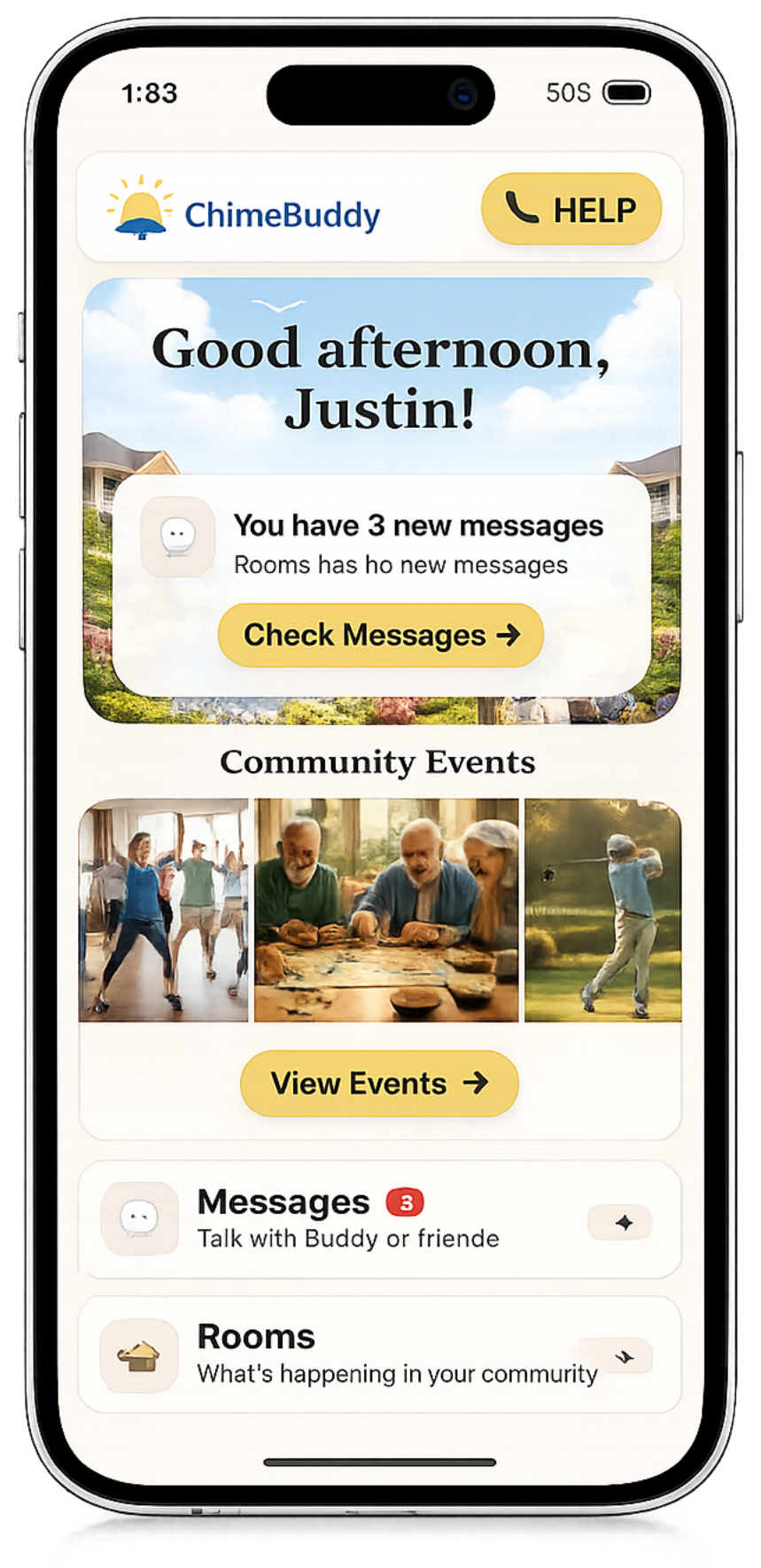
ChimeBuddy brings the parts of community life residents use every day into one friendly app—from messages and Buddy to activities, reminders, dining, amenities, games, facility information, and help requests.
Easy everyday navigation
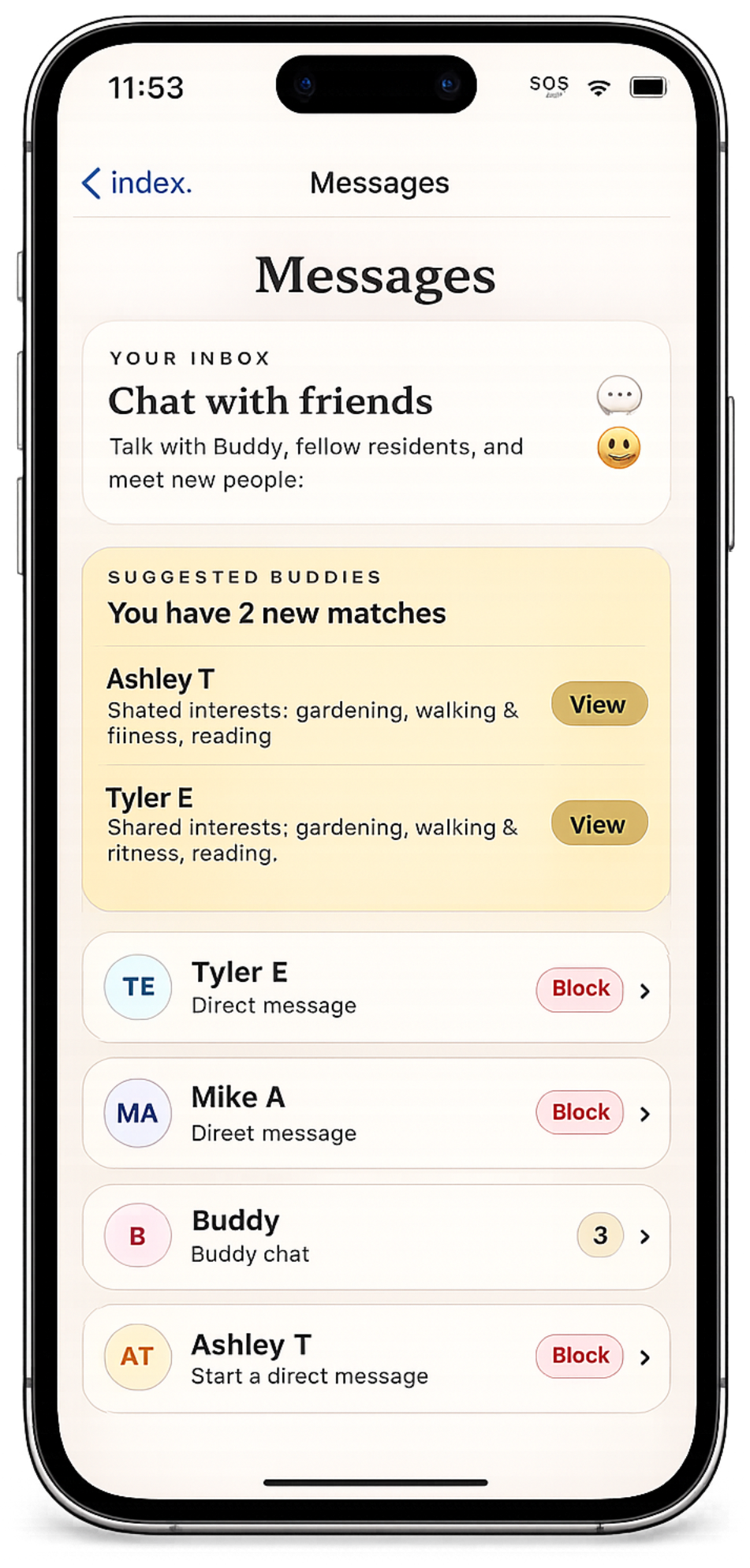
Resident + Buddy messaging
Community life in one place
A day with ChimeBuddy
The app follows the rhythm of resident life.
Instead of asking residents to remember where everything lives, ChimeBuddy keeps the day’s information, conversations, plans, and support within reach.
Get a quick answer from Buddy, chat with another resident, or catch up in a community room.
RSVP for an event, reserve an amenity, or make a dining reservation without chasing down a staff member.
Share photos or messages, see what is coming next, and enjoy Bingo, Trivia, Buddy Defense, or Buddy’s Garden.
Send a help request, follow its status, and use optional safety tools when the community enables them.
Start the day informed
Know what is happening without hunting for information.
A resident can open ChimeBuddy and quickly understand the day: what is coming up, what needs attention, what is being served, and where to find important community information.
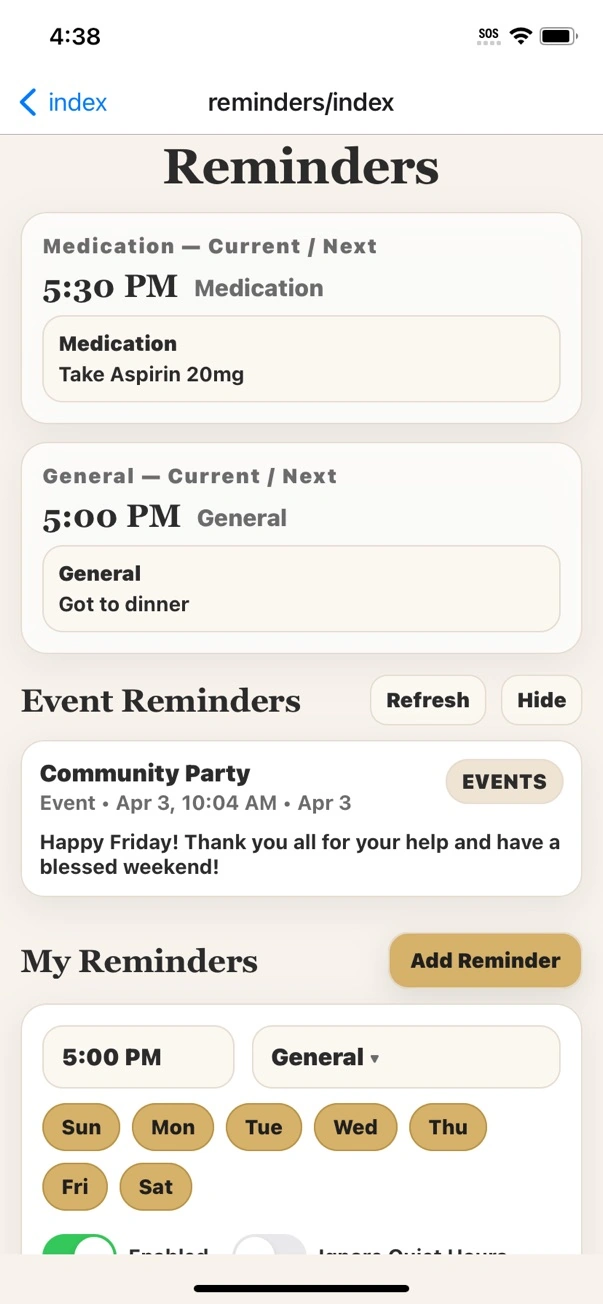
- Personal reminders and scheduled event reminders
- Facility information, helpful contacts, announcements, and community details
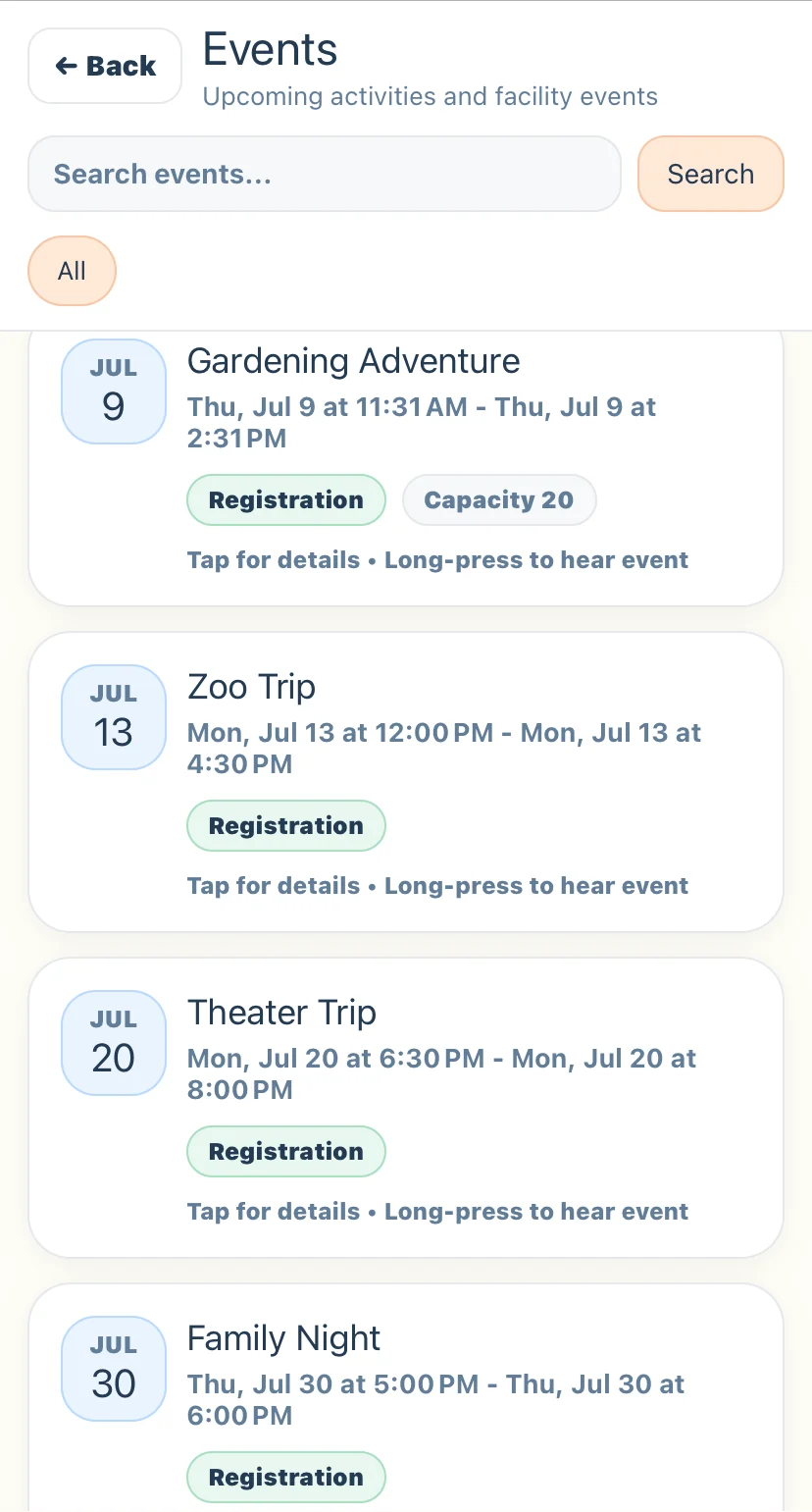
- Upcoming events and activities with times, locations, and RSVP options
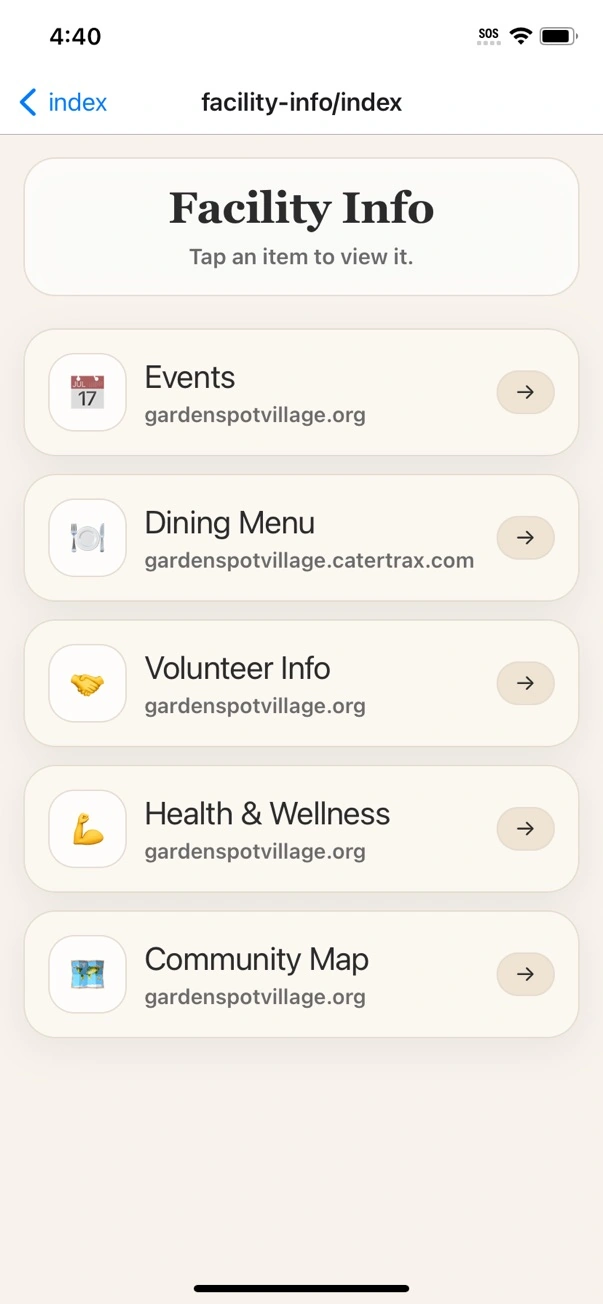
- Today’s dining menu and meal details
- One home screen that points residents toward the things they use most
Plans without the runaround
From an activity to dinner, residents can make plans in the same app.
Events, amenities, dining menus, and reservations are separate parts of community life—but they do not have to feel like separate systems to the resident.
Events, RSVPs & reminders
Residents can discover activities, open event details, RSVP when registration is available, and receive reminders for what is coming up.
- Recurring and one-time community events
- Resident RSVP and registration
- Event reminders and important community-wide notifications
Amenities & shared spaces
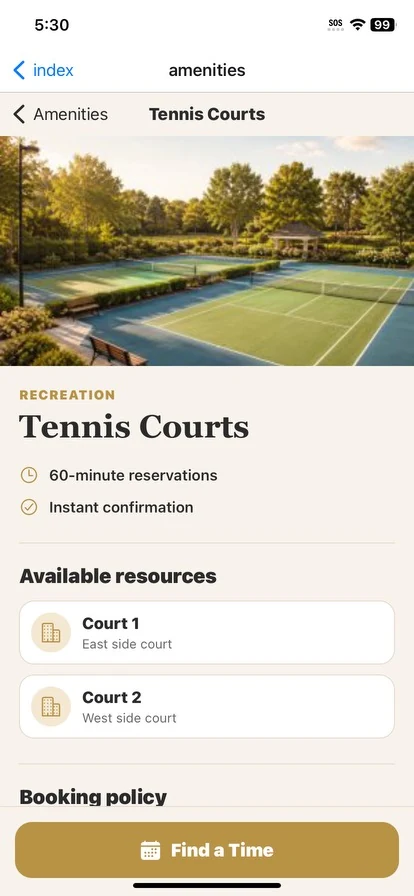
Residents can explore available amenities, review details, and reserve eligible spaces or services from the app.
- Browse available amenities
- See details and availability
- Reserve approved spaces and services
Dining menus & reservations
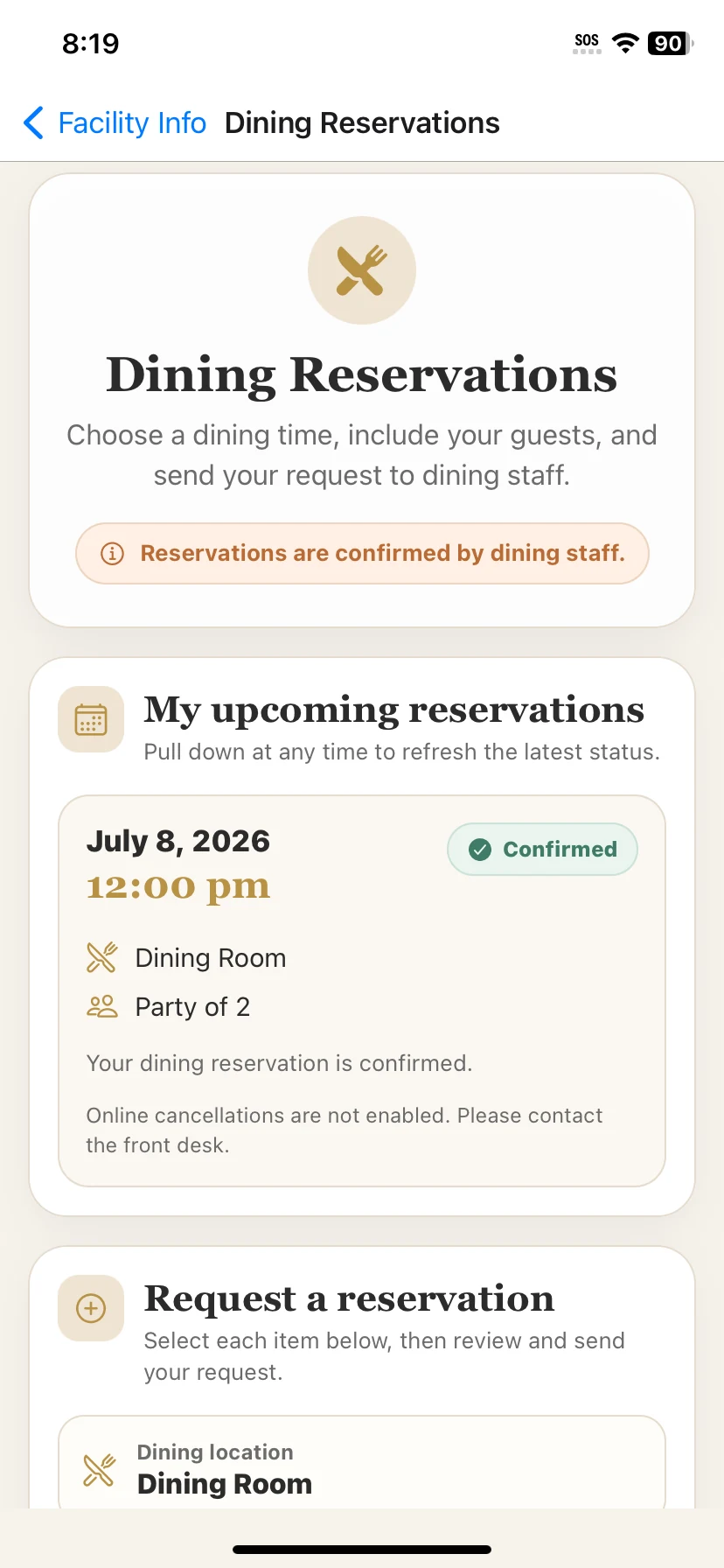
Residents can see what is being served, explore meal details, and make dining reservations when the community offers them.
- Daily and multi-day dining menus
- Meal and venue details
- Dining reservations, party size, and guest information
Stay connected
Talk with Buddy, residents, friends, and the community.
Messaging is not an add-on to the resident experience. It is one of the ways residents stay connected to people, information, and the community around them.
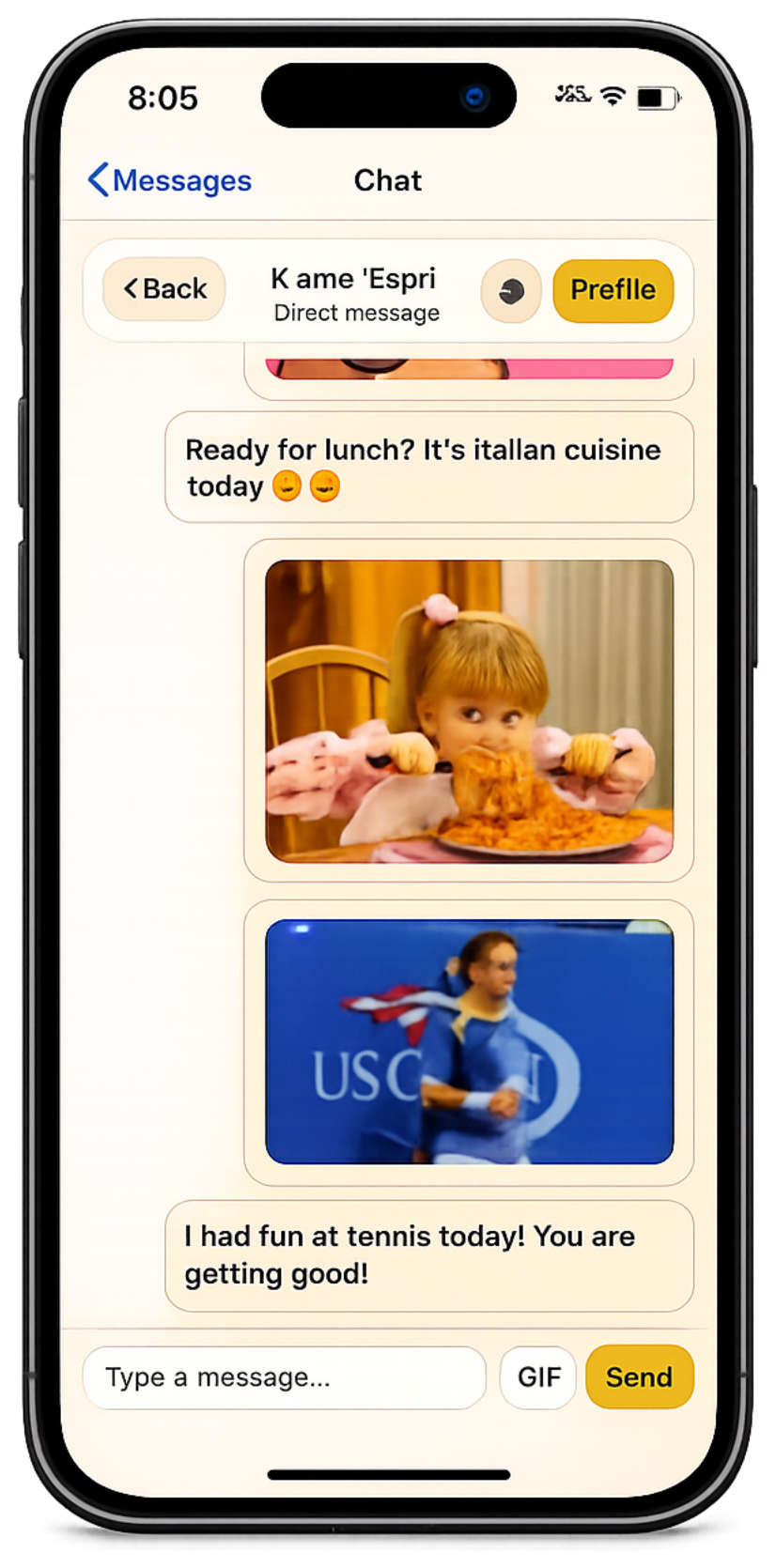
- Resident messaging: send direct messages to fellow residents and friends.
- Buddy messaging: open Buddy from the resident inbox for help finding information and navigating community life.
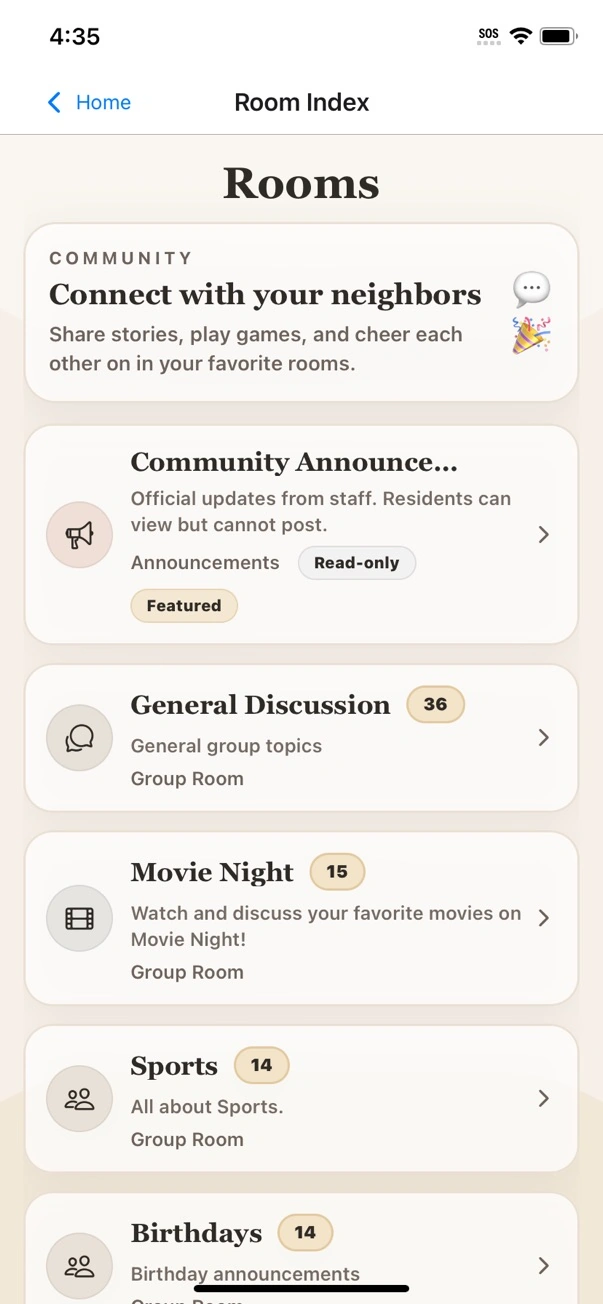
- Community rooms: join shared conversations and interest-based rooms.
- Share photos, updates, and everyday moments directly in conversations.
- Keep community conversations separate from personal phone numbers and outside messaging apps.
One inbox, more ways to connect. Residents can see Buddy alongside their direct conversations, while Rooms provides a place for broader community and interest-based discussion.
Support when it matters
Residents can ask for help without wondering who to call.
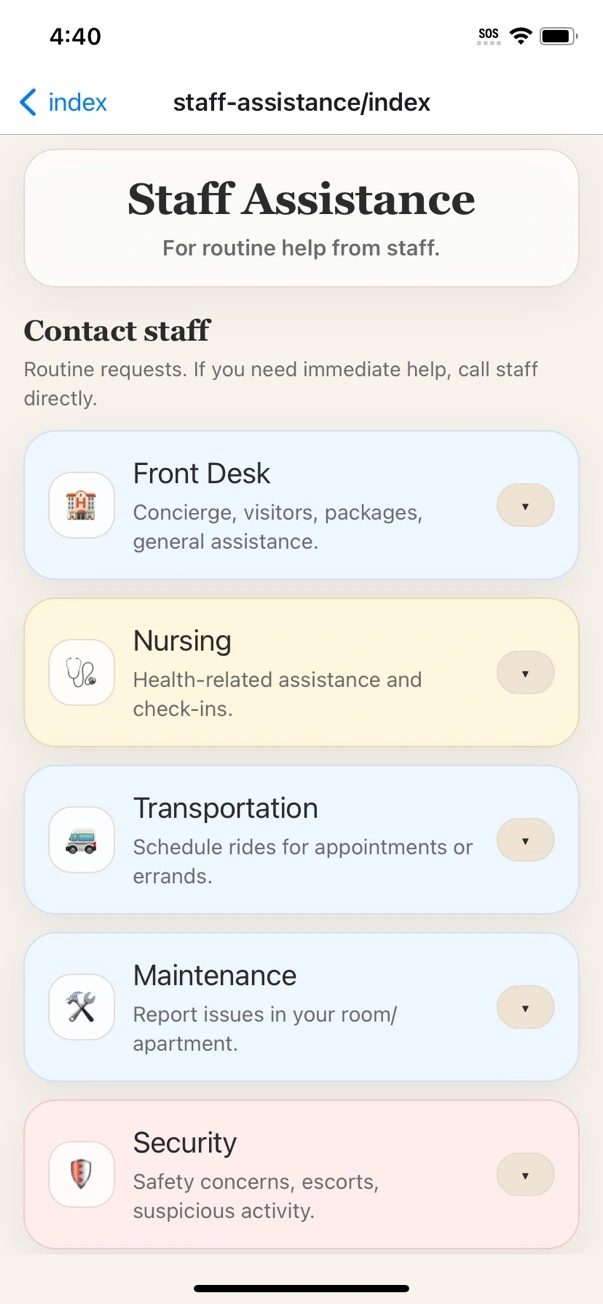
When a resident needs maintenance, housekeeping, front desk assistance, transportation, technology help, wellness support, or another service the facility enables, the request can start in ChimeBuddy and stay visible as staff works it.
Help requests & tickets
Submit the request, add details, and follow the conversation or status without repeating the same issue to multiple departments.
- Facility-defined request categories
- Request updates and staff responses
- A clear history of the request in one place
Optional location safety
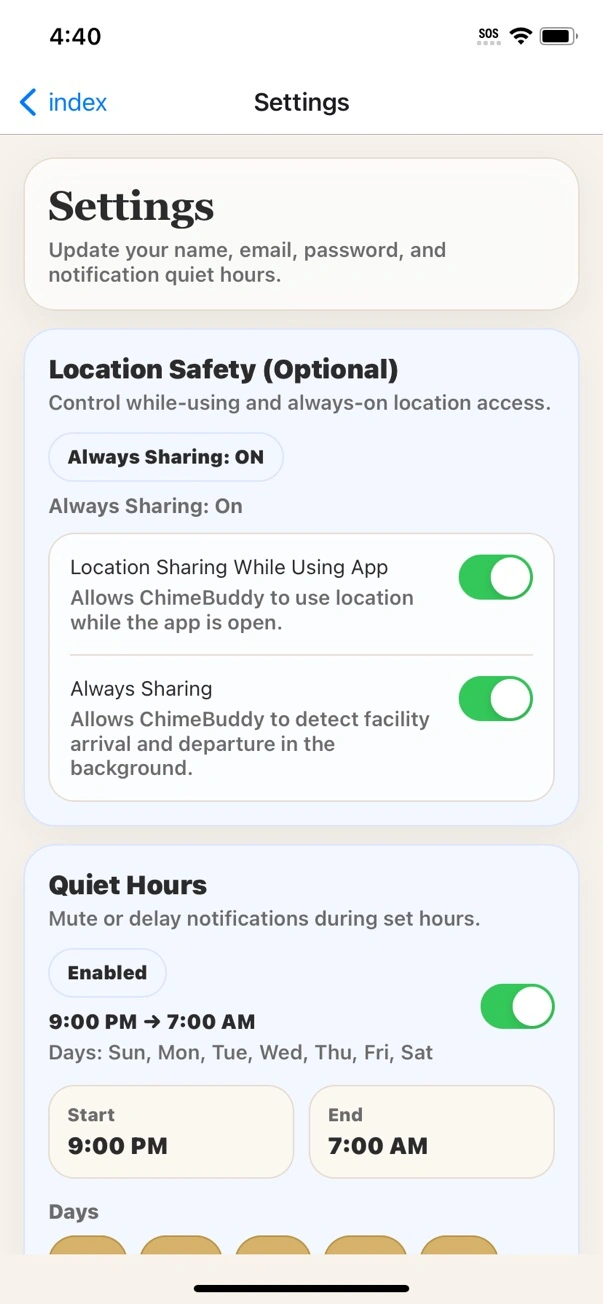
Communities can enable permission-based location safety tools for arrival/departure awareness without turning the resident app into continuous tracking.
- Facility-enabled and permission based
- Arrival/departure awareness
- Designed as a safety signal, not constant surveillance
Fun belongs in the app too
There is always something residents can do.
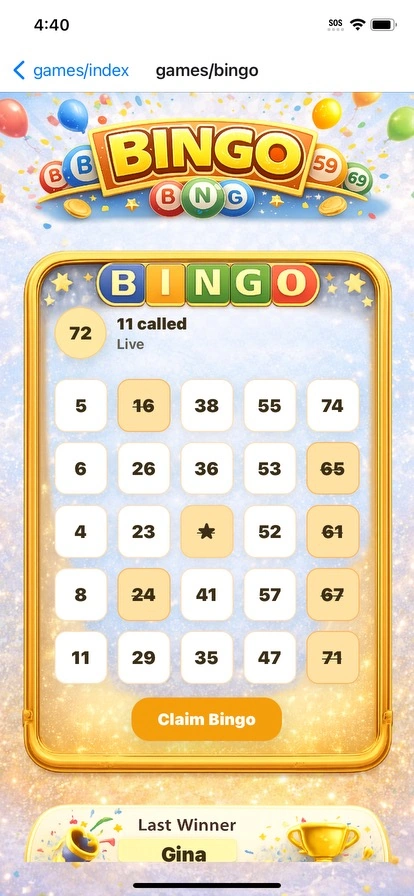
ChimeBuddy includes games designed as part of the resident experience—not as a separate website residents have to remember to visit.
Bingo
A familiar community favorite residents can enjoy through the app.
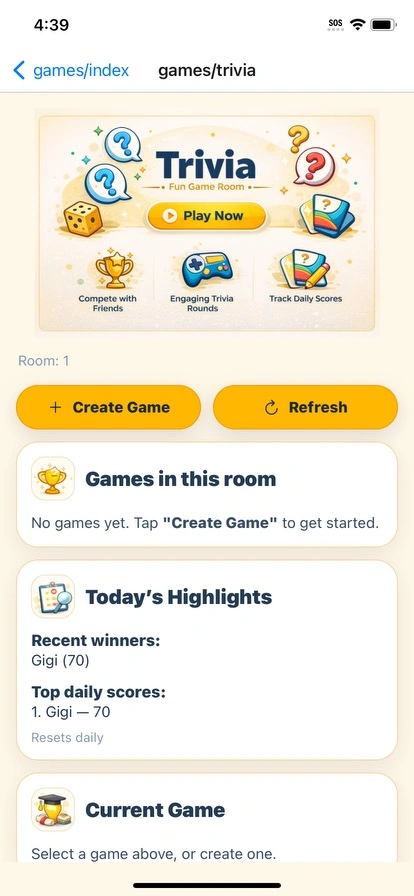
Trivia
Quick questions and friendly play that residents can return to anytime.
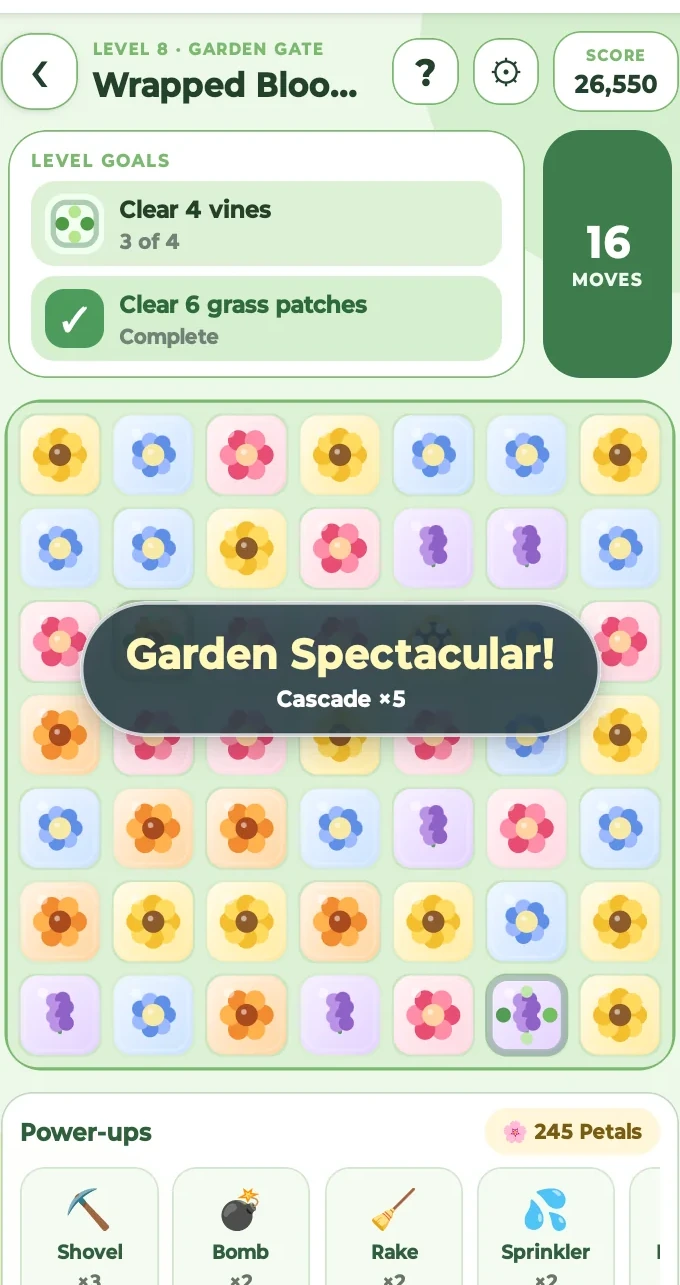
Buddy’s Garden
A colorful garden experience built into ChimeBuddy.
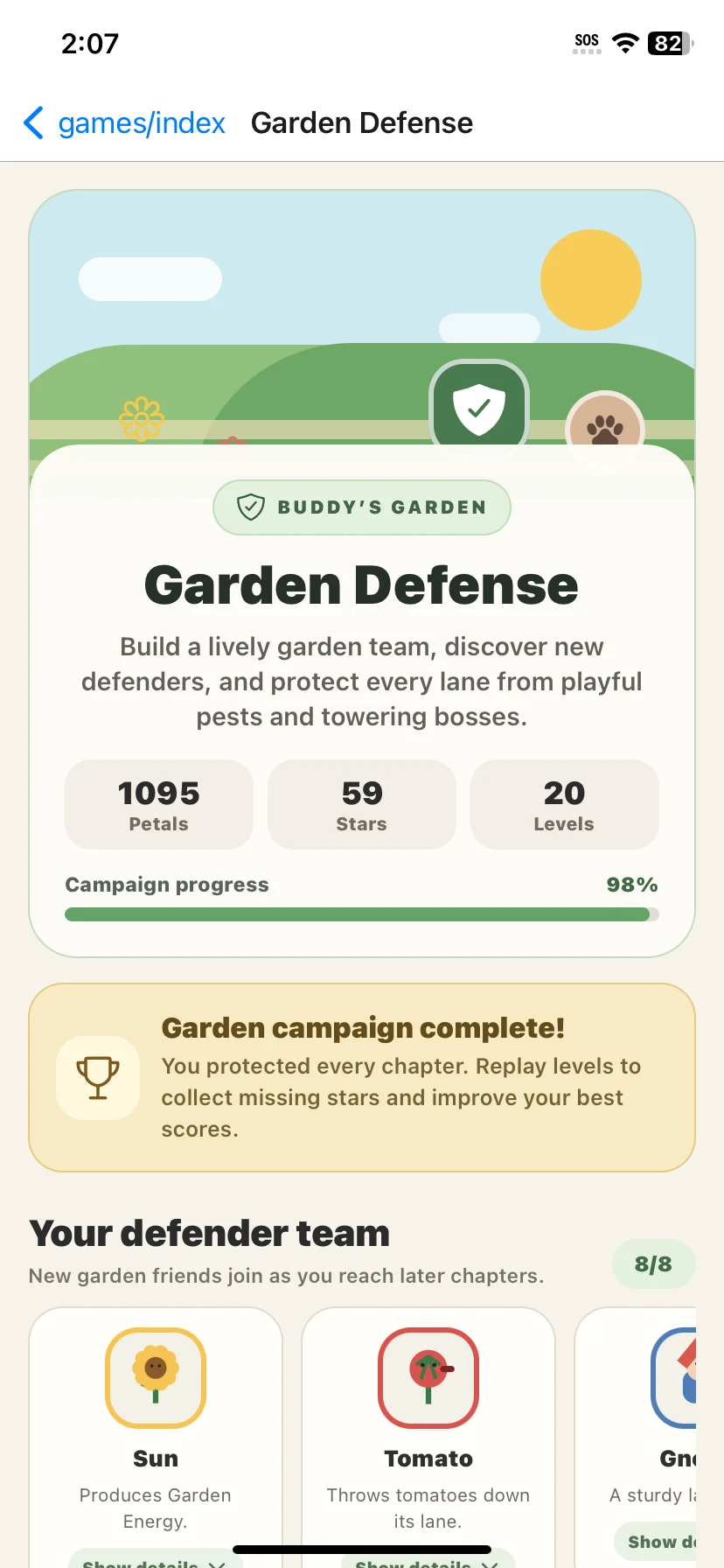
Buddy Defense
A more active game option for residents who want a different kind of challenge.
Family stays closer
Family can see more of the resident’s day without calling the front desk.
With the Family Portal, authorized loved ones can stay connected to community life and see the information the facility chooses to share. That can include activity visibility, announcements, selected safety information, requests, documents, and visit-related tools.
- See upcoming activities and resident engagement information
- Follow community announcements and daily updates
- Use approved request and visit-planning tools
- View permission-based safety and document information when enabled
- Give loved ones more context around the resident’s day while the facility stays in control of access
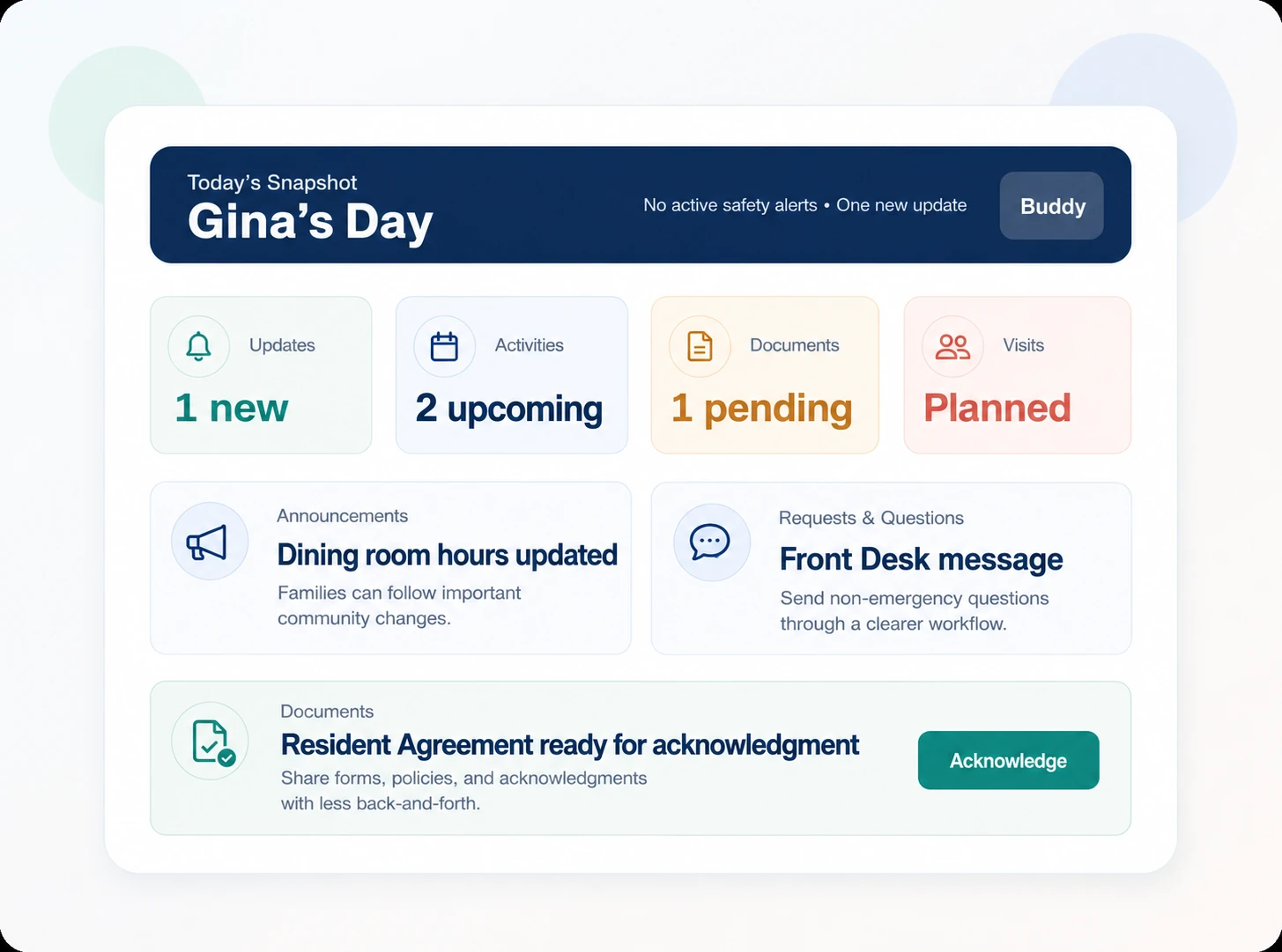
Resident-centered, family-friendly.
Family visibility adds context without making the resident experience feel like a monitoring tool.
Family visibility adds context without making the resident experience feel like a monitoring tool.
Everything in one resident experience
Everything residents need, in one connected experience.
The complete resident toolkit is easy to scan here—from communication and planning to support, games, safety options, and family connection.
Resident MessagingDirect resident-to-resident conversations with photo sharing.
Buddy MessagingBuddy appears in the resident inbox for community help and information.
Community RoomsShared and interest-based conversations for community connection.
RemindersPersonal reminders plus event and community notifications.
Events & RSVPsBrowse activities, register, and keep track of what is coming up.
AmenitiesExplore facility amenities and reserve eligible spaces or services.
Dining MenusSee current meal information and dining details.
Dining ReservationsRequest dining times, party sizes, and guest details when enabled.
Facility InformationContacts, announcements, community details, and useful information.
Help Requests & TicketsRequest assistance and follow staff responses in one place.
GamesBingo, Trivia, Buddy’s Garden, and Buddy Defense.
Location SafetyOptional permission-based arrival/departure awareness.
Family PortalAuthorized family visibility into the resident’s day and community life.
A resident app should make community life easier to enjoy.
ChimeBuddy brings communication, plans, information, support, and entertainment together in one resident-friendly experience.