
Manual coordination
Residents and staff may rely on phone calls or hand-written notes to reserve amenities.
ChimeBuddy helps residents discover shared spaces, services, and equipment, choose an available resource and time, and keep reservations organized. Staff can manage approvals, bookings, and updates from one admin dashboard.
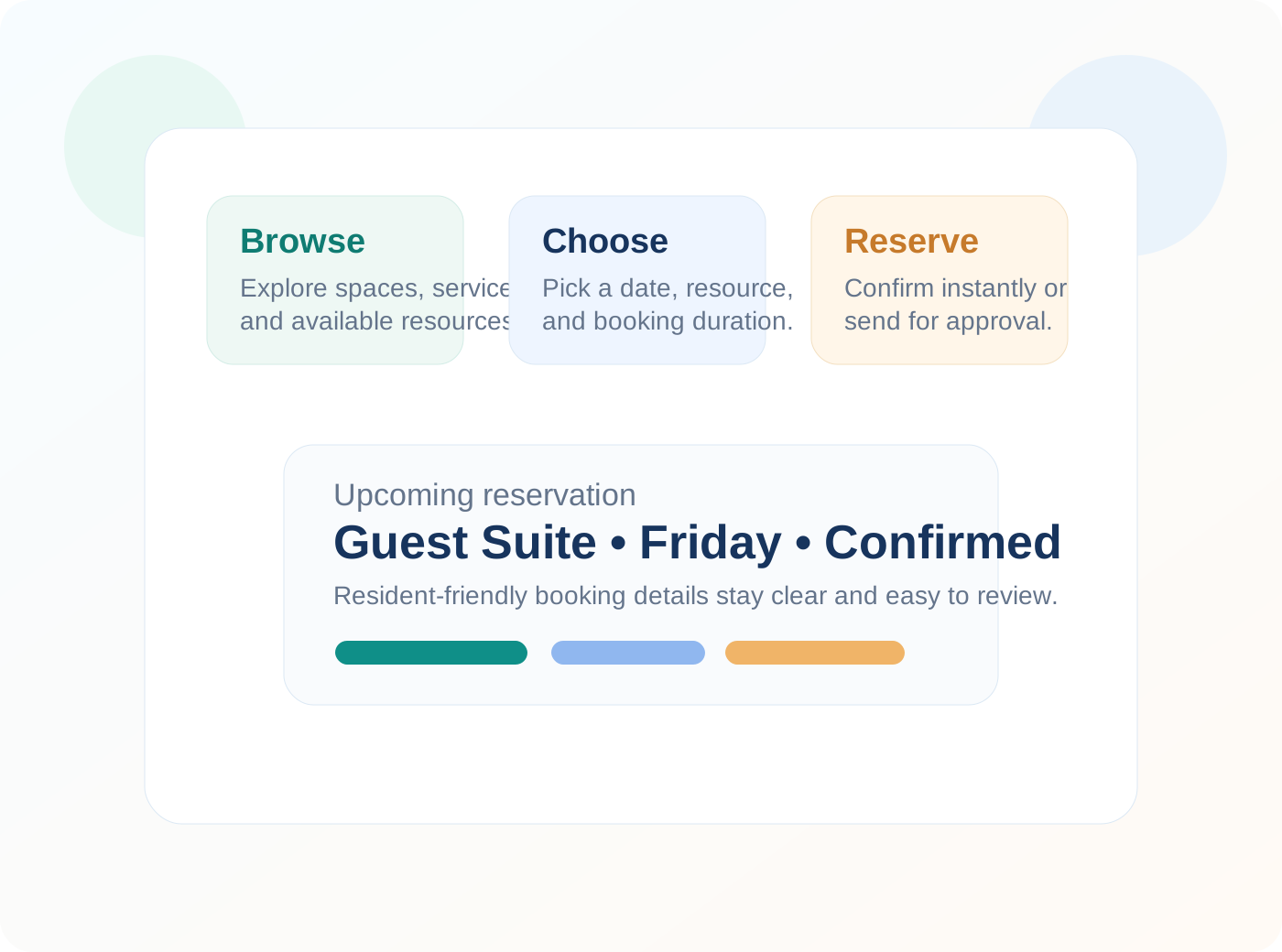
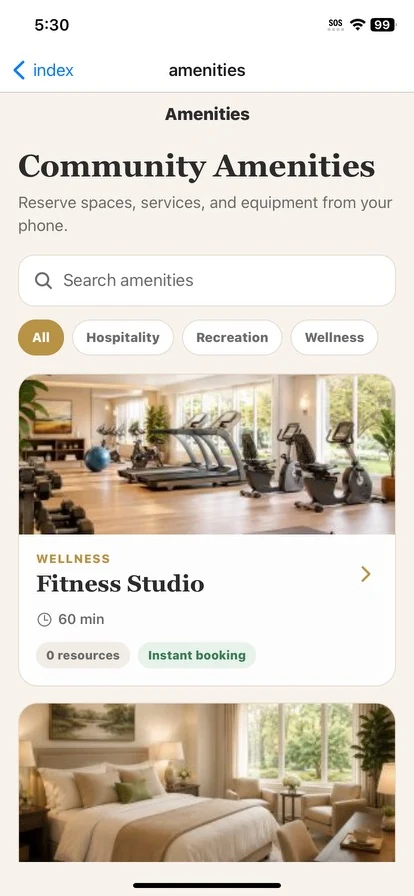
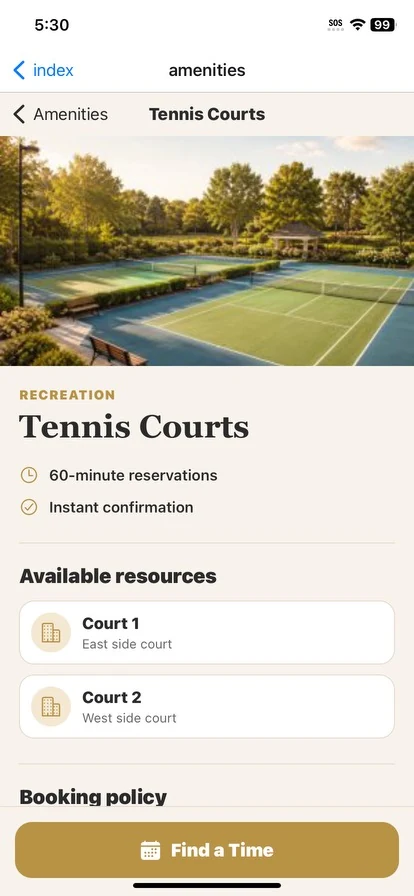
Communities need a better way to organize guest suites, salons, fitness rooms, activity spaces, and other shared resources. ChimeBuddy helps residents self-serve more easily while giving staff clearer control over reservation activity.
Residents and staff may rely on phone calls or hand-written notes to reserve amenities.
It is harder to see availability, upcoming reservations, or pending requests in one place.
Communities often need to manage different spaces, equipment, and booking policies.
Some reservations need approval, which is easier when staff can review status and details centrally.
ChimeBuddy helps communities make amenity reservations easier to discover, easier to request, and easier to manage.
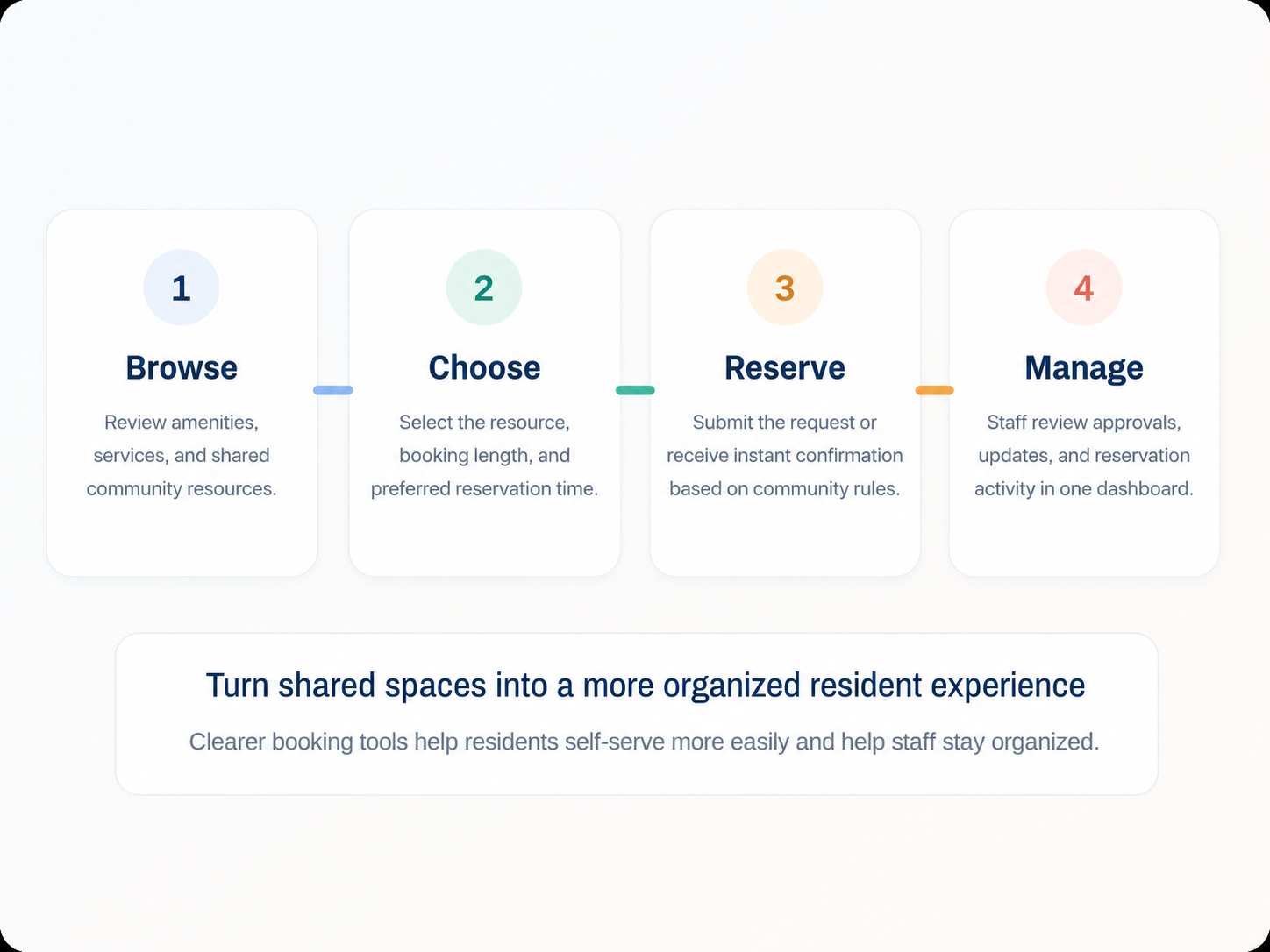
Residents can review available community spaces, services, and resources in one place.
Choose a date, reservation duration, and available resource that fits the amenity.
Residents can submit a request or receive instant confirmation based on how the community sets the workflow.
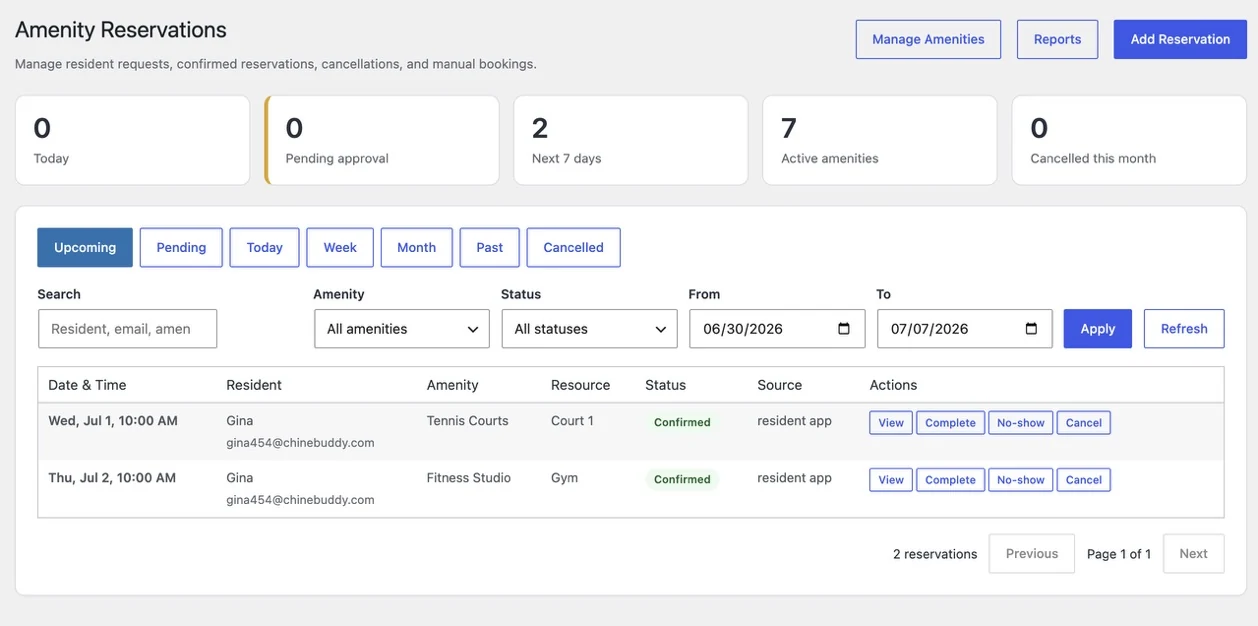
Staff can approve, create, update, or review bookings and keep the amenity schedule organized.
ChimeBuddy combines a clear resident experience with strong operational visibility for staff.
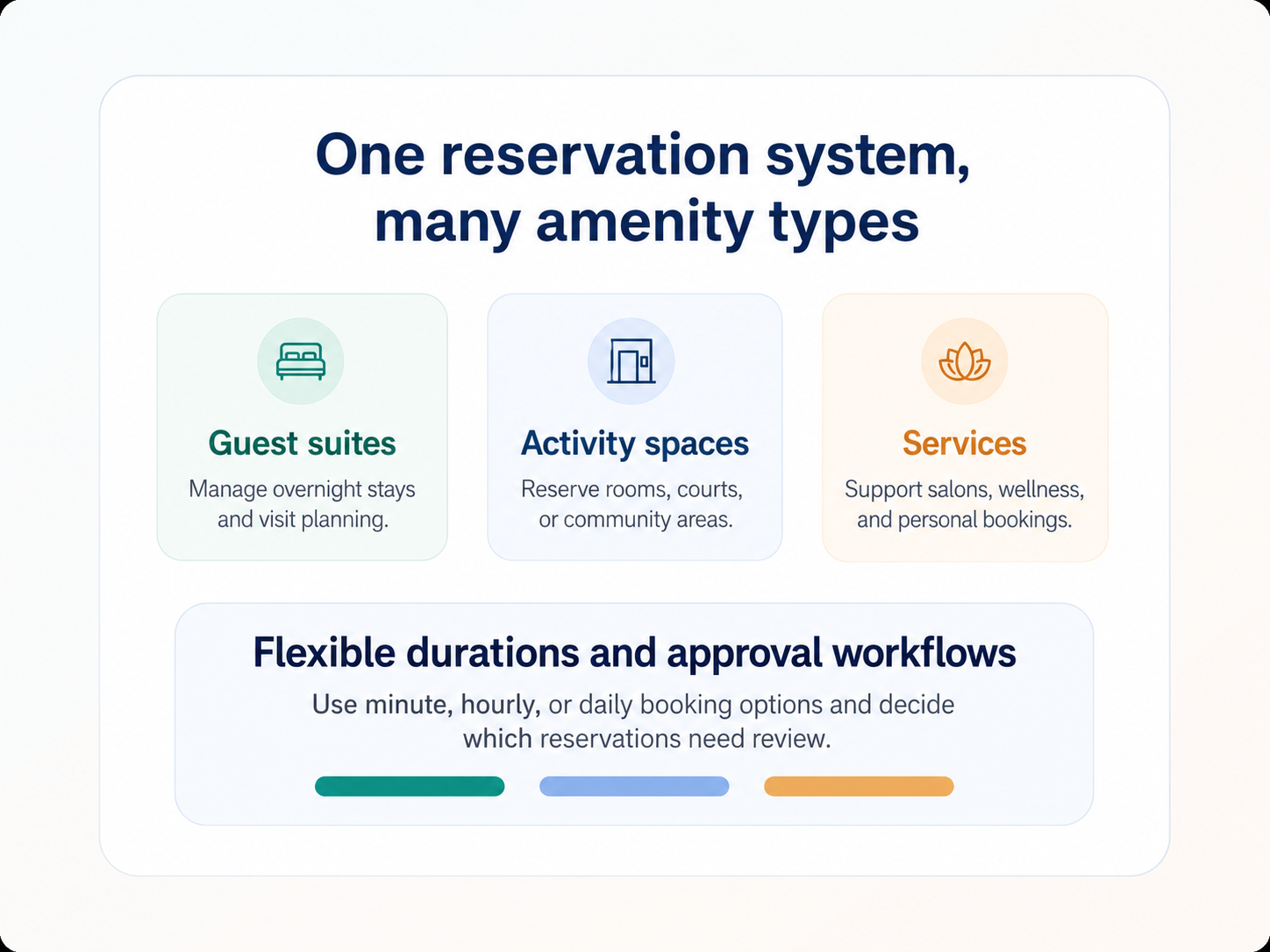
Communities can use ChimeBuddy to manage many kinds of amenities and resources with the same underlying workflow.
Make amenities easier to discover, understand, and reserve without confusion.
Reduce manual coordination and manage reservations through one organized dashboard.
Keep approvals, reservation details, and amenity activity more consistent across the community.
Amenity reservation software helps senior living communities manage bookings for shared spaces, services, and equipment such as guest suites, salons, fitness rooms, courts, and other community amenities.
Yes. Residents can browse amenities, choose an available resource and time, review policies, and submit reservations through the ChimeBuddy app.
Yes. Staff can review requests, approve bookings, create manual reservations, update statuses, and manage amenity activity through the ChimeBuddy admin portal.
Yes. ChimeBuddy can support different reservation durations and multiple resources under an amenity, which helps communities manage a wide variety of spaces and services.
Communities can use ChimeBuddy for guest suites, private dining, fitness spaces, salons, equipment, activity rooms, transportation-related resources, and other shared amenities.
Yes. ChimeBuddy helps staff reduce manual coordination, improve visibility into bookings, and keep reservations more organized in one dashboard.
Request a demo to see how ChimeBuddy can support amenity reservations, resident engagement, and day-to-day operational visibility in one connected platform.
Request a Demo