
Scattered notes
Important details can sit in paper logs, texts, call notes, or memory instead of one shared workflow.
ChimeBuddy helps senior care and senior living communities move routine maintenance requests out of phone calls, paper notes, and hallway conversations and into a cleaner digital workflow staff can review, route, update, and resolve.
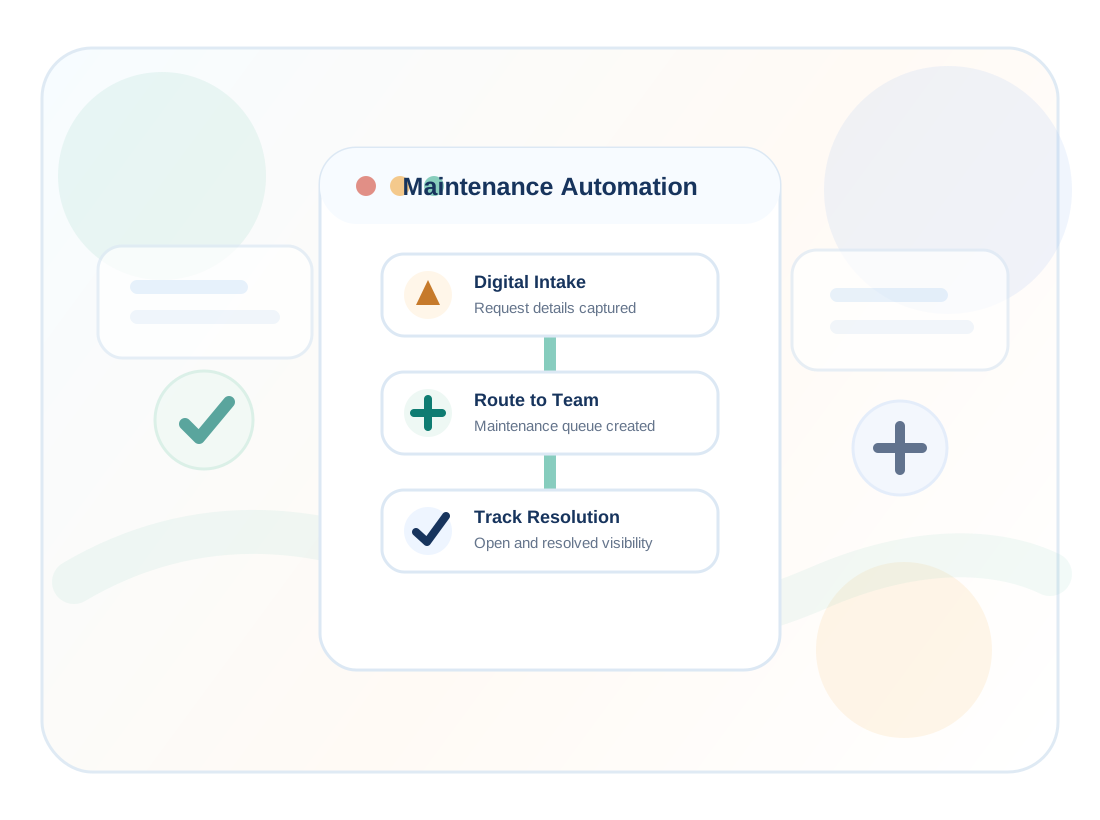
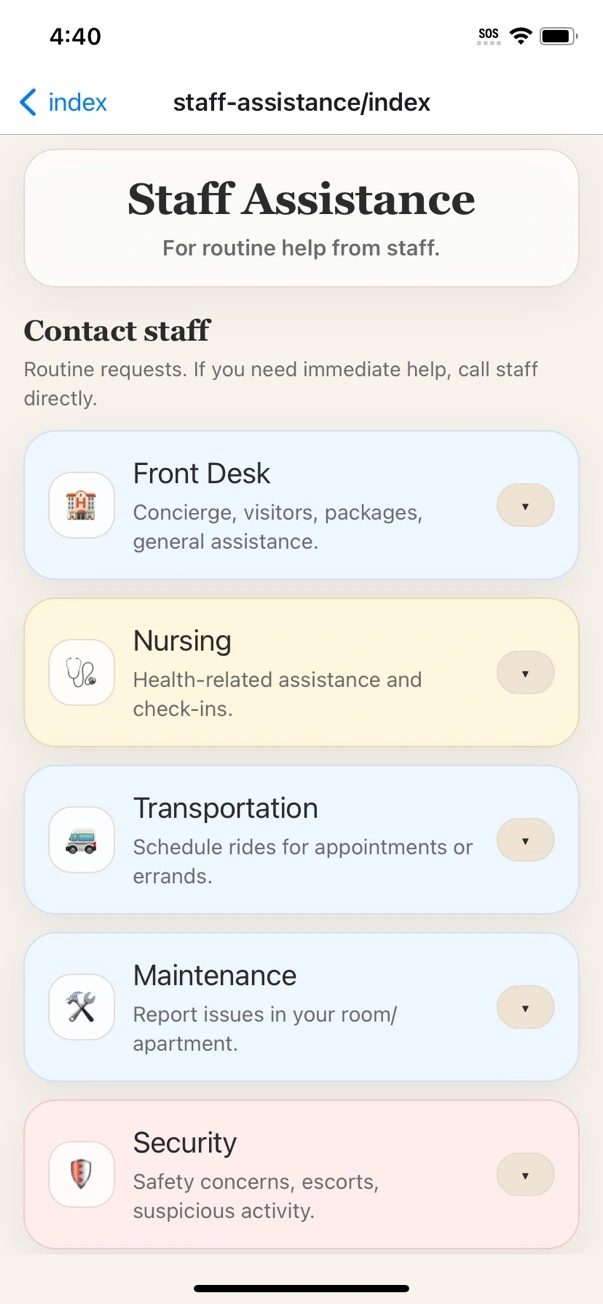
In a busy senior care facility, a maintenance issue can start as a hallway comment, a phone call to the front desk, a family message, a staff note, or a resident request. When those details are scattered, staff spend extra time clarifying the issue, finding the right person, and checking whether the work was completed.
Automating the request workflow does not mean removing the human care from the process. It means giving residents and staff a more reliable path for capturing, routing, and closing routine maintenance needs.
Important details can sit in paper logs, texts, call notes, or memory instead of one shared workflow.
The front desk may get pulled into repeated status questions when residents do not know where things stand.
Requests can move between staff without a clear owner, category, priority, or resolution status.
Routine issues can take longer when staff have to reconstruct the request before they can act.
Senior care facilities do not need a complicated system to make a meaningful improvement. The biggest gains usually come from automating the simple handoffs that happen every day.
Capture resident name, location, issue details, and notes in a consistent digital format.
Send maintenance, housekeeping, front desk, and other requests toward the right team queue.
Help staff separate routine work from requests that need faster review or follow-up.
Mark items resolved so staff can see what remains open and reduce duplicate follow-up.
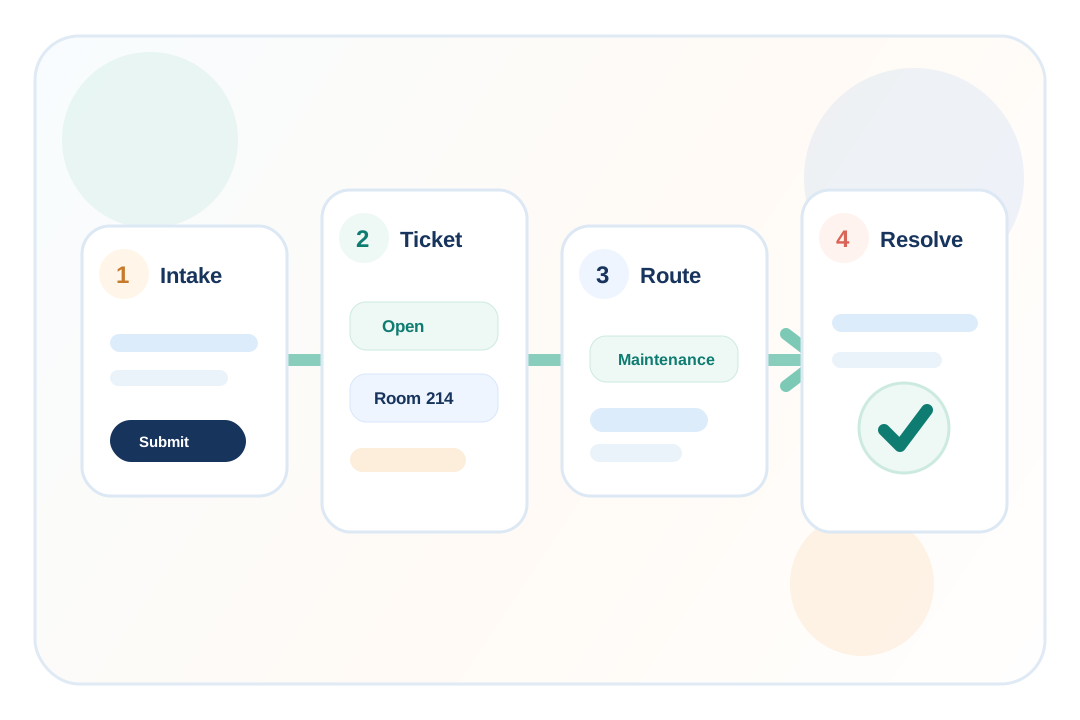
The issue is entered with useful context instead of being passed along through multiple informal channels.
ChimeBuddy organizes the request so staff can review the type, team, priority, resident context, and notes.
Maintenance or another staff team can see what needs attention and keep related updates tied to the request.
The request can be marked resolved when the work is complete, helping the team know what is still open.
ChimeBuddy can give residents a simple request path inside the same app they use for community messages, events, reminders, facility information, reservations, and Buddy.
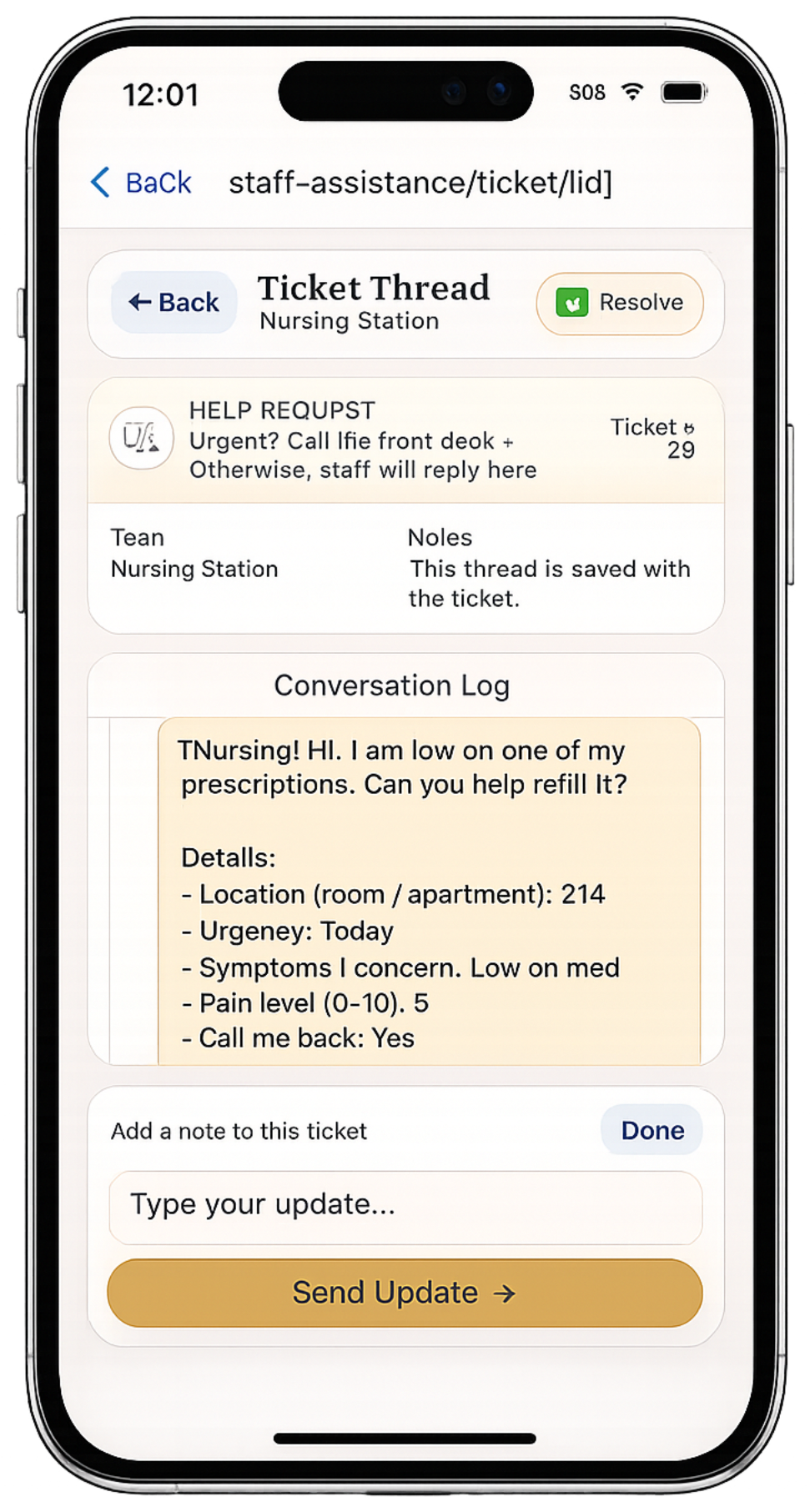
Not every operational request belongs to maintenance. ChimeBuddy’s ticketing workflow can help senior care teams organize common resident service requests by team so the front desk does not have to manually relay every item.
Room repairs, common area issues, equipment, and facility needs.
Cleaning requests, room support, and routine service follow-up.
General help, visitor follow-up, information requests, and routing.
Ride questions, shuttle coordination, and related support needs.
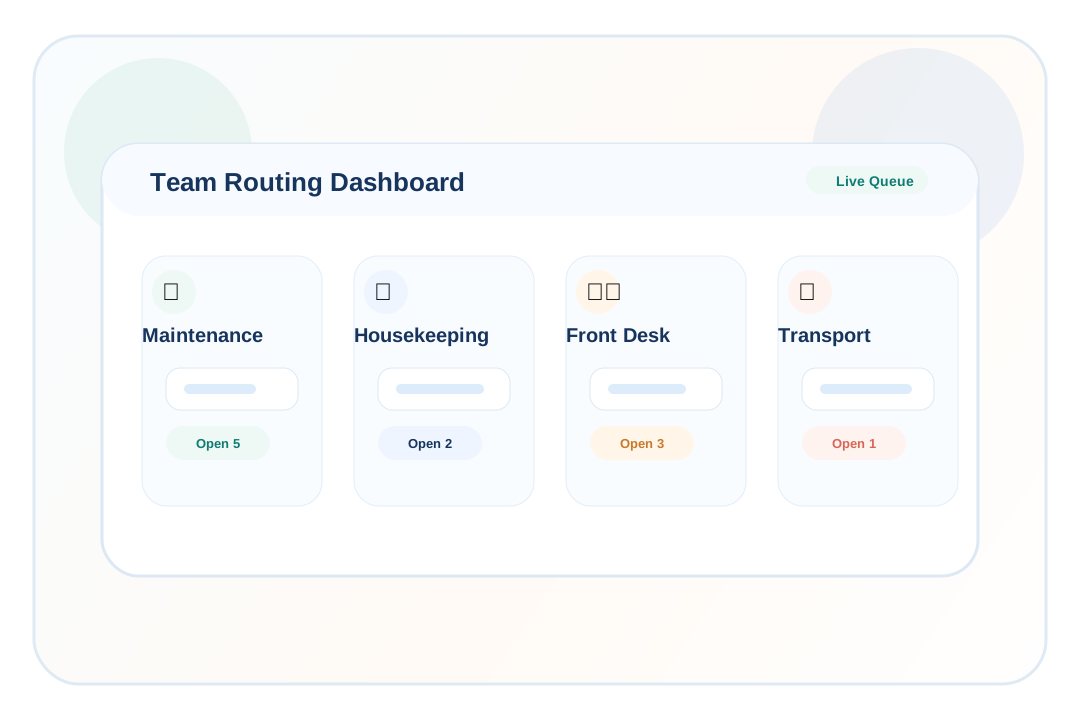
When request intake, routing, and status tracking are organized, communities get a clearer view of daily operational work.
Collect resident, room, issue, and notes in one workflow instead of across separate conversations.
Help staff understand who owns the request and what still needs follow-up.
Give teams a clearer view of open requests, routed items, and completed work.
Give residents a clearer way to ask for help and know their request entered a real process.
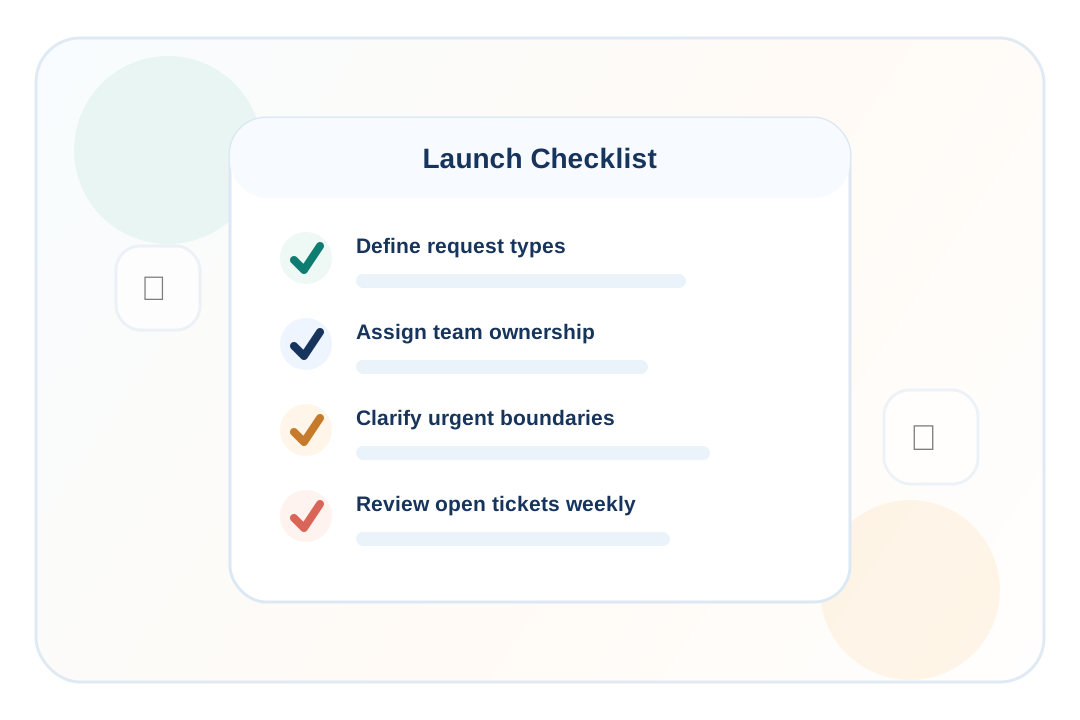
A simple launch plan can make the workflow easier for residents and staff to adopt.
Start with common issues like room repairs, lights, plumbing, thermostat concerns, and common areas.
Decide which requests go to maintenance, housekeeping, front desk, transportation, or another team.
Clarify which issues belong in emergency, clinical, or life-safety workflows instead of routine tickets.
Make open-ticket review part of the team rhythm so requests are resolved and closed consistently.
Senior care facilities can automate maintenance requests by replacing paper notes and manual relays with a digital intake form, structured ticket fields, team routing, staff notifications, status updates, and resolution tracking.
The best starting points are request intake, resident or room details, request category, priority, routing to the correct team, open request visibility, and a clear resolved status when the work is complete.
Yes. ChimeBuddy can give residents a simple way to submit help or maintenance requests from the resident app, helping staff collect the details in one place instead of relying only on phone calls or hallway conversations.
Yes. ChimeBuddy supports team-based ticket workflows, so communities can route operational requests to teams such as maintenance, housekeeping, front desk, transportation, dining, or other internal staff groups.
No. ChimeBuddy is designed for operational communication and non-emergency request workflows. It should not replace emergency response systems, nurse call systems, 911, urgent clinical workflows, or required life-safety procedures.
Automated tracking helps staff see what is open, what has been routed, what needs follow-up, and what has already been resolved, reducing repeated calls, duplicated work, and unclear handoffs.
No. Maintenance is a strong use case, but the same ChimeBuddy ticketing workflow can support front desk questions, housekeeping requests, transportation follow-up, dining issues, visitor check-in follow-up, and other daily operations.
Request a demo to see how ChimeBuddy can support maintenance requests, front desk workflows, visitor check-in, resident communication, reservations, Buddy, and more in one connected platform.
Request a Demo