
Routine call volume
Families often call for simple updates that could be shared more efficiently through a dedicated portal.
ChimeBuddy gives families a secure, welcoming place to stay informed. Communities can share updates, documents, visit planning tools, requests, and selected resident-related visibility without creating more front desk calls.
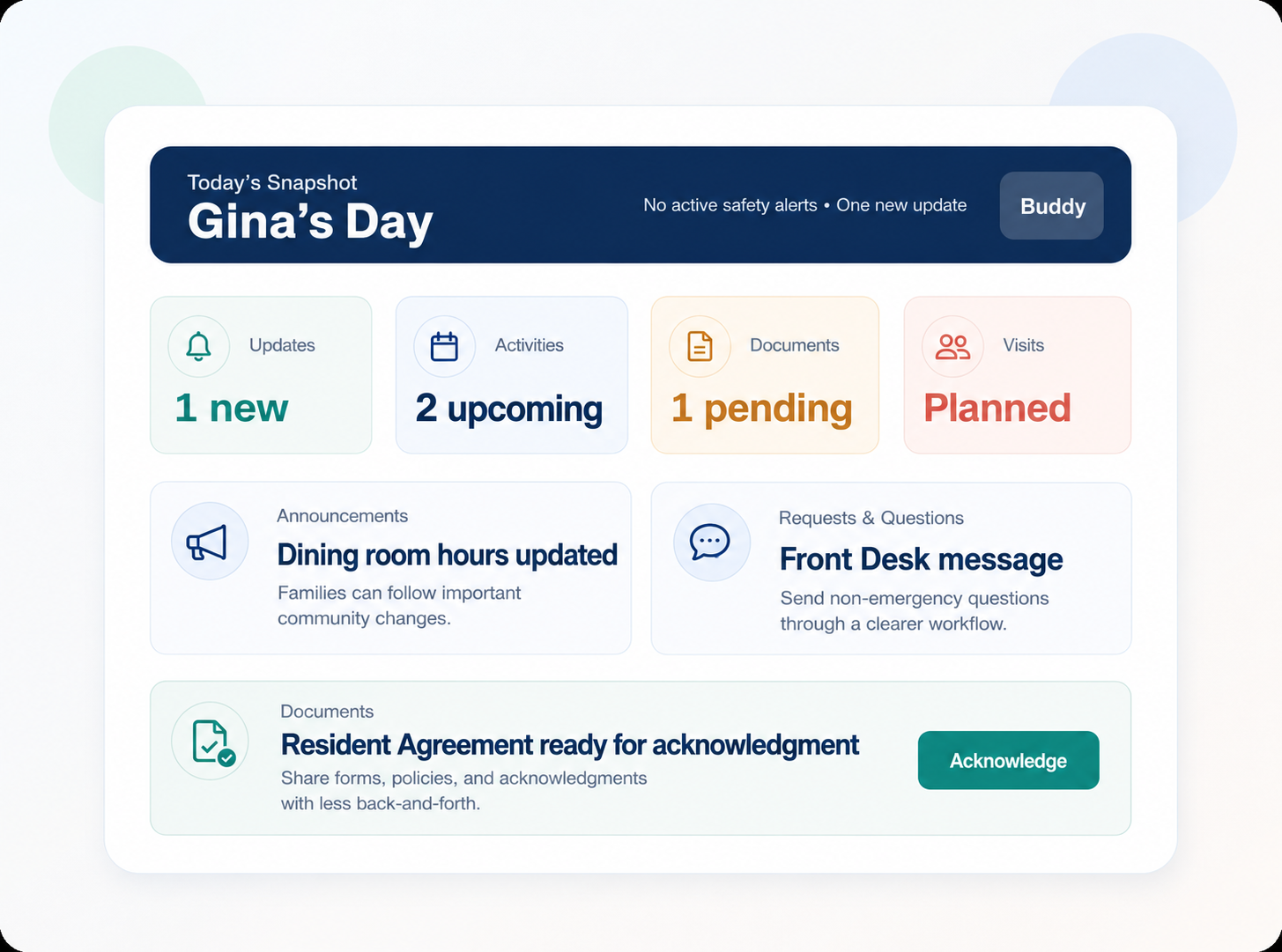
In many communities, families depend on phone calls and scattered updates. ChimeBuddy helps communities create a more consistent family experience while keeping staff communication more organized and easier to manage.
Families often call for simple updates that could be shared more efficiently through a dedicated portal.
Facilities need an easier way to share documents and collect acknowledgments without long email chains.
Visit planning, guest suites, dining, and amenities are easier when families have one place to start.
Announcements, requests, and planning tools work better when they live inside the same family-facing experience.
ChimeBuddy helps facilities present updates, requests, documents, and visit-related planning in a more unified way.
Families can stay informed about daily changes and important notices.
Send non-emergency questions through a simple request workflow.
Share documents, collect typed-name acknowledgments, and track completion more easily.
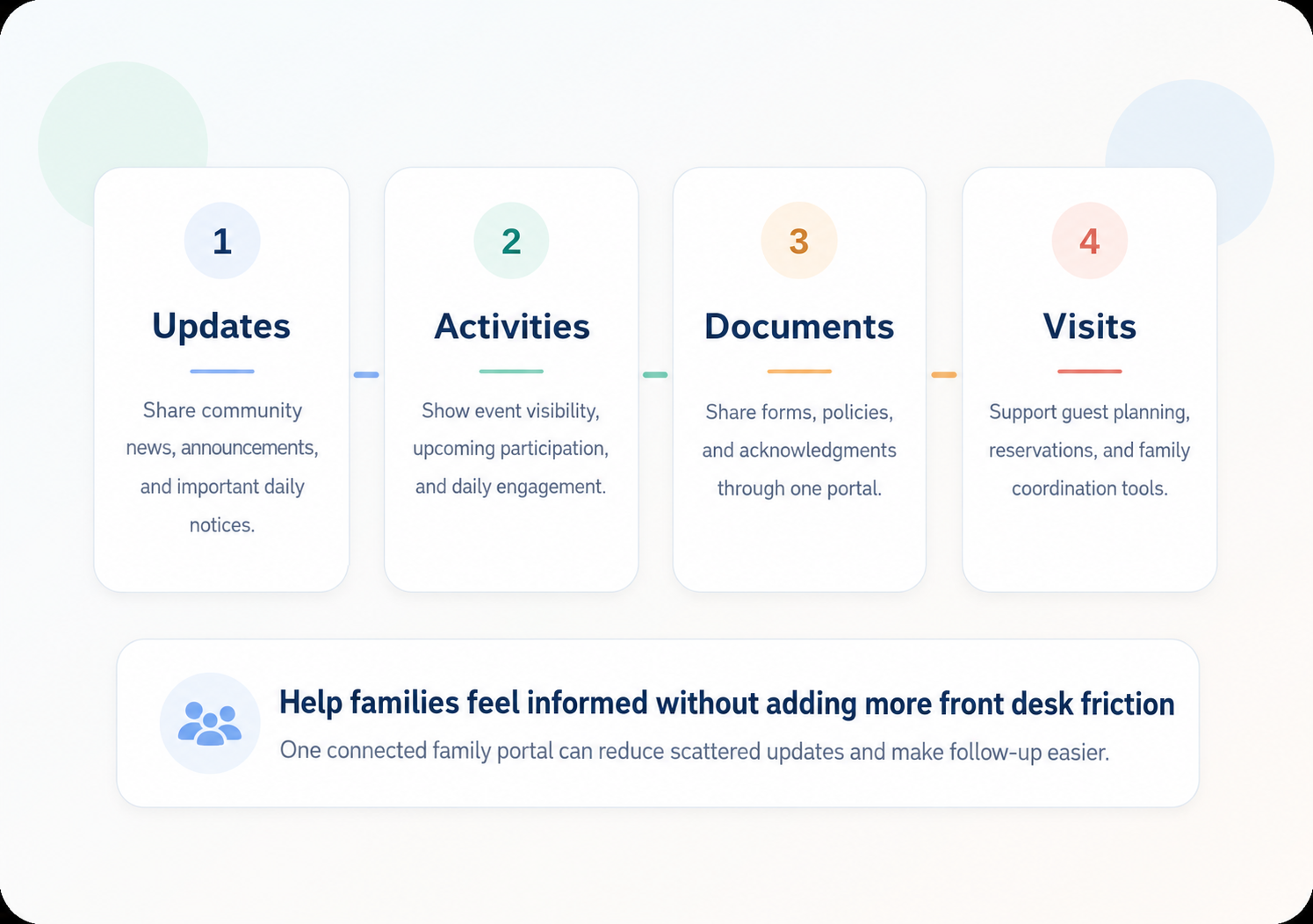
Use a mix of resident-friendly tools and selected family visibility to create a more reassuring family experience.
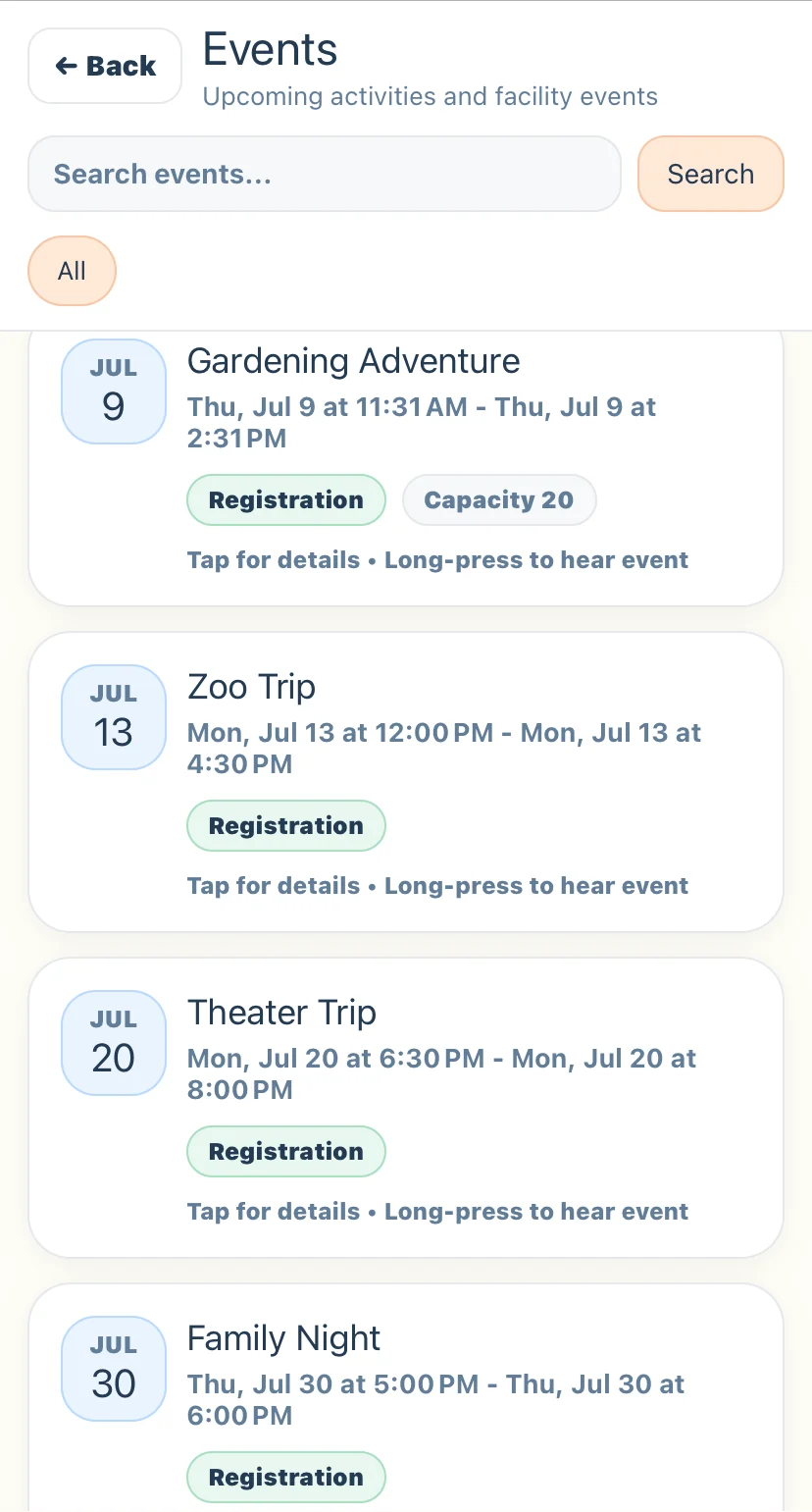
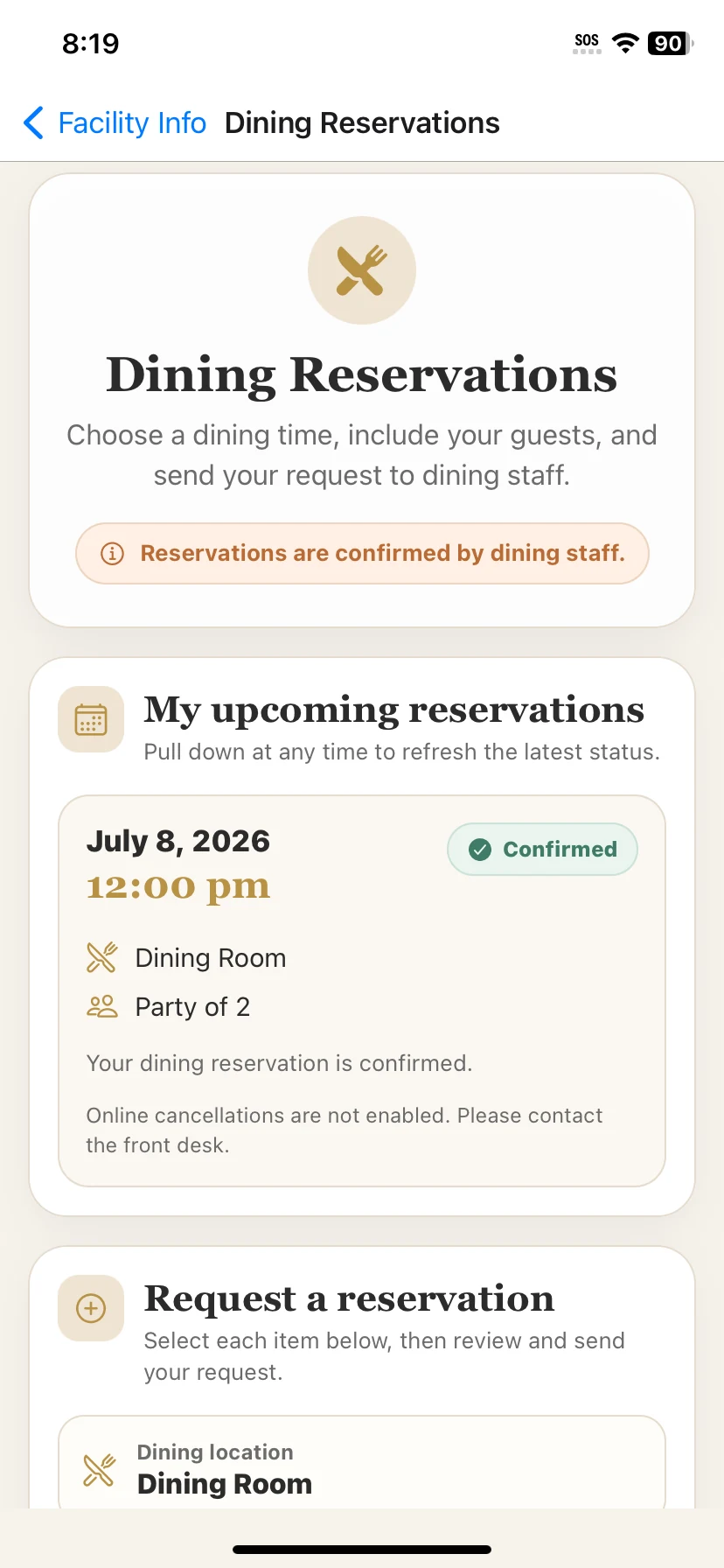
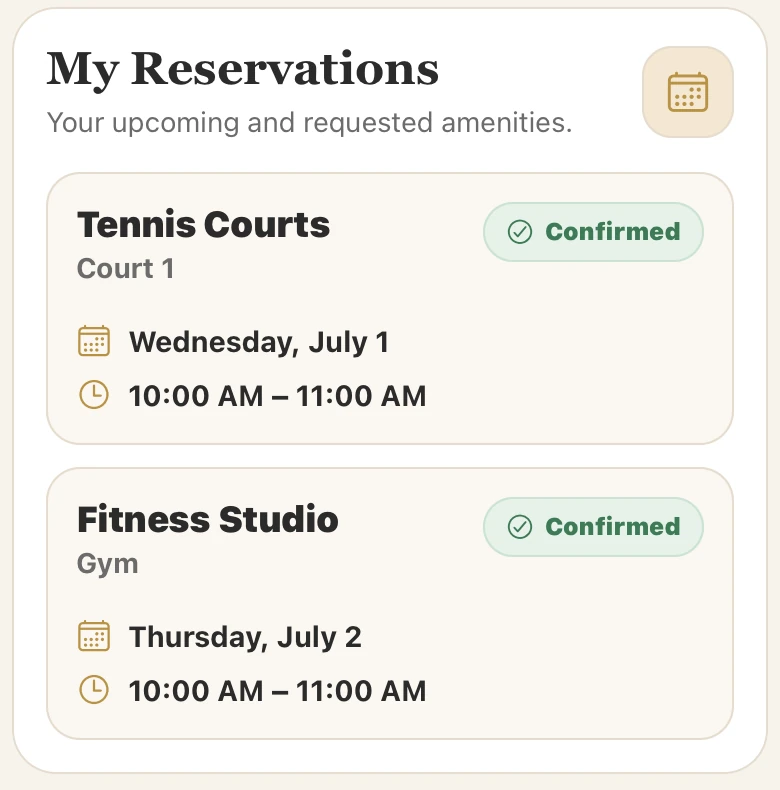
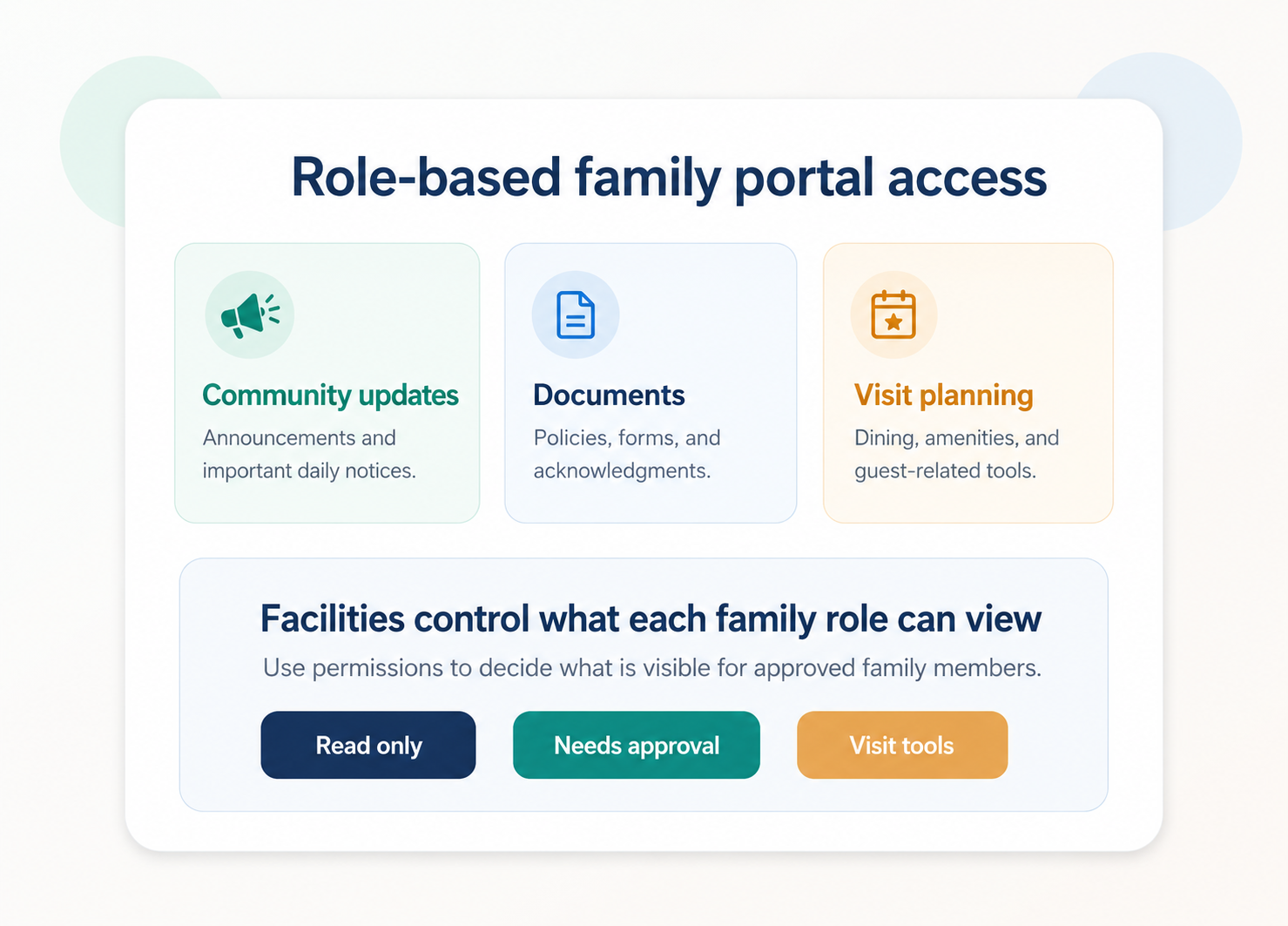
ChimeBuddy is designed so communities can control family visibility. That helps families feel informed while letting facilities manage privacy and permissions with more intention.
More reassurance, less uncertainty, and a simpler way to stay connected to community life.
Fewer routine calls, better document coordination, and more organized visit-related communication.
Role-based permissions and facility-controlled visibility help keep the portal intentional and easier to manage.
A family portal for senior living gives approved family members a secure place to view community updates, selected resident-related information, activity visibility, requests, documents, and visit planning tools.
ChimeBuddy helps families stay connected through community announcements, activity visibility, visit planning tools, requests, document acknowledgments, and a simple family dashboard experience.
Yes. ChimeBuddy is designed around role-based access and facility-controlled visibility so communities can decide what information is shared with families.
Yes. ChimeBuddy can support visit planning through tools such as guest suite or amenity reservations, dining reservations, and front desk communication.
Yes. ChimeBuddy can support digital documents and typed-name acknowledgments so facilities can share information and track completion more easily.
No. The ChimeBuddy family portal can also support independent living and other senior living communities that want better family communication.
Request a demo to see how the ChimeBuddy family portal can support updates, documents, visit planning, and a more connected family experience.
Request a Demo