
Announcements
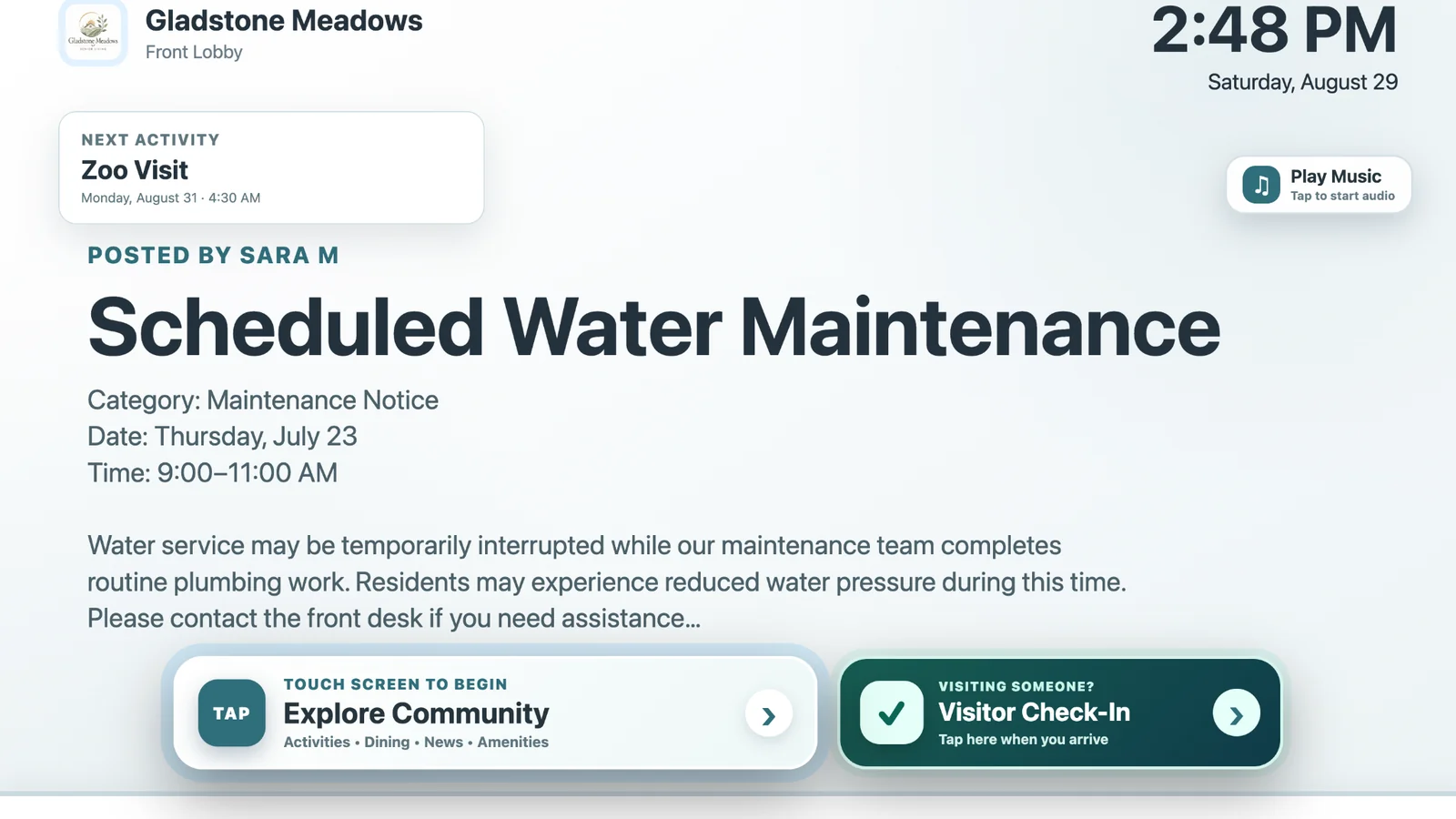
Share schedule changes, maintenance notices, wellness screenings, reminders, and other timely community updates.
ChimeBuddy is senior living digital signage software for announcements, activity schedules, upcoming events, amenity promotions, live dining menus, birthdays, and videos. Turn lobby TVs, activity-room displays, and community TV screens into an always-current extension of your resident engagement platform for assisted living and independent living communities. On compatible touchscreens, the same display can also become an interactive community kiosk for residents and visitors.
Printed calendars and bulletin boards become outdated the moment an event changes. ChimeBuddy helps life enrichment teams, front desk staff, and community leaders publish current information in a format residents can see throughout the day.
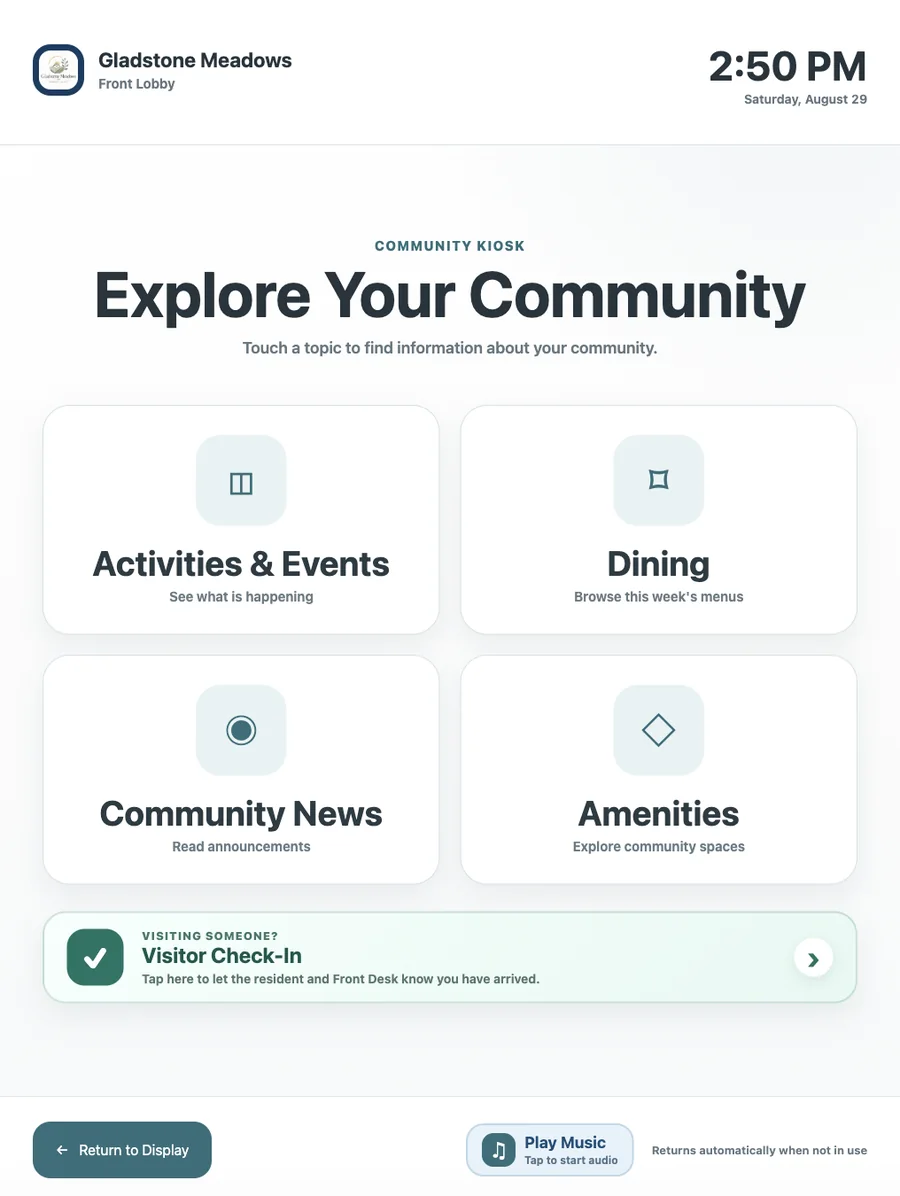
ChimeBuddy now lets a compatible touchscreen do more than display information. Residents and visitors can tap directly into a simple community kiosk to browse activities, dining menus, community news, and amenities, or start visitor check-in. When the interaction is over, the screen can automatically return to the normal digital signage rotation.
The touchscreen interface keeps information large, focused, and easy to navigate while staying visually connected to the community's normal signage.
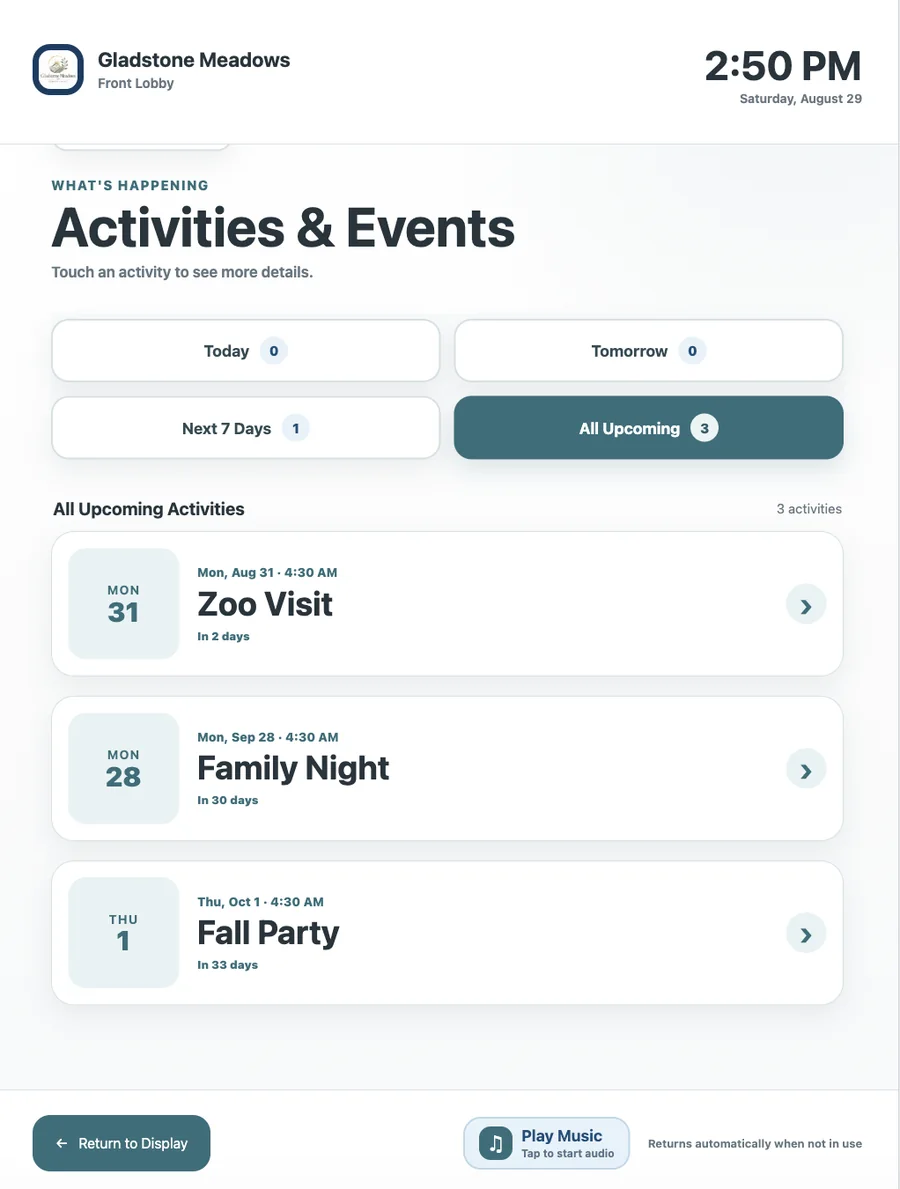
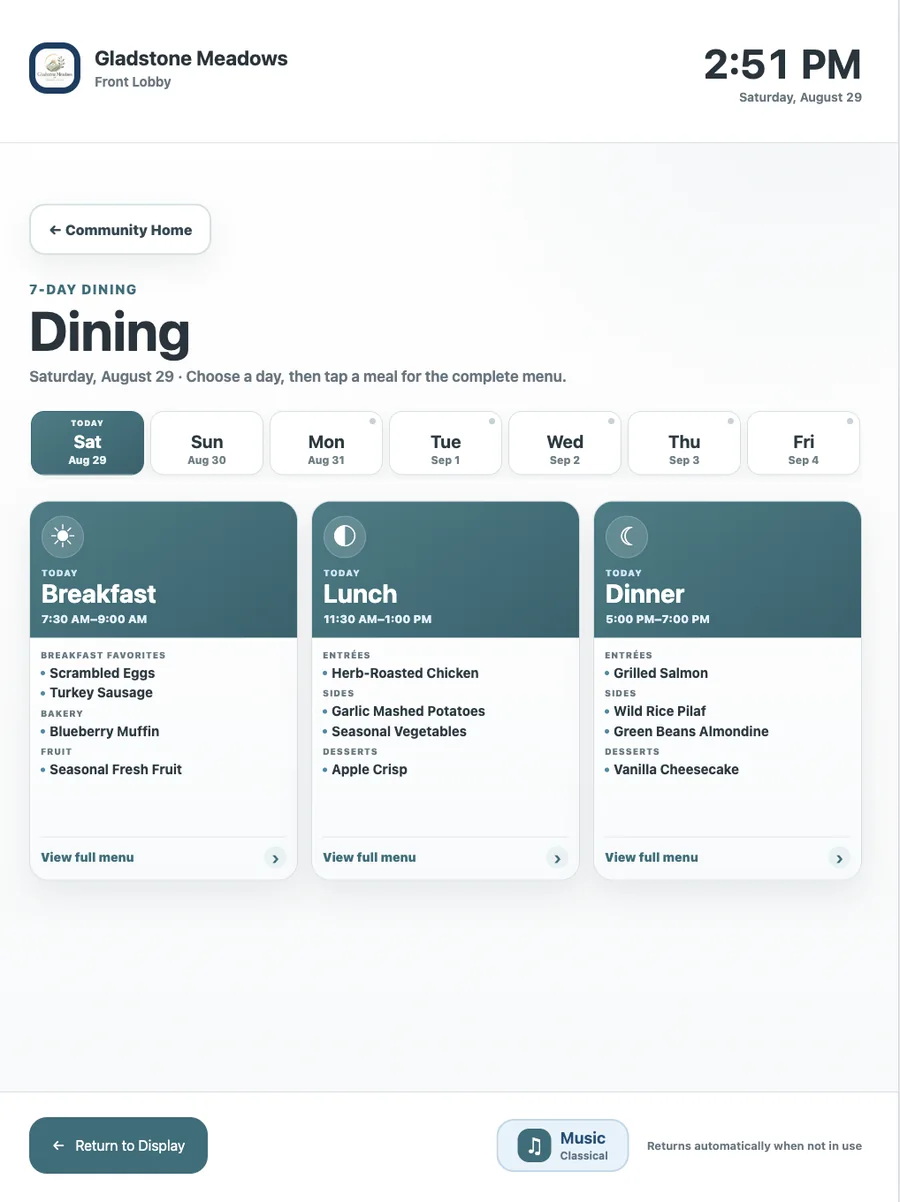
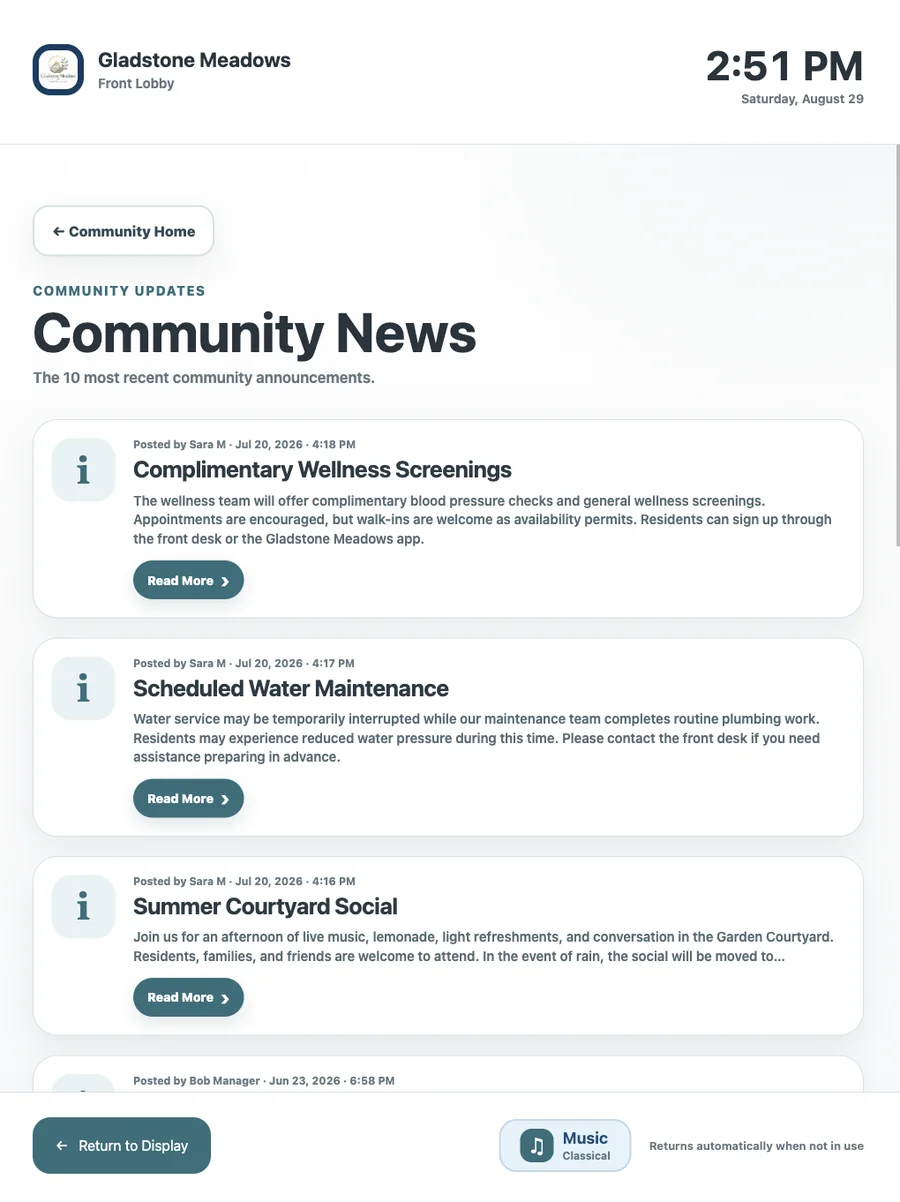
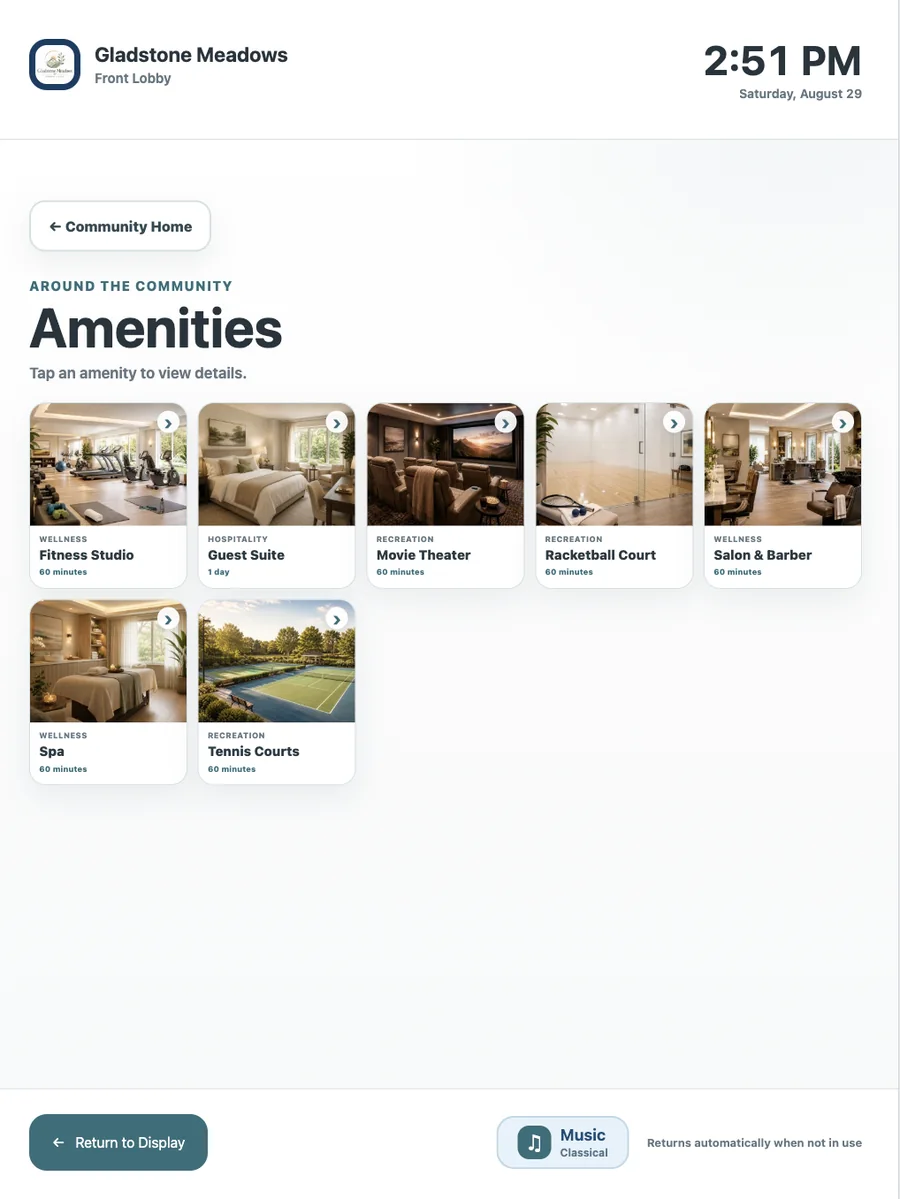
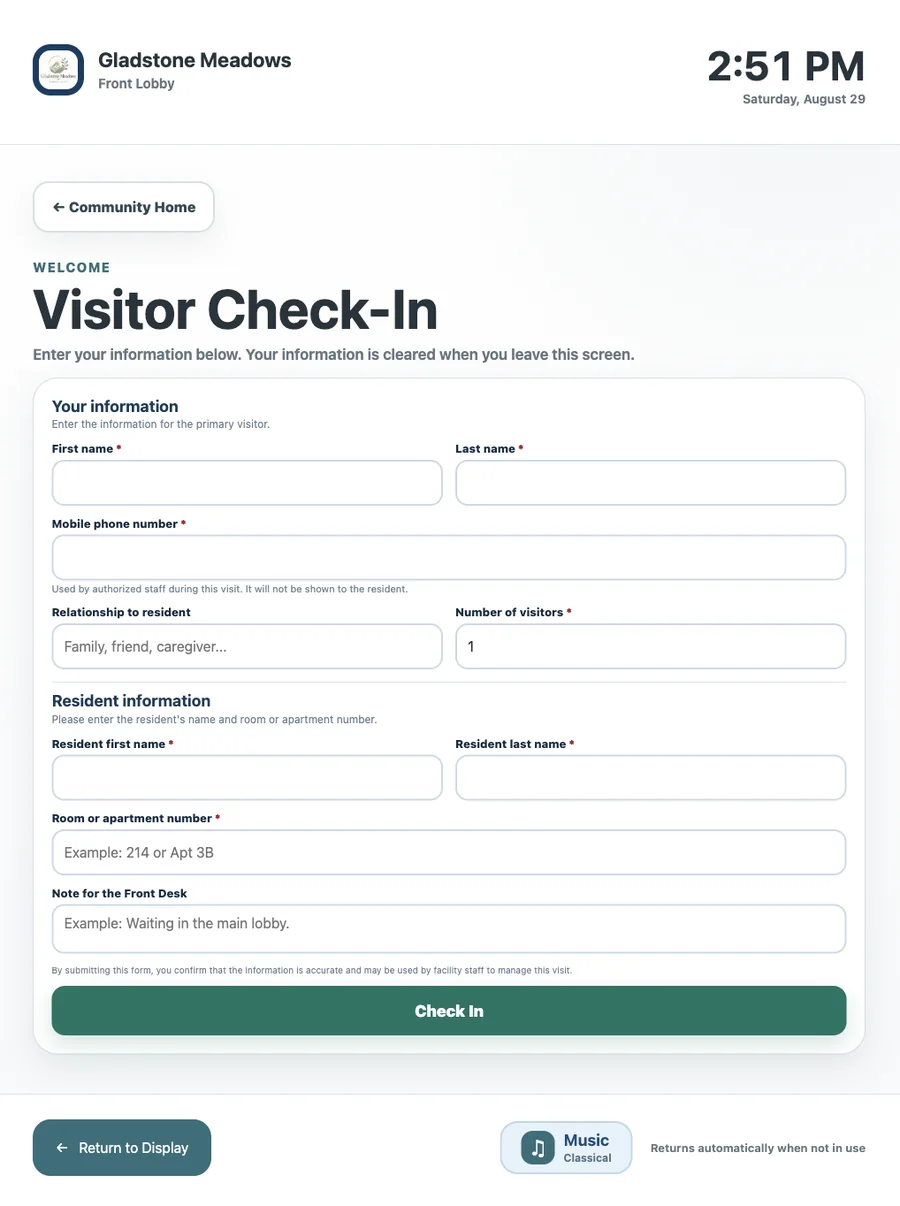
On compatible touchscreens, Buddy can answer common questions about dining, events, amenities, and community information without sending every resident to the front desk. Residents can tap a suggested prompt or type their own question, and Buddy responds in a large, readable full-screen experience that still feels connected to the signage and kiosk interface.
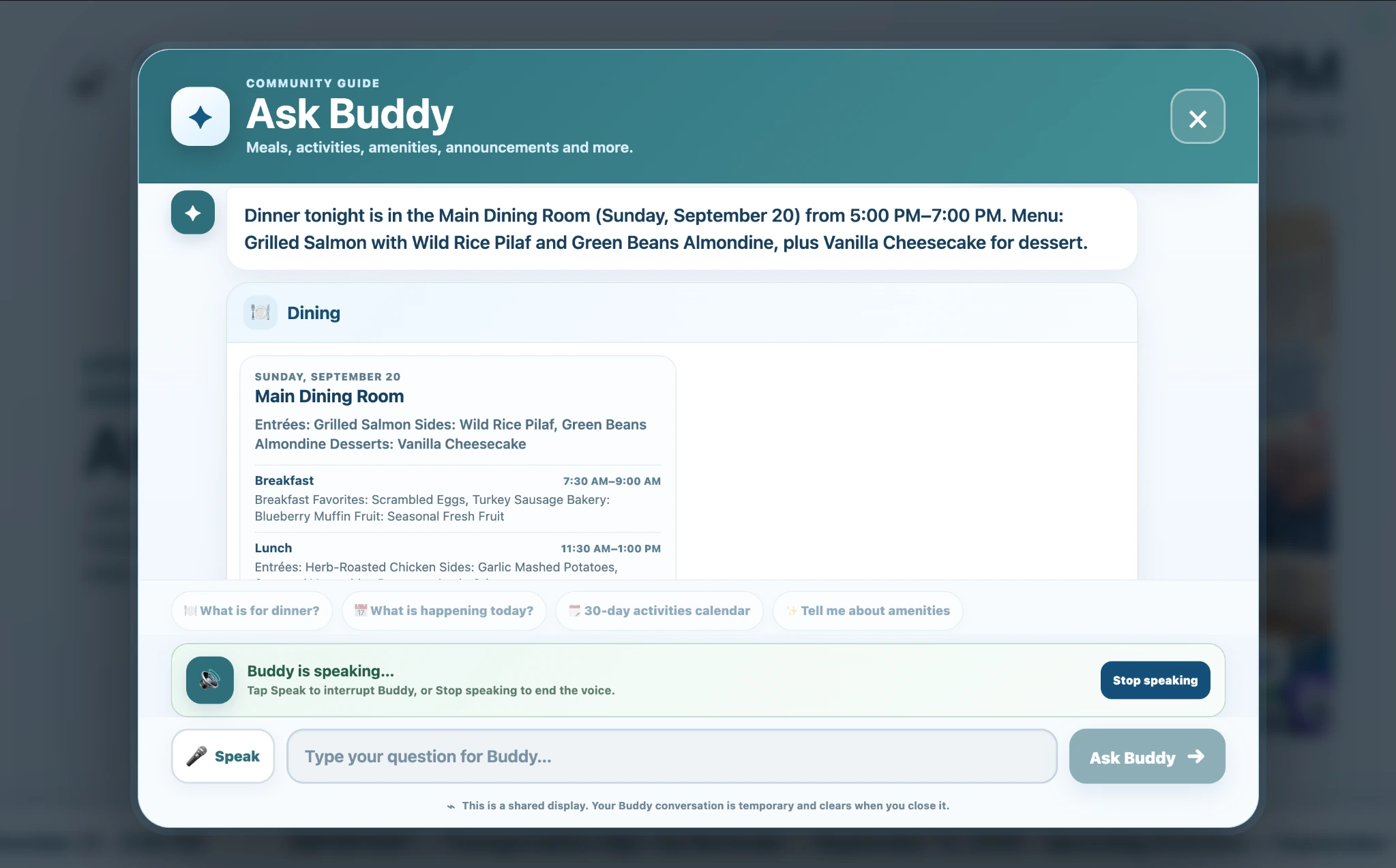
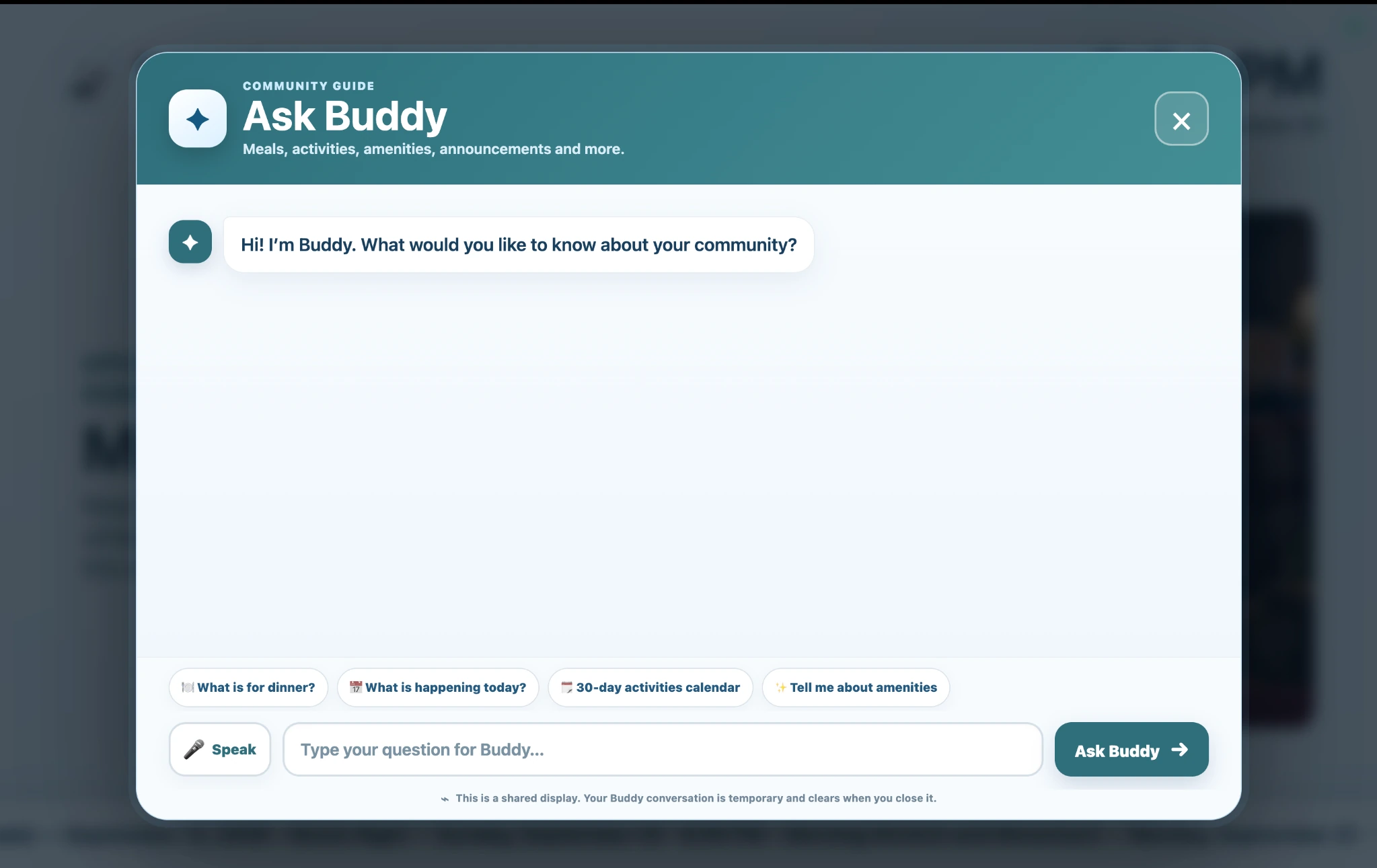
ChimeBuddy combines live information with professional visual content so the screen remains useful, welcoming, and engaging instead of becoming another static notice board.
Share schedule changes, maintenance notices, wellness screenings, reminders, and other timely community updates.
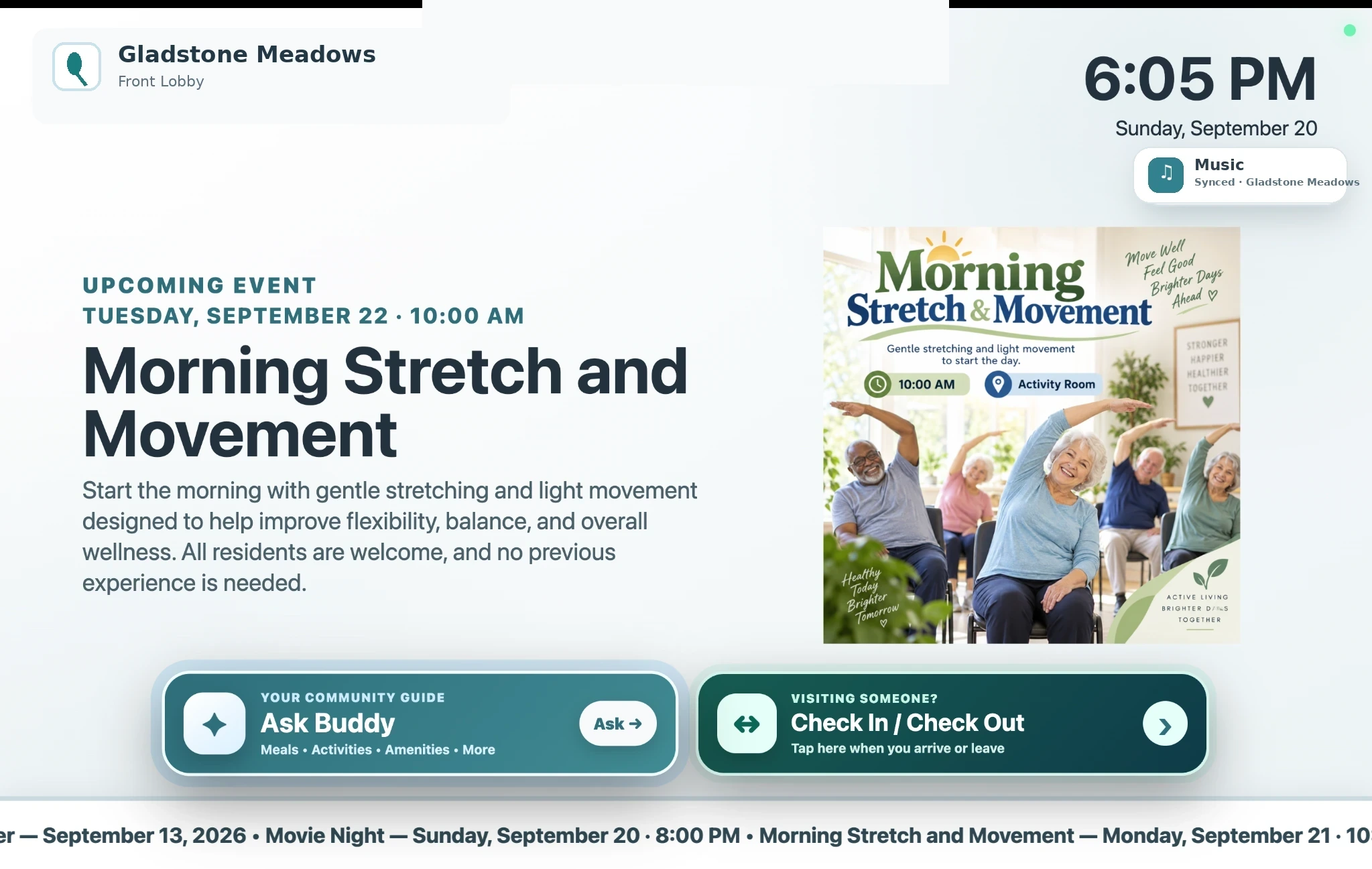
Promote what is happening next with large event titles, dates, times, and a persistent next-activity preview.
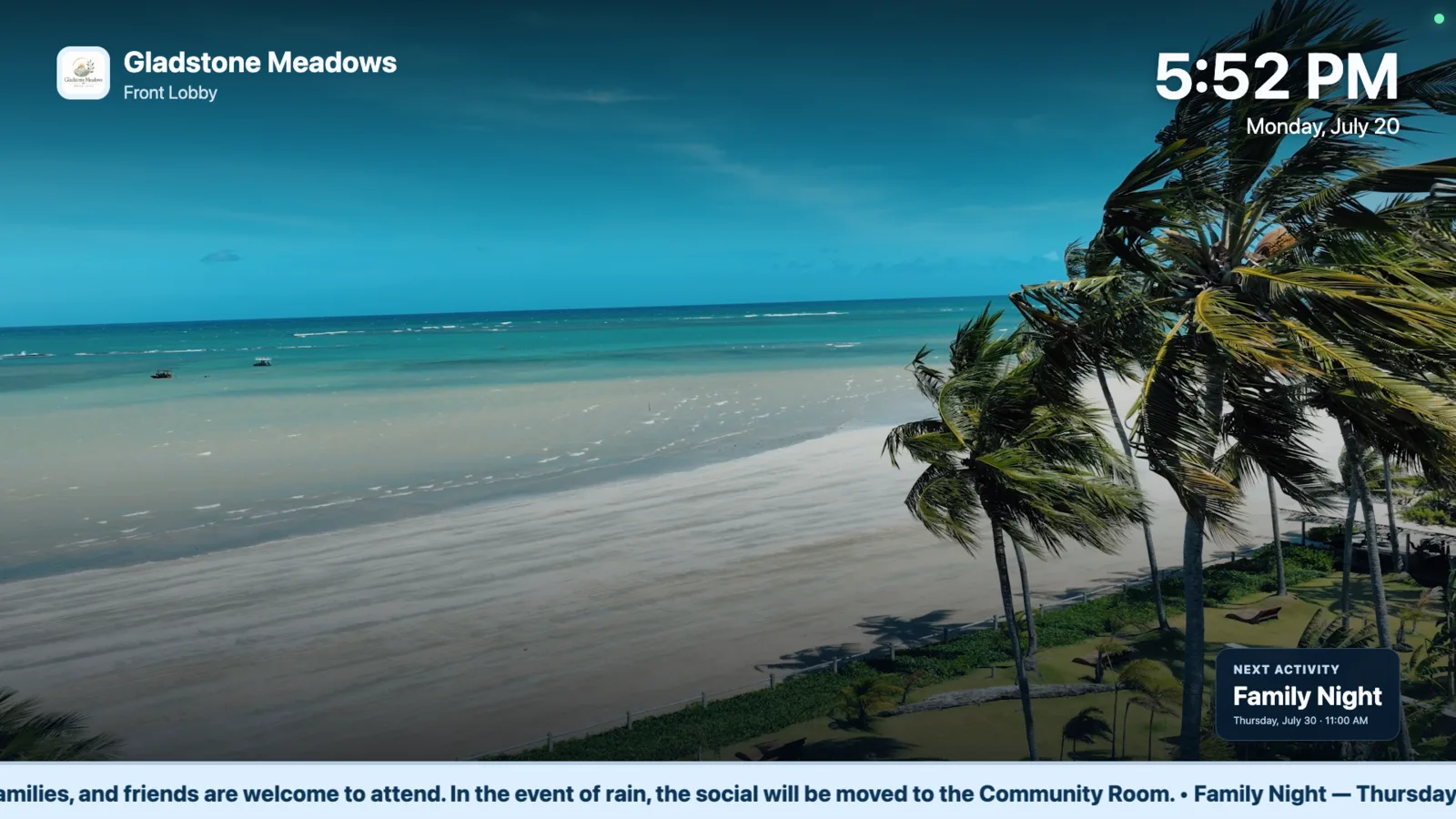
Add scenic locations, gardens, national parks, relaxing visuals, or other filler content between operational slides.
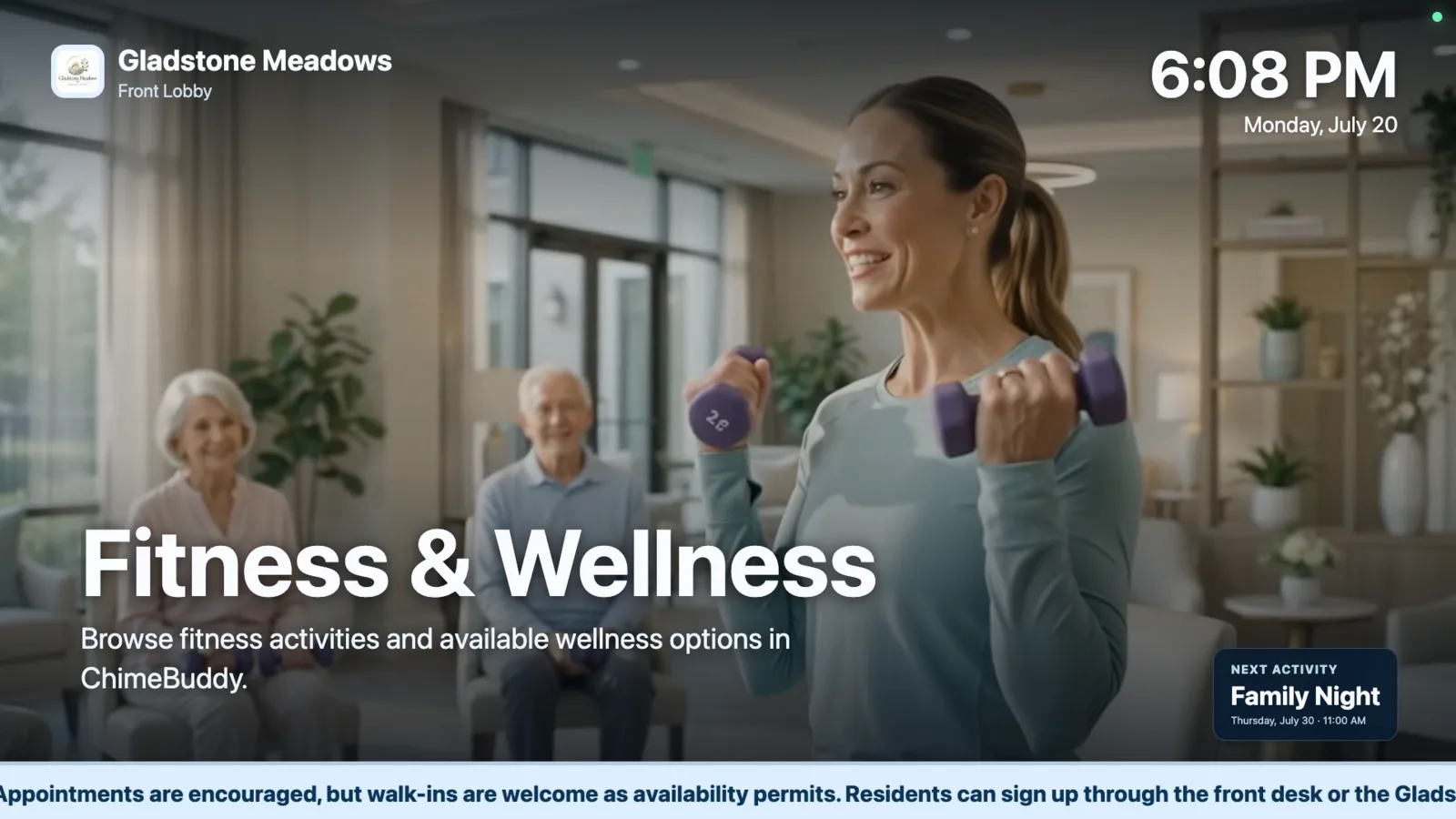
Show salon, fitness, golf, tennis, transportation, guest suite, and other bookable service promotions.
Display structured breakfast, lunch, and dinner menus with service times and venue-specific playlist slides.
Celebrate residents and help reinforce belonging with birthday and community-recognition slides.
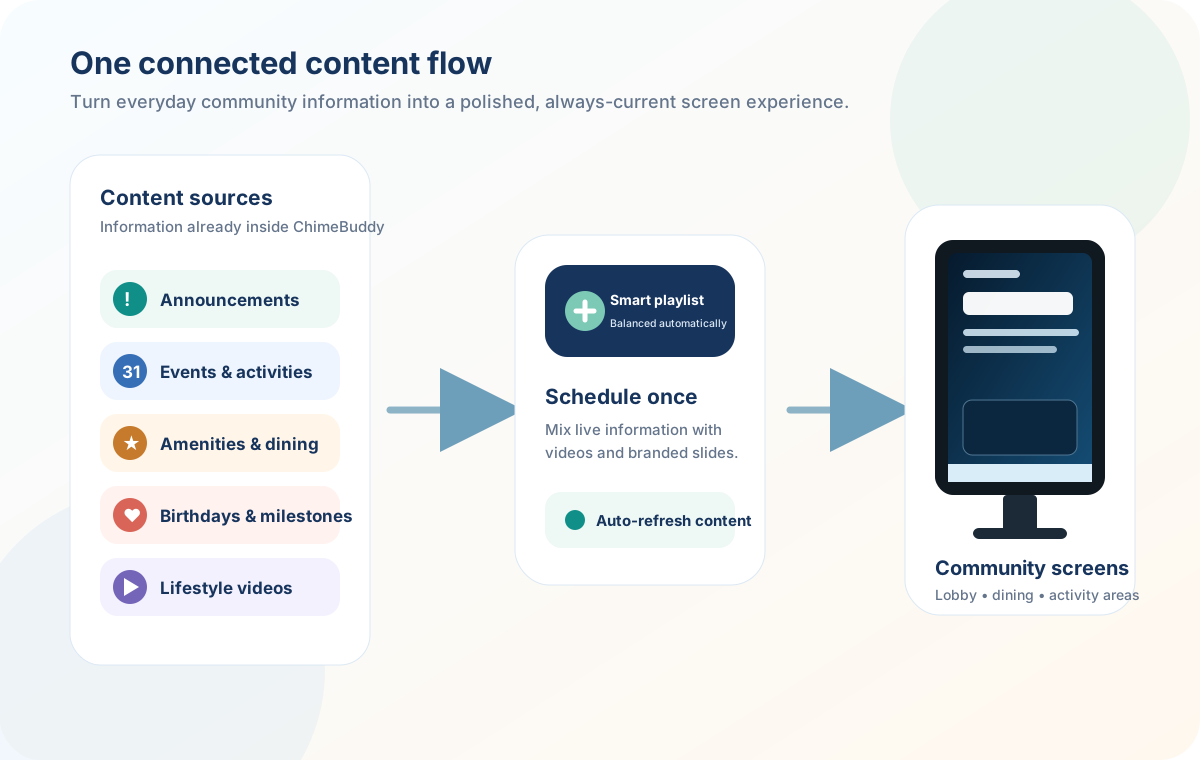
Generic digital signage tools often create another content system for staff to maintain. ChimeBuddy is designed to bring together information already used across resident communication and community operations, then make that same information available through the interactive kiosk when residents want to explore it themselves.
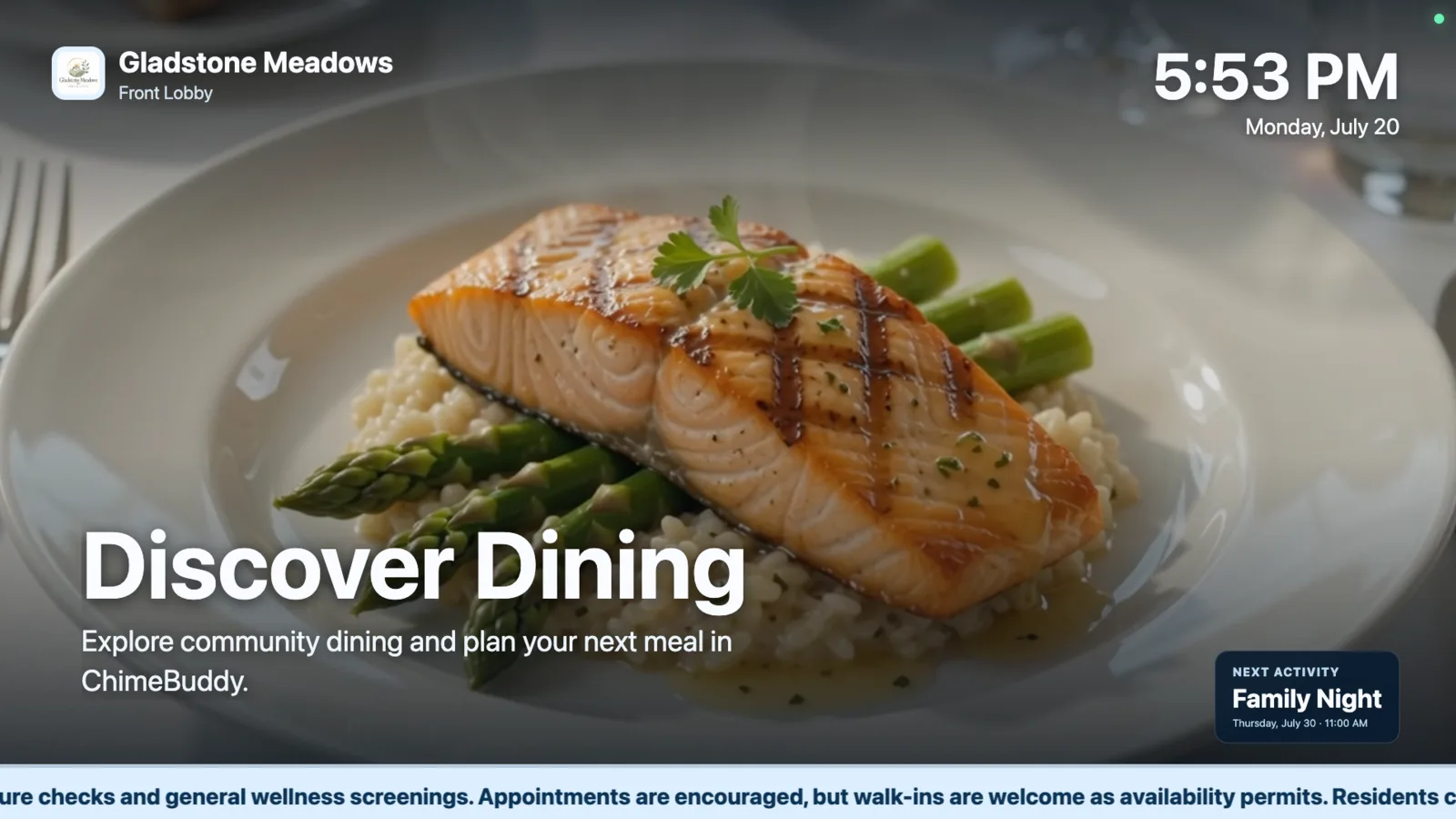
ChimeBuddy can turn published dining-menu data into a television-ready slide with the meal period, service time, venue, and menu items. Communities with multiple dining rooms can add one playlist slide for each location.
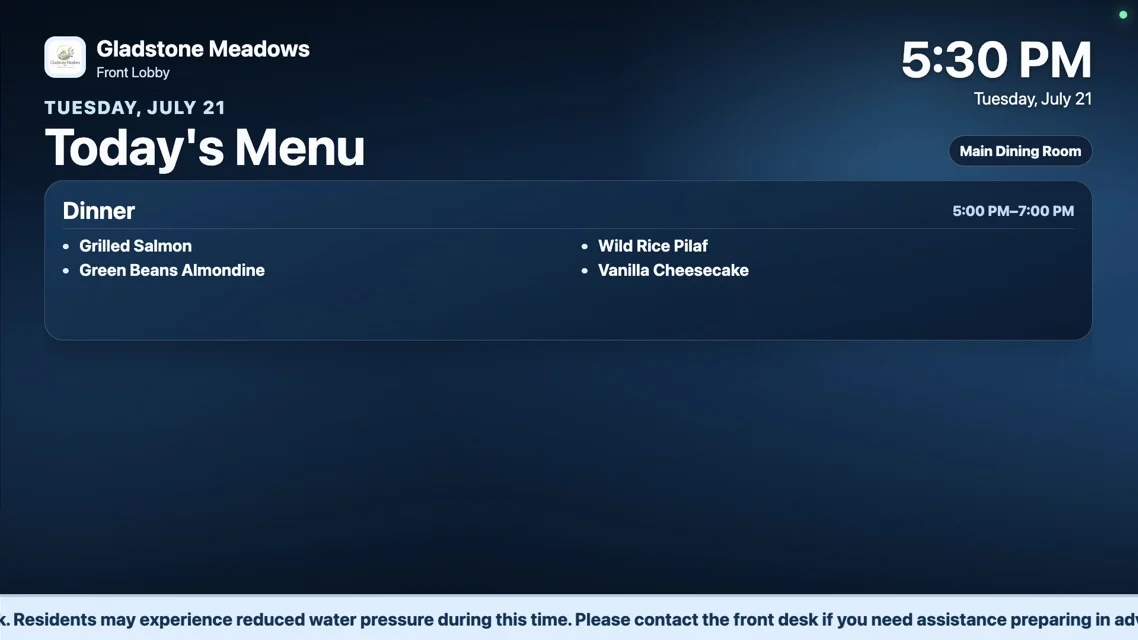
Shared displays need to keep working after staff walk away. ChimeBuddy includes responsive slide layouts, preserved announcement formatting, adjustable ticker speed, a playback watchdog that helps the player recover from stalled content, and automatic return from kiosk interactions back to the display experience.
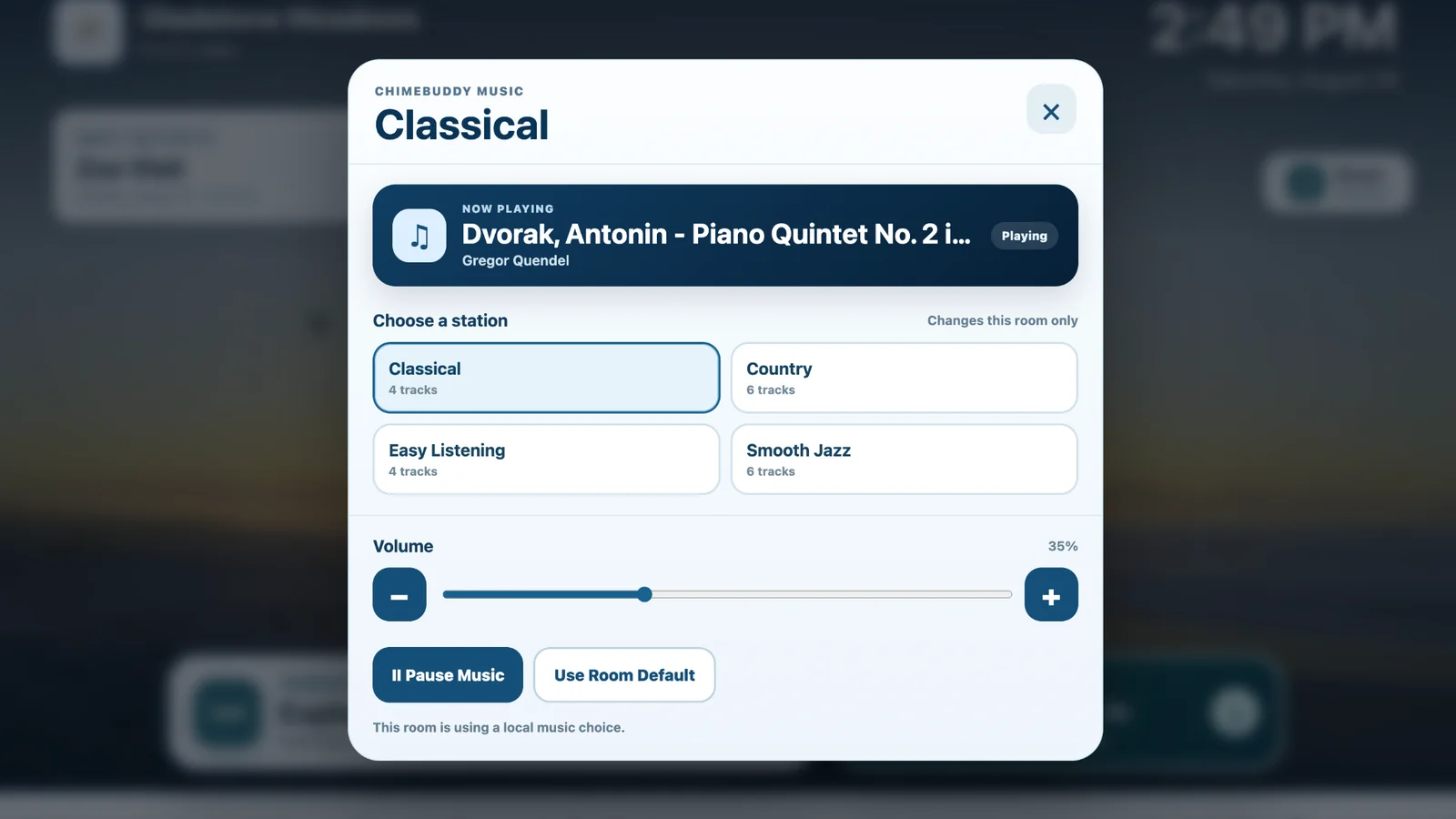
Each slide keeps the community identity familiar while giving the main content enough room to communicate clearly.
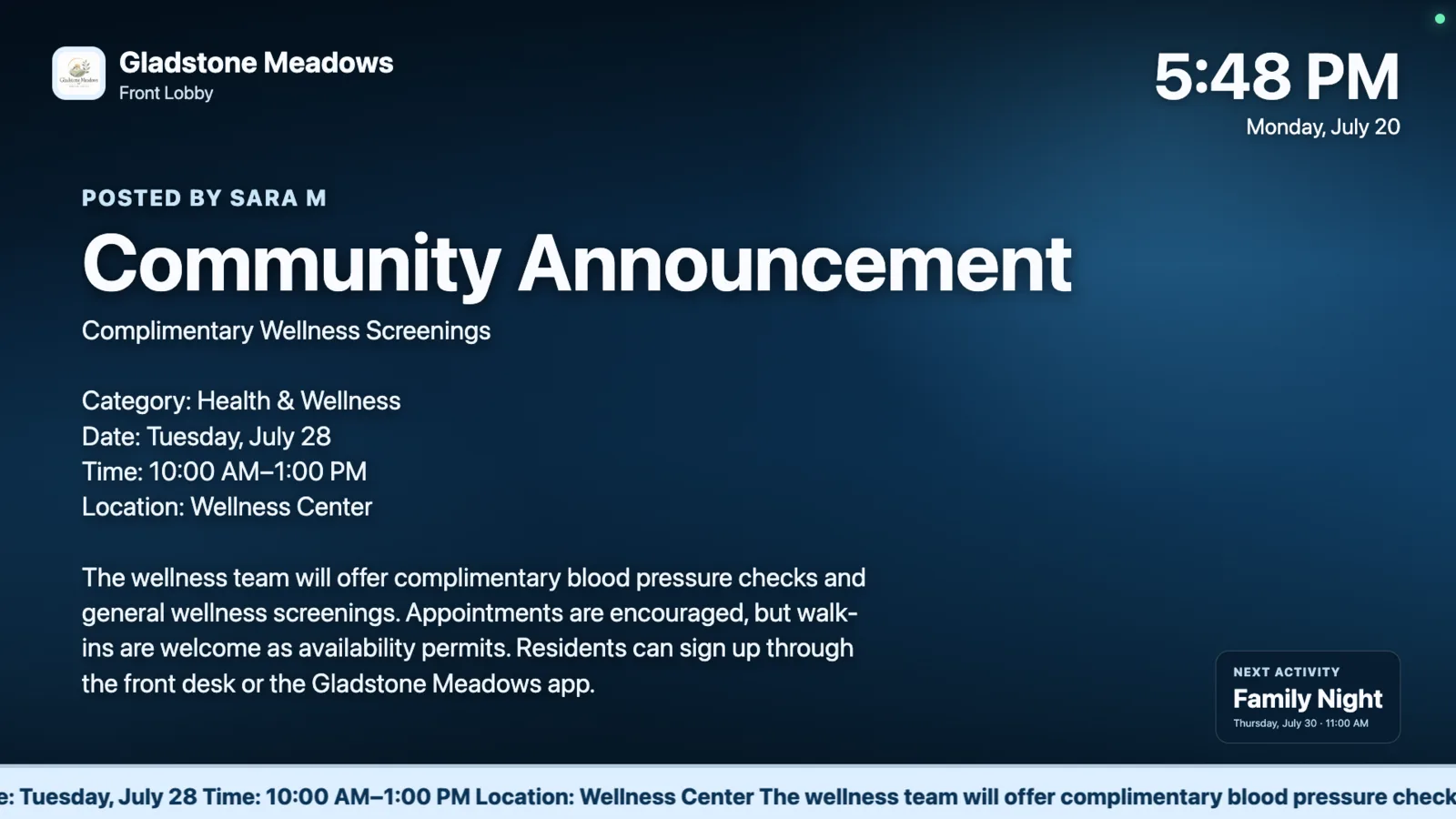
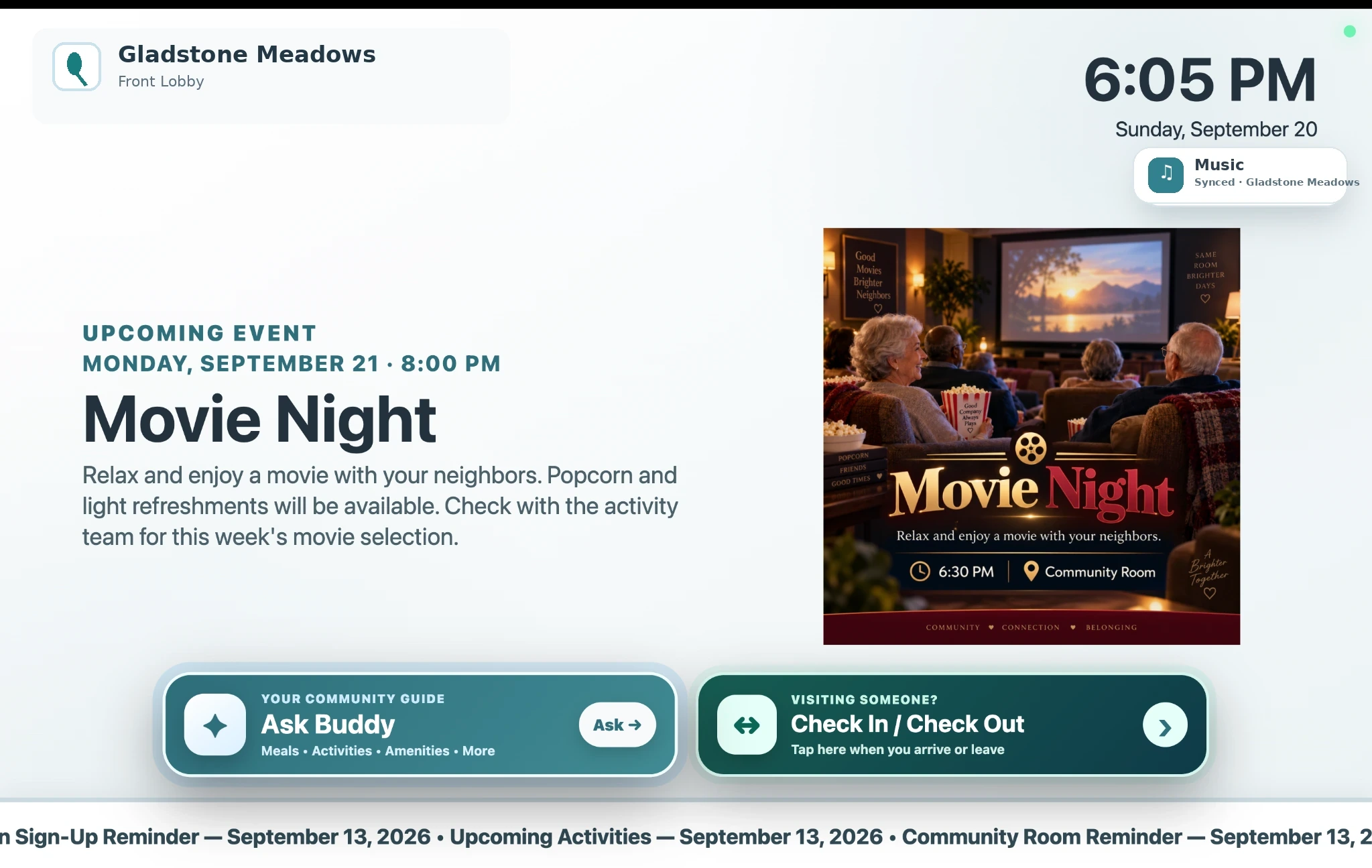
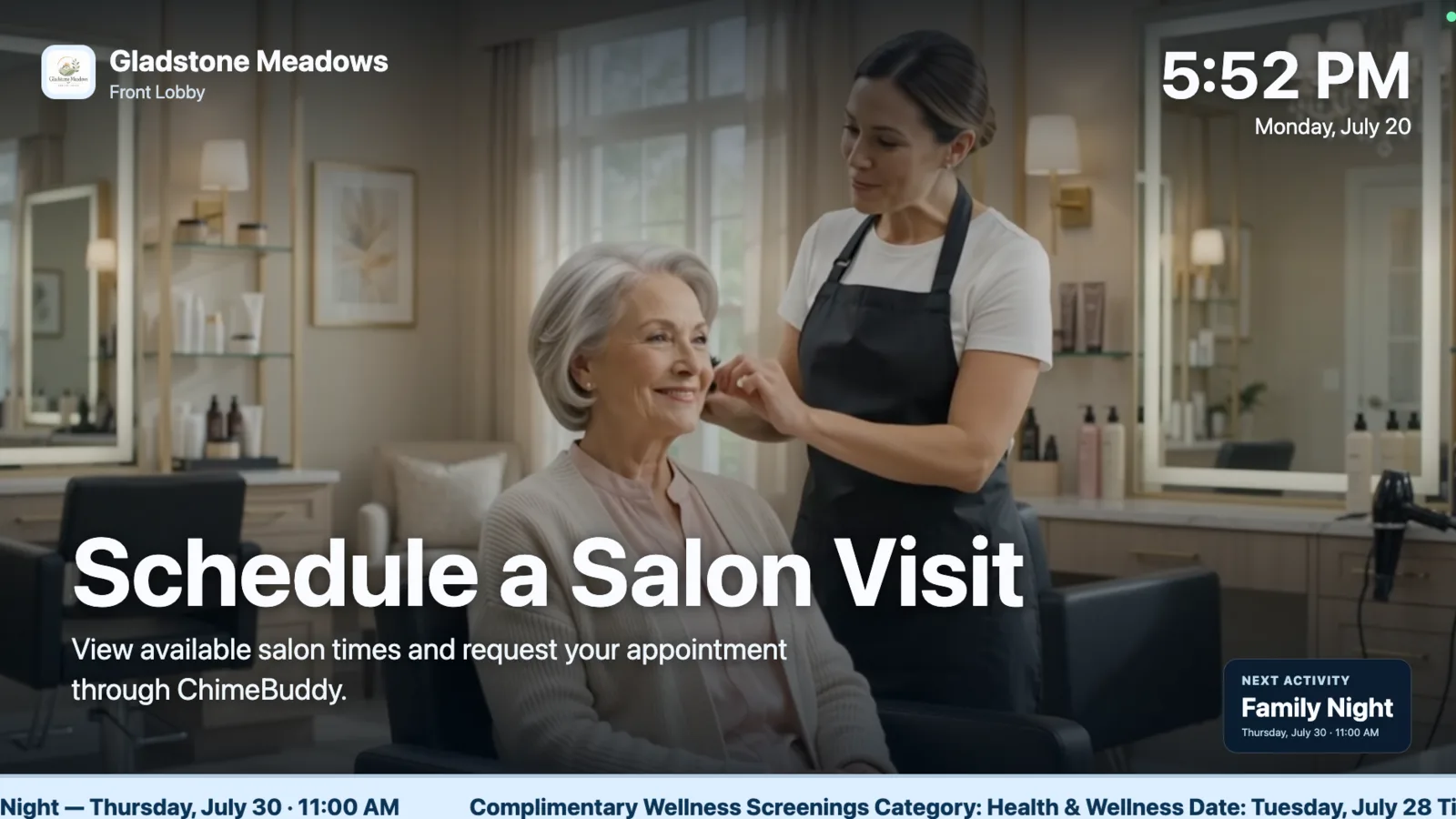
Digital signage is more useful when it reinforces the same events, amenities, dining options, and announcements residents can find in ChimeBuddy. Interactive kiosk mode extends that connection by letting residents browse the same community information directly from a shared touchscreen. The result is a coordinated communication system instead of isolated screens.
Common questions about using ChimeBuddy for lobby TVs, activity displays, community announcements, and resident-facing digital screens.
Senior living digital signage software turns lobby televisions and shared displays into community information screens. It can show activity schedules, announcements, live dining menus, amenity promotions, birthdays, videos, reminders, and other resident-facing content.
ChimeBuddy can display community announcements, upcoming events, activity information, venue-specific dining menus, amenity and dining promotions, birthday content, branded text slides, lifestyle videos, and a scrolling ticker of timely updates.
Yes. On a compatible touchscreen display, ChimeBuddy can add an interactive kiosk mode to the digital signage experience. Residents and visitors can tap the screen to explore community information, then the display can return to the normal signage rotation when the kiosk is no longer in use.
The kiosk can provide touchscreen access to activities and events, dining menus, community news, amenities, visitor check-in, and room-level music controls while keeping the same community branding and familiar display experience.
Yes. The kiosk experience is designed to return to the digital signage player after a period of inactivity so the screen can continue serving as an always-on community display between interactions.
Yes. The player is designed to reuse connected ChimeBuddy content such as announcements, events, activities, amenities, and birthdays so staff do not have to rebuild the same information for every communication channel.
Yes. Staff can build playlists that combine live community information with branded text slides and video content, creating a balanced rotation instead of a static bulletin board.
The player uses responsive layouts that adapt to different display sizes and text amounts. Announcement formatting is preserved while text and content areas resize to stay within the screen.
ChimeBuddy includes a playback watchdog and automatic recovery logic designed to restart or advance the player if content stalls, helping shared displays continue running with less staff intervention.
No. ChimeBuddy Digital Signage can support independent living, assisted living, continuing care retirement communities, senior apartments, and other senior living settings that need clearer community communication.
Explore senior living digital signage, interactive kiosk mode, visitor check-in, announcements, events, dining menus, amenities, music, branded playlists, responsive layouts, ticker controls, and automatic playback recovery in a personalized demonstration.