
Resident App
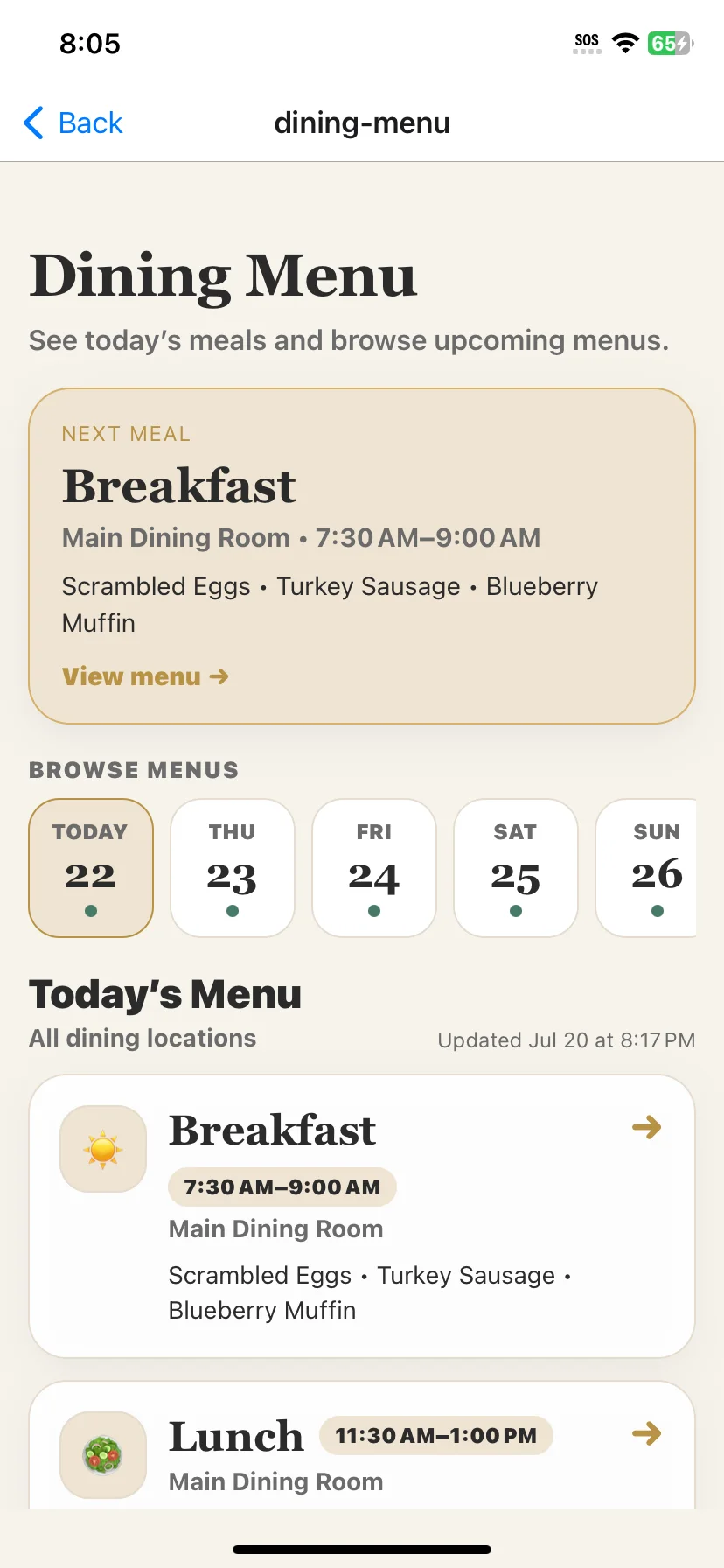
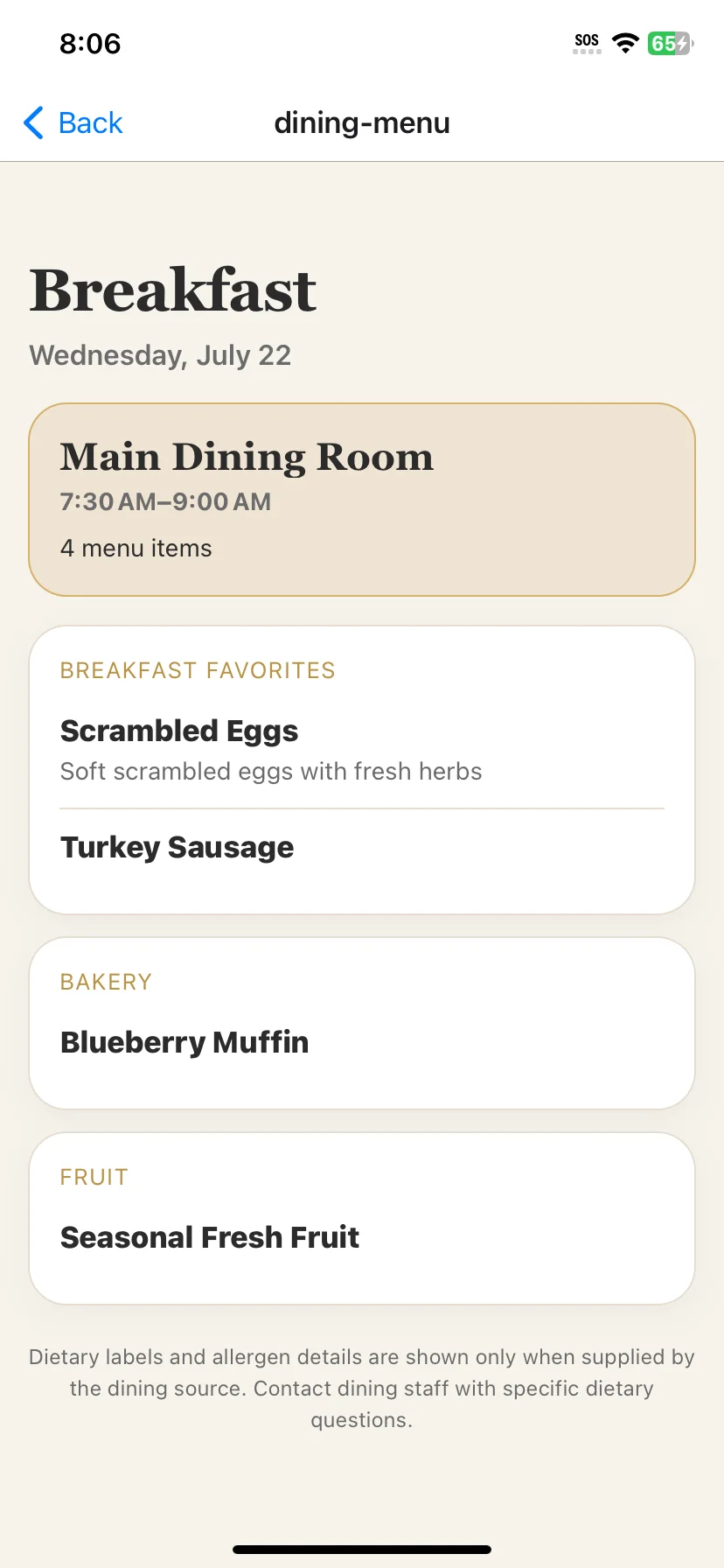
Residents can browse today, upcoming dates, meal details, service times, and dining venues in a senior-friendly interface.
Publish structured breakfast, lunch, and dinner menus across the resident app, staff dashboard, and digital signage—without making residents hunt through paper sheets, website shells, or difficult-to-read PDFs.
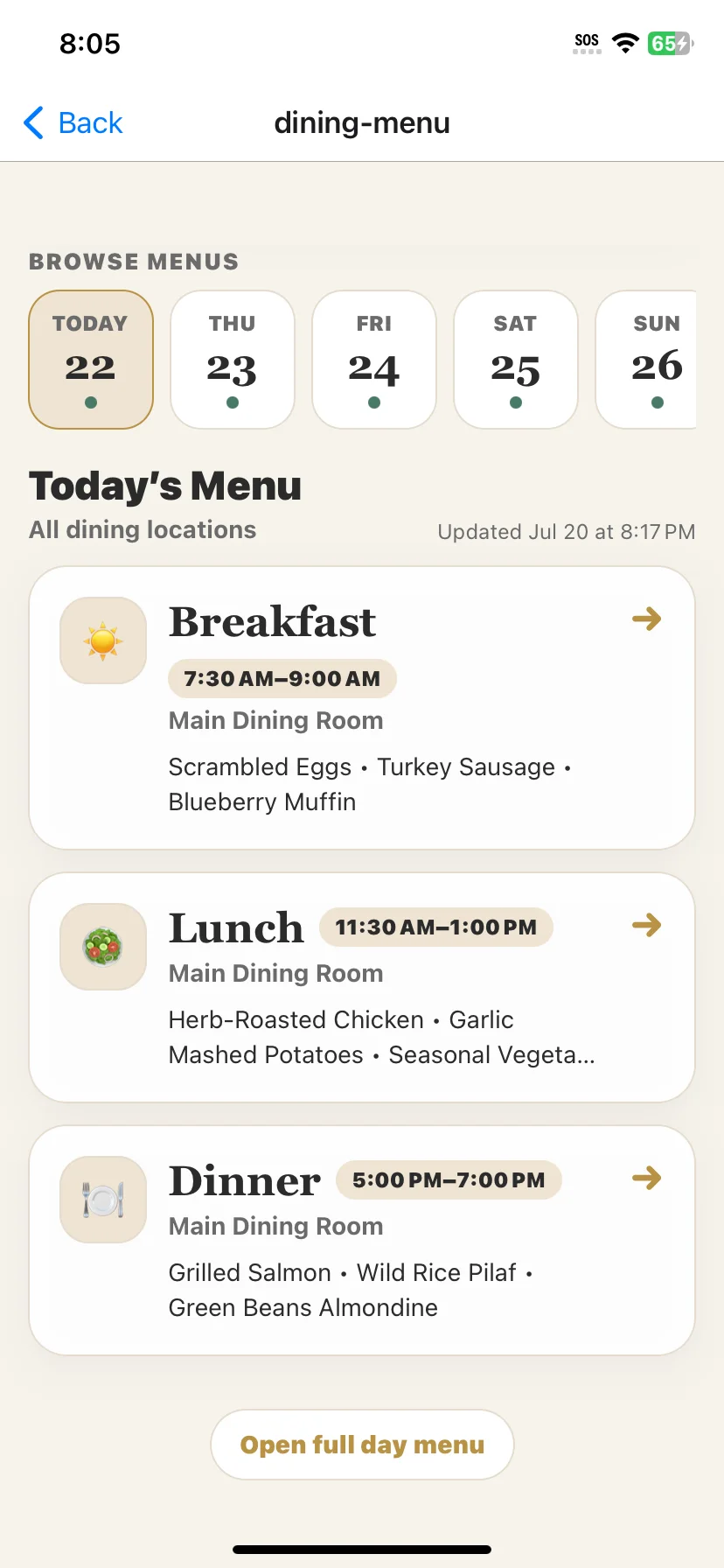
ChimeBuddy gives residents a dedicated dining-menu experience built around how they use the information: what is next, what is available today, where it is served, and what is coming later in the week.
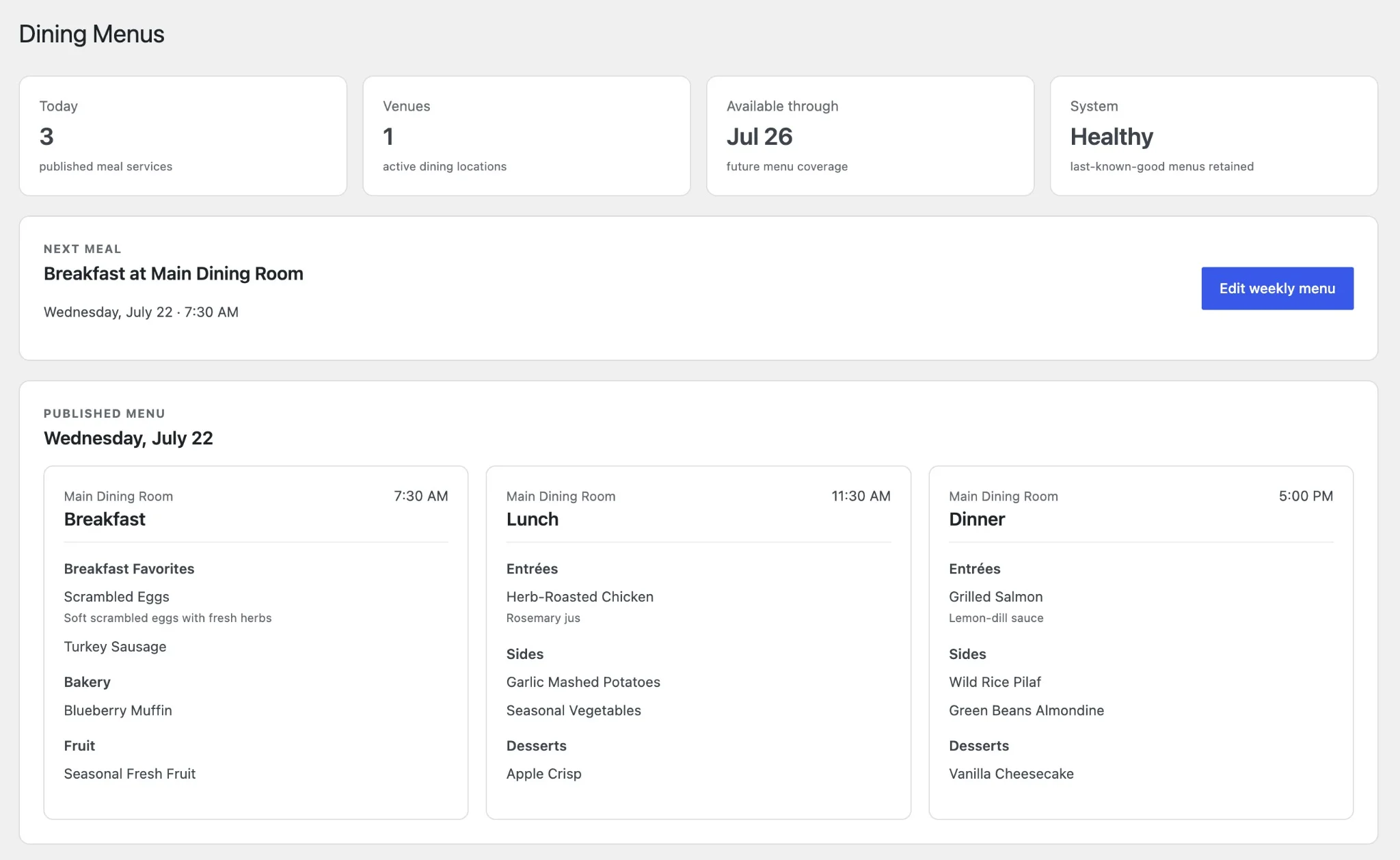
Staff should not have to recreate the same dining information for every screen and audience. ChimeBuddy keeps the underlying menu structured so each destination can present it appropriately.
Residents can browse today, upcoming dates, meal details, service times, and dining venues in a senior-friendly interface.
Staff can review published coverage, see the next meal, monitor system health, and manage structured weekly menus.
Venue-specific Today’s Menu slides display relevant meal periods and resize automatically for television screens.
The dining dashboard gives staff a practical overview instead of forcing them to inspect raw source documents. Published meal services, active venues, future coverage, and system health remain visible in one place.
Dining information is published in many different ways. ChimeBuddy supports several ingestion paths so a community can start with the source it already has and improve automation over time.
Create and correct structured menus directly when staff need full control.
Convert supported menu documents into resident-friendly meal data.
Synchronize supported public menu pages and linked documents.
Use structured files or normalized data feeds when they are available.
Connect supported vendor or API sources using the access provided by the community.
A source-page change, unavailable PDF, or failed synchronization should not blank the menu in the app or on digital signage. ChimeBuddy validates incoming results before replacing the last valid published data.
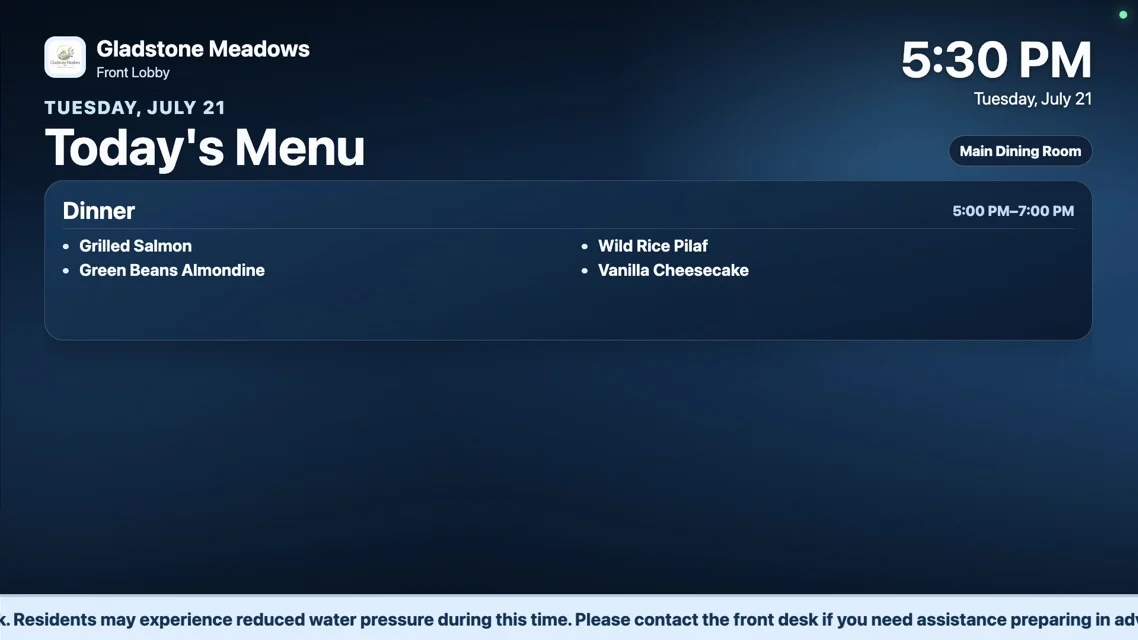
ChimeBuddy Digital Signage can turn the same published dining data into a television-ready slide. The layout adapts to one, two, or three remaining meal periods and keeps each dining location separate.
A café, main dining room, bistro, and specialty venue may publish different meals and hours. ChimeBuddy associates each menu with its venue so residents know where a meal is served and staff can control which location appears on each display.
Digital dining menus answer what is being served, where, and when. Dining reservations help residents request a table, provide party information, and receive confirmation. Communities can use either feature independently or connect both parts of the dining experience through ChimeBuddy.
Meals, sections, items, service times, dates, and dining locations.
Resident requests, party sizes, guests, dining times, and staff confirmation.
Help residents discover a meal and then take the appropriate next action.
Common questions about publishing digital menus for independent living, assisted living, and continuing care communities.
Senior living dining menu software organizes breakfast, lunch, dinner, service times, menu sections, and dining locations into structured information residents and staff can use. ChimeBuddy publishes that information through the resident app, staff dashboard, and connected digital signage.
Yes. Communities can maintain separate menus for multiple dining venues. Each meal remains associated with the correct location, and digital signage playlists can include a separate menu slide for each venue.
Yes. Residents can view today’s meals, see the next upcoming meal, and browse published future dates when the community has menu coverage available.
Yes. ChimeBuddy Digital Signage can display a venue-specific Today’s Menu slide with the relevant meal periods, service times, and menu items. Communities with multiple venues can add one slide per dining location.
Menus can be entered manually or imported through supported structured files, documents, PDFs, websites, and configured dining-system connections. Available methods depend on the format and access provided by the dining source.
ChimeBuddy is designed to retain the last valid published menu instead of replacing it with an incomplete or failed import. Synchronizations are validated before publication, and staff can review source and health information.
No. ChimeBuddy focuses on publishing and communicating dining-menu information. Clinical diets, allergies, therapeutic nutrition, production management, and resident-specific recommendations should remain in appropriately authorized dietary or clinical systems.
See the resident dining experience, structured staff dashboard, multi-venue menus, synchronization options, and digital-signage integration in a personalized ChimeBuddy demonstration.