
Make activities easier to notice
Rotate today’s events, upcoming programs, outings, wellness activities, and reminders in places residents already pass during the day.
Senior living digital signage works best when it does more than replace a bulletin board. A well-designed screen can make daily activities easier to discover, keep dining and community updates visible, and give residents a simple way to understand what is happening without hunting for information.
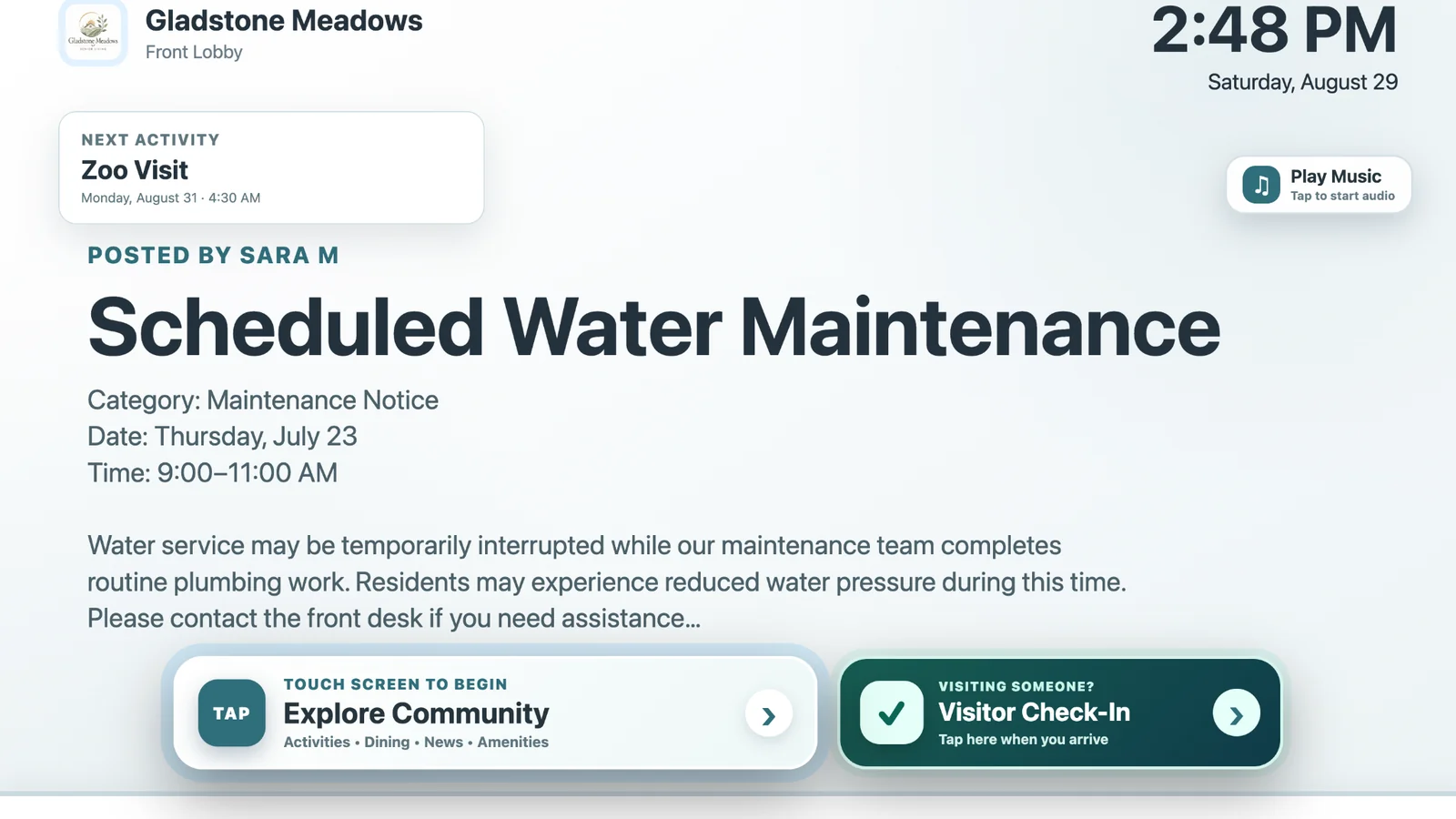
A typical senior living community may have an activity calendar, a dining menu, printed flyers, front desk notices, television screens, resident apps, and verbal reminders all competing for attention. The problem is not a lack of information. It is that the information can be scattered across too many places.
Digital signage helps when it becomes a dependable place residents can glance at throughout the day. The screen can reinforce the same information they may also receive in a calendar, app, handout, or conversation.
These are the situations where a shared screen can add value without asking residents to learn another complicated workflow.
Rotate today’s events, upcoming programs, outings, wellness activities, and reminders in places residents already pass during the day.
Show breakfast, lunch, dinner, service times, special meals, or venue-specific menus without relying only on paper copies.
Schedule changes, maintenance notices, community news, and reminders are easier to reinforce when they appear repeatedly in shared spaces.
Birthdays, milestones, photos, and resident-focused content can make a display feel like part of the community instead of a corporate information board.
A resident who can check a screen for the next activity or meal has another way to get an answer without needing to find a staff member.
Lobby screens can provide visitor guidance, community information, and—in an interactive setup—a clear path to visitor check-in.
The strongest senior living digital signage content is usually practical and timely. Morning content may emphasize breakfast and the day’s activities. Later in the day, the screen can shift toward afternoon programs, dinner, evening events, transportation reminders, or tomorrow’s schedule.
That does not mean every screen needs a complicated dayparting strategy. Even a simple rotation of current announcements, activities, dining, amenities, birthdays, and occasional lifestyle content can be much more useful than a static slideshow that staff forget to update.
Put today’s and next-up information ahead of general promotional content.
One clear message is easier to absorb than a slide filled with several unrelated announcements.
When possible, let events, menus, amenities, and announcements feed the display instead of requiring staff to recreate them.
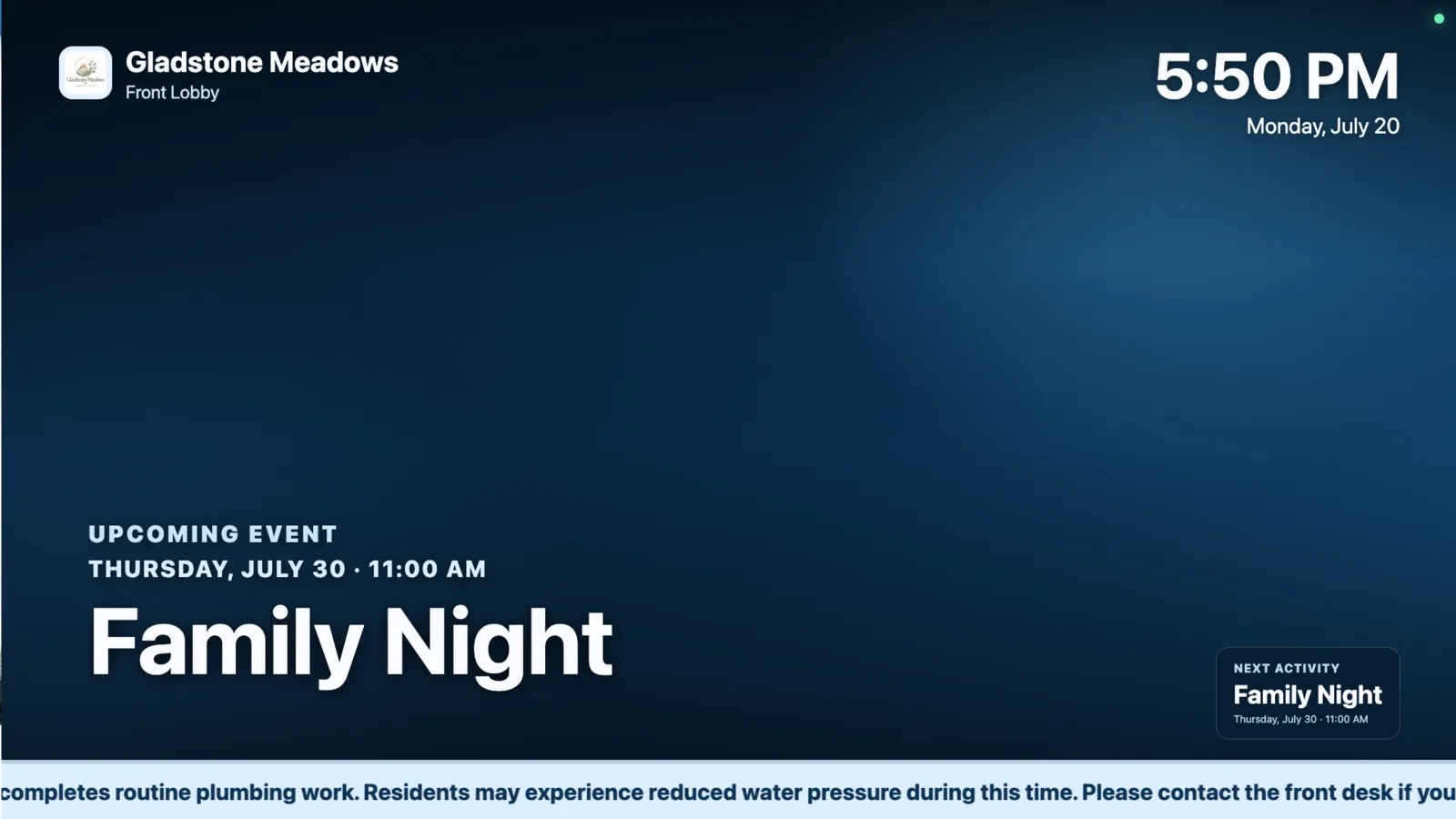
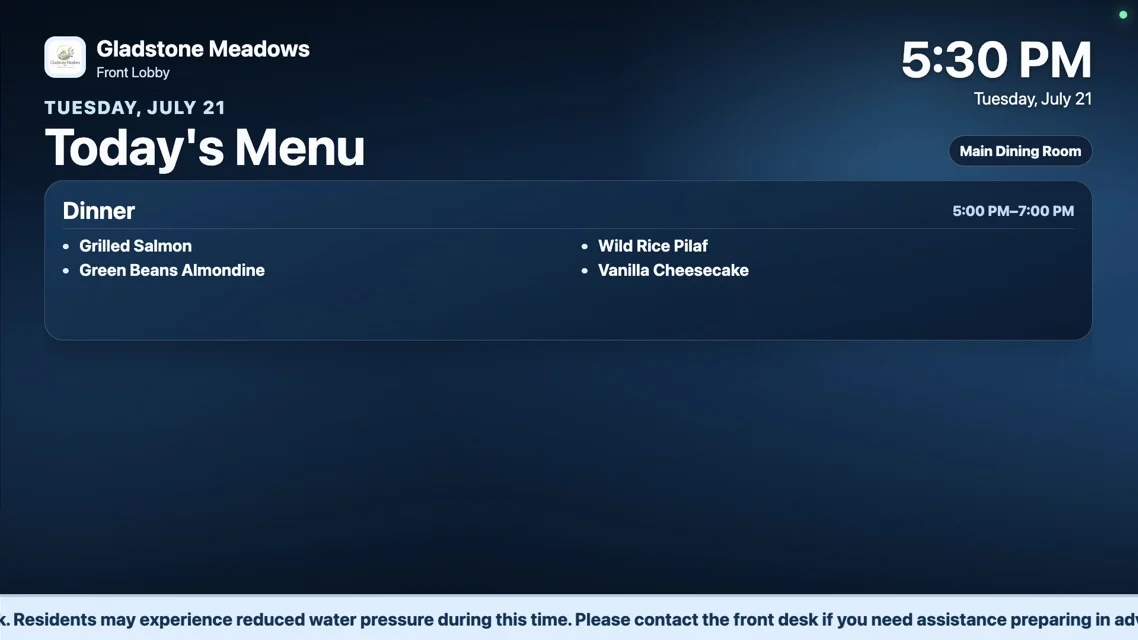
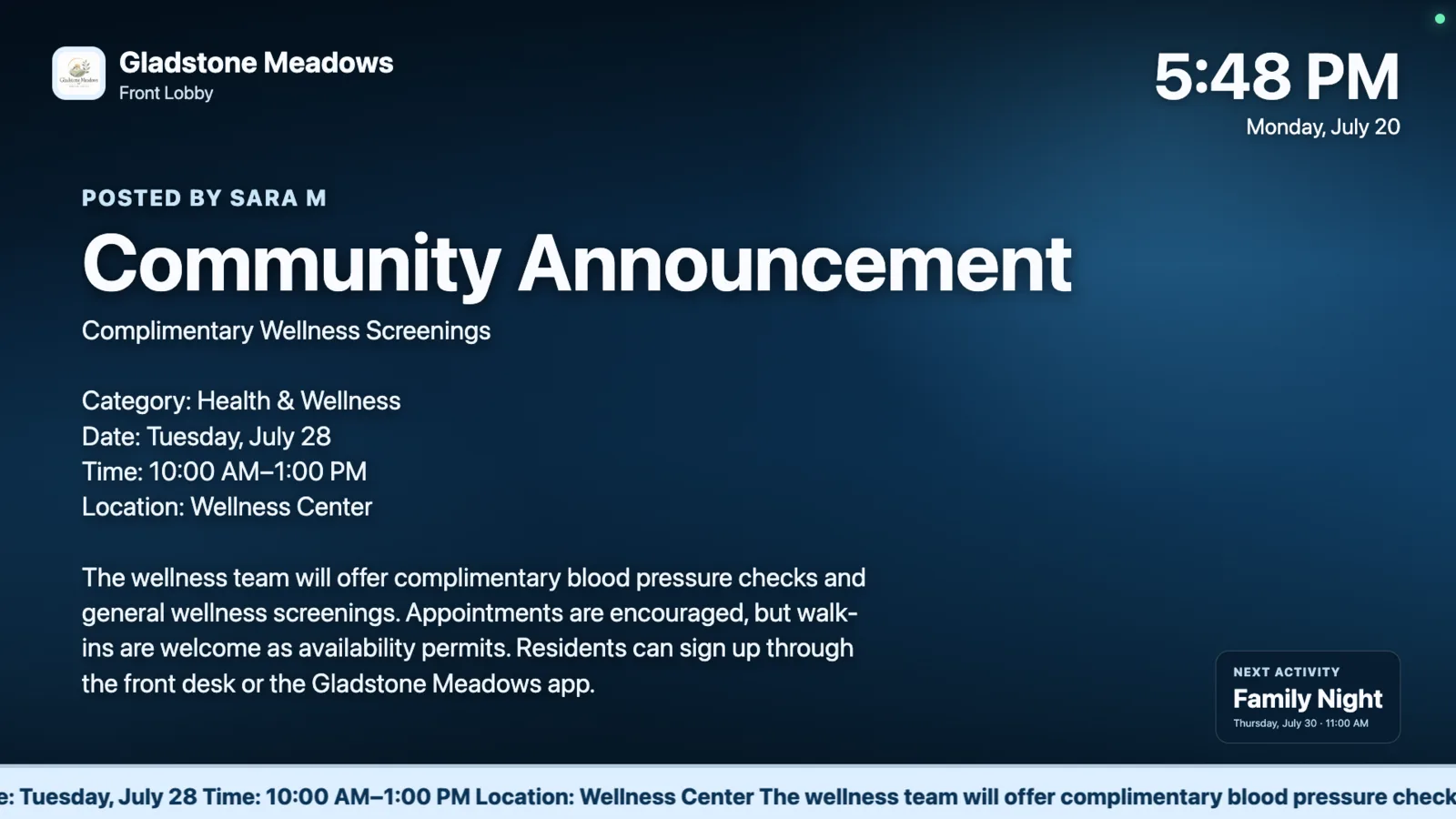
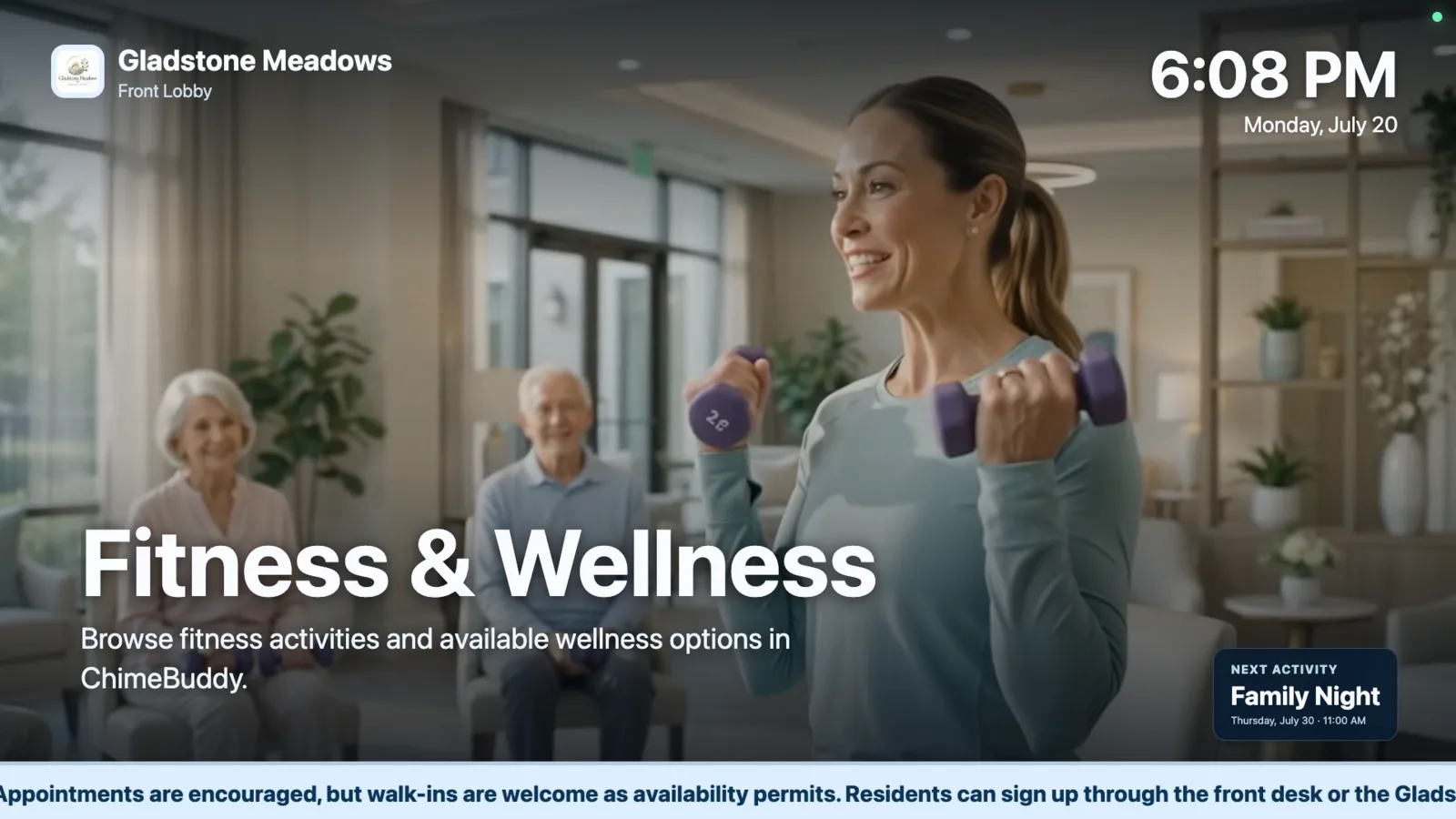
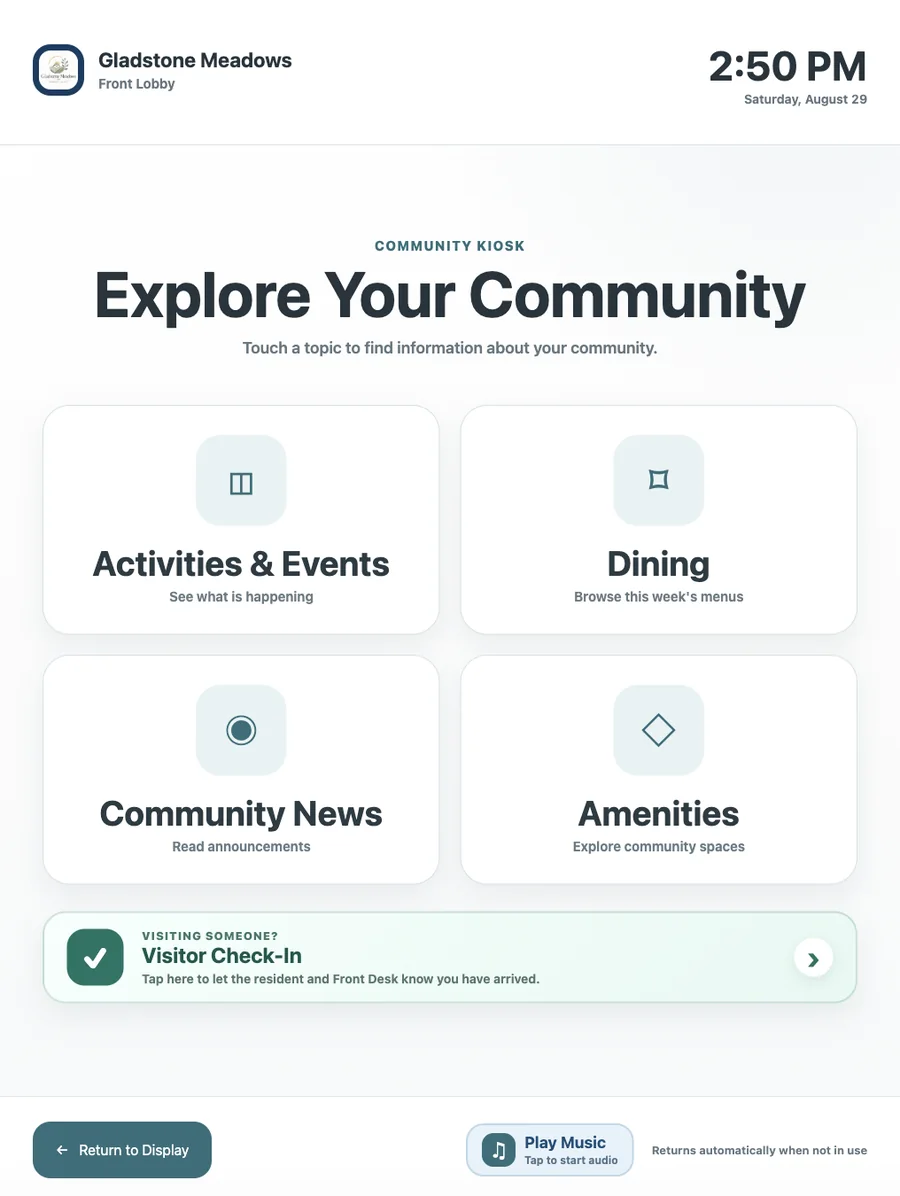
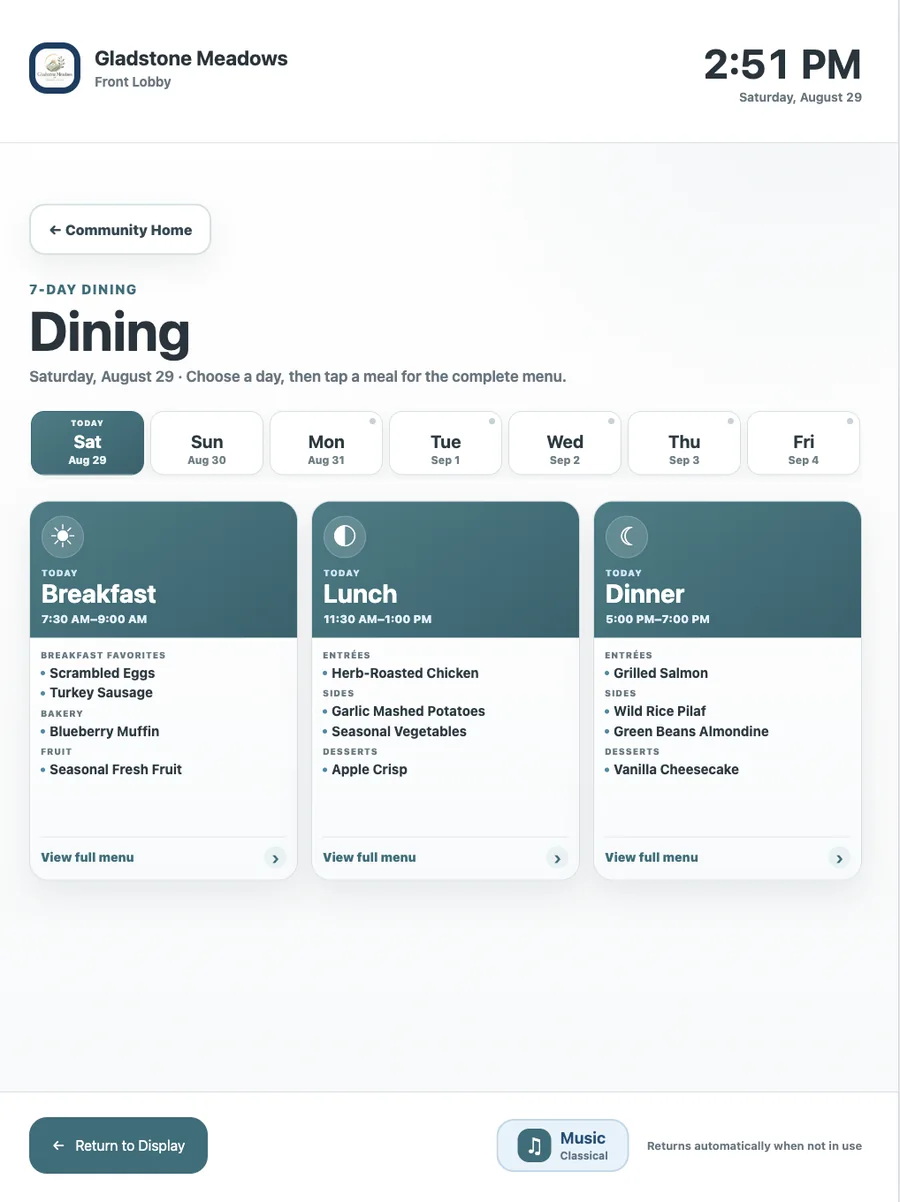
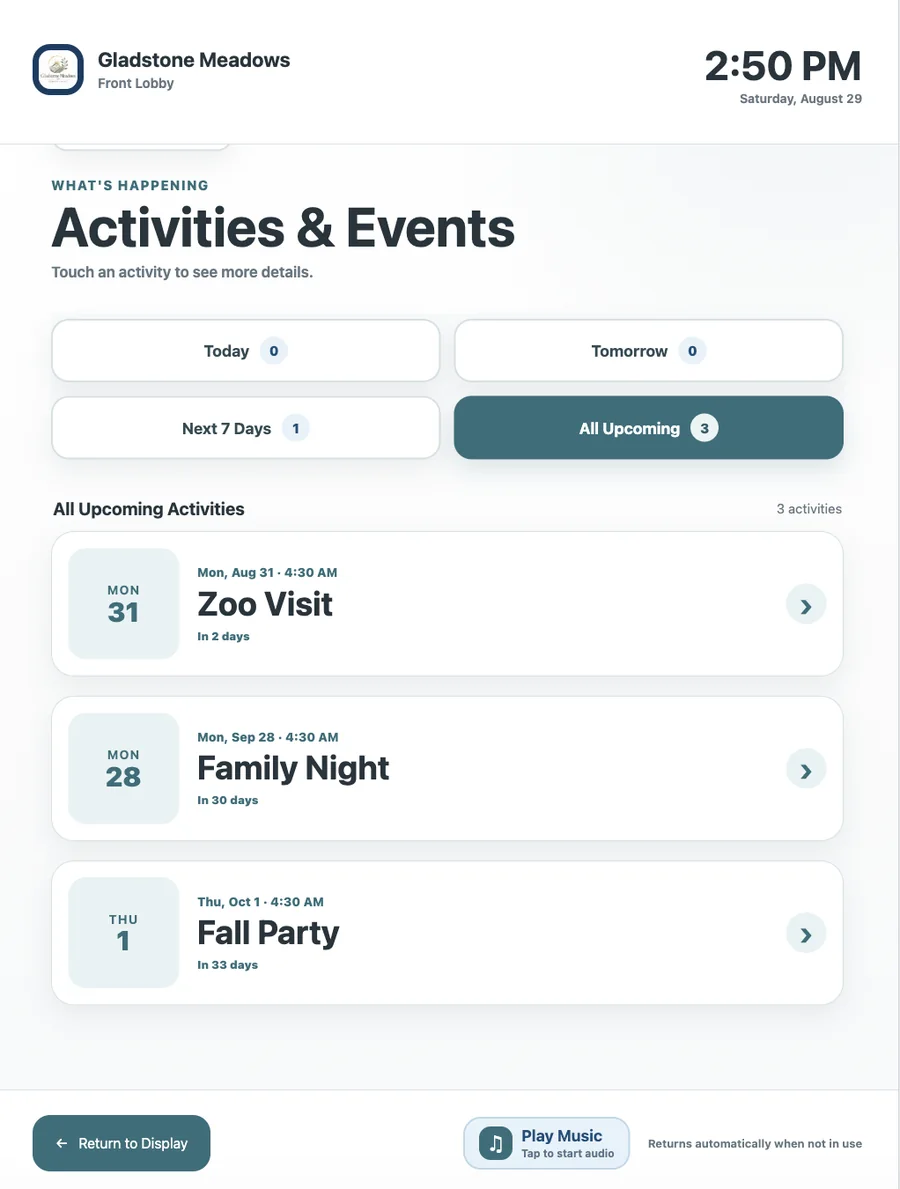
Passive signage is useful because residents do not have to do anything to receive the information. But there are times when someone wants more detail. A resident may see an event and want to browse the full activity list. A visitor may need to check in. Someone passing the lobby may want to see the rest of the week’s dining menu.
That is why we added an interactive kiosk mode to ChimeBuddy. On a compatible touchscreen, the same display can open activities and events, dining, community news, amenities, and visitor check-in. When the kiosk is no longer in use, the screen can return to the normal signage rotation.
See the full ChimeBuddy Digital Signage and kiosk feature set →
A senior living display should be designed for the person reading it across a lobby, not for the person building the slide on a laptop.
Important titles, times, and instructions should remain readable from a practical viewing distance.
Text should stand clearly against the background rather than depending on subtle color differences.
Whitespace and a simple hierarchy make it easier to identify the most important information quickly.
Fast rotations can make a useful message frustrating. Give residents enough time to finish the slide.
For kiosk mode, buttons should look tappable, use plain language, and be large enough to select comfortably.
Residents should always have an obvious path back to the kiosk home or the normal display.
The most valuable location is not always the biggest wall. Think about where residents naturally pause, wait, gather, or decide where to go next.
Community announcements, next activities, visitor check-in, welcome content, and general updates.
Current meal menus, dining hours, special events, reservation reminders, and venue-specific information.
Today’s programming, upcoming events, sign-up reminders, clubs, and wellness activities.
Short, glanceable information for residents who are already pausing while they wait.
Community news, birthdays, lifestyle content, event reminders, and the next activity.
Interactive access to schedules, menus, amenities, community news, and visitor workflows.
A screen can look beautiful and still become a burden if someone has to manually rebuild every event, menu, and announcement as a separate slide. That creates one more place for information to become stale.
We designed ChimeBuddy around a different idea: community information should be reusable. An event can support the resident app and digital signage. Dining data can appear in resident-facing menus and on shared displays. Amenities and announcements can be used in more than one channel.
For teams evaluating a system, this is an important question to ask: How many times does staff have to enter the same information?
You do not need a complicated analytics program to begin. Watch for a few practical signals after a display has been in place long enough for residents and staff to form habits around it.
The goal is not to eliminate human interaction. It is to make routine information easier to find so staff conversations can focus on the things that actually need a person.
Common questions for communities considering a digital signage or interactive kiosk setup.
Digital signage can make activities, dining information, announcements, birthdays, amenities, and other community information easier to notice throughout the day. When the information is current, readable, and placed in shared spaces, residents have more opportunities to discover what is happening without depending on a paper calendar or asking staff for every update.
Useful content includes today’s activities, upcoming events, dining menus, schedule changes, community news, birthdays, amenity information, transportation reminders, wellness programming, visitor guidance, and occasional lifestyle content. The best mix depends on where the screen is located and who typically sees it.
Common placements include the main lobby, dining areas, activity spaces, elevator lobbies, common rooms, and other places residents naturally pass during the day. A screen is most useful when it is positioned where residents already pause or make decisions about what to do next.
Yes. On a compatible touchscreen, a digital signage display can also provide an interactive kiosk experience. With ChimeBuddy, residents and visitors can open activities, dining menus, community news, amenities, and visitor check-in, then the display can return to its normal signage rotation when it is no longer being used.
Prioritize large readable type, strong contrast, short messages, generous spacing, predictable layouts, and enough time to read each screen. Avoid packing too much information into one slide or relying on fast animation to carry important details.
Not necessarily. Shared displays and resident apps solve different communication problems. Digital signage is useful for passive, shared visibility in common areas, while an app can provide personal reminders, messages, reservations, and details residents can access anywhere. Using the same source information for both can reduce duplicate work for staff.
ChimeBuddy combines senior living digital signage with live community information and an optional touchscreen kiosk, so residents can see what is happening and explore more when they want to.